
Line Tool
Translation in progress — showing the English version.
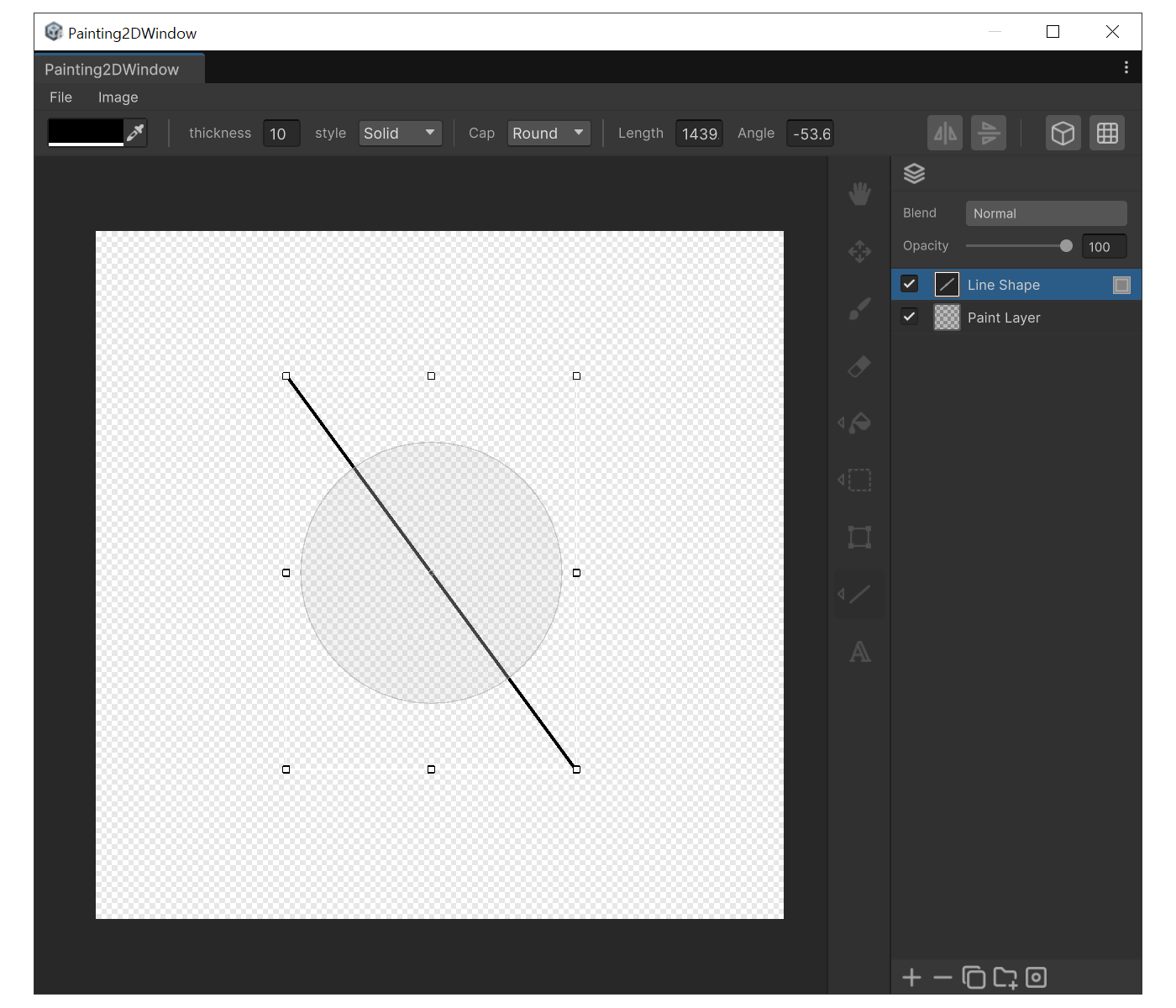
When to use
- To draw a straight line between two exact points.
Properties
- Thickness : Line thickness.
- Style : Stroke pattern (Solid, Dashed, Dotted).
- Cap : End-cap style. Round gives semicircular ends. Square Extend gives square ends extended by half the thickness.
- Length : Line length in pixels. In edit state you can change only the length while keeping the angle.
- Angle : Line angle in degrees. In edit state you can change only the angle while keeping the length.
How to use
- Press 'Y'.
- Drag from the start point to the end point. A Shape layer containing the line is created. Hold 'Shift' while dragging to snap the angle to 45º increments.
- After creation you can type exact Length / Angle values in the settings panel.
- You can also drag the bounding-box handles or the rotation disc to transform the shape non-destructively.