
Hand Tool
Translation in progress — showing the English version.
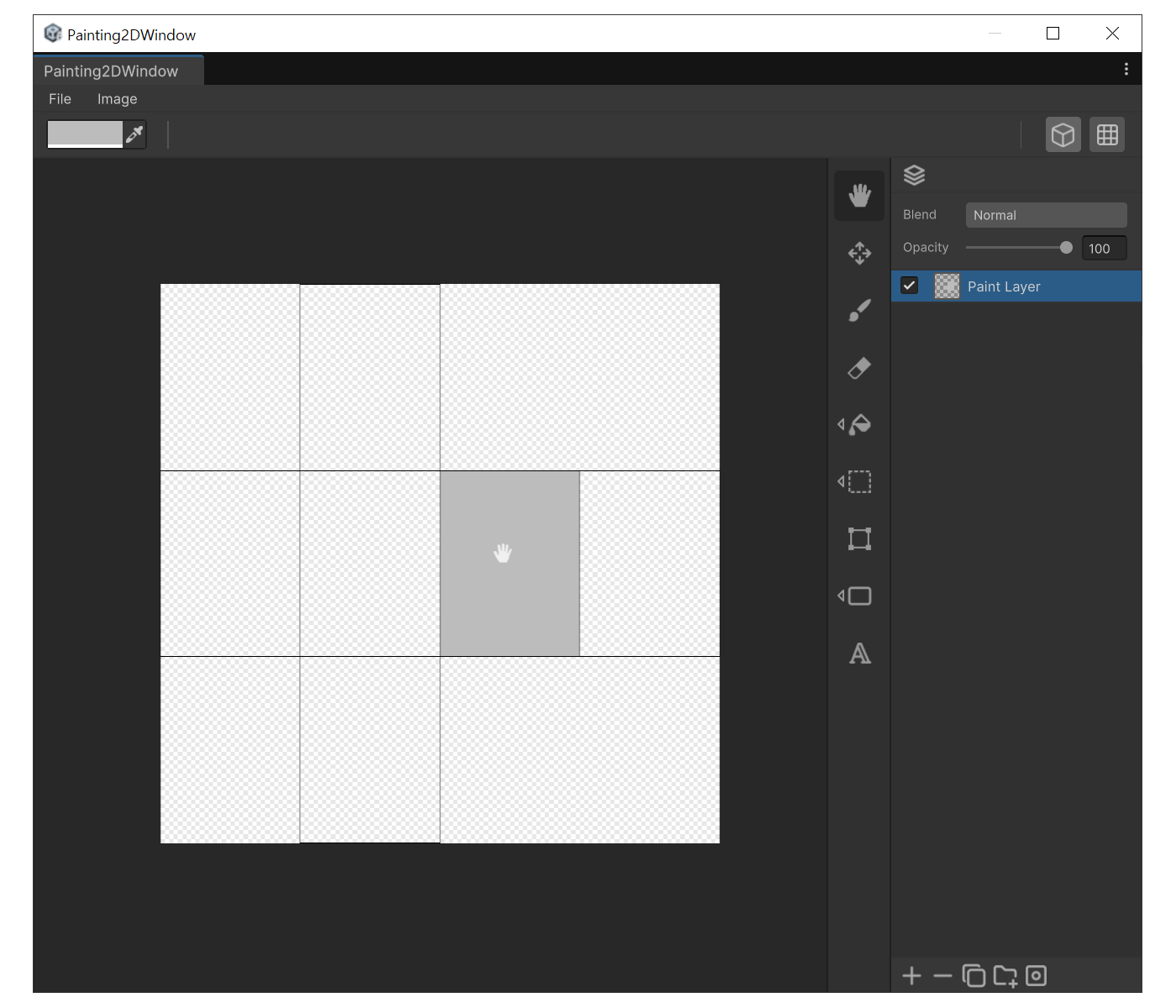
When to use
- To move or rotate the canvas view so you can reach the area you want to paint.
- To quickly navigate across a zoomed-in canvas.
How to use
- Click the hand icon in the tool sidebar, or press 'H'
- LMB drag to pan the canvas. RMB drag to rotate.
- Press 'Q' to reset rotation, 'A' to reset the view offset.