
Workspace
Translation in progress — showing the English version.
Sections Inside the Workspace
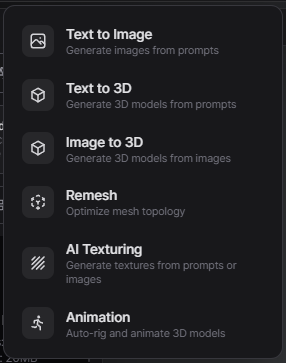
The Workspace is divided into five major tools:
Personal / Team Workspaces
PicoBerry offers two kinds of workspace. Switch between them using the workspace switcher icon at the top right (available in both the web and the Unity editor).
Personal
A private space accessible only to you. Assets and collections created here are not visible to other users.
Team (MAX plan only)
A shared space for everyone on your team. Only available on the MAX plan, with up to 4 seats (owner + 3).
- Shared asset library and collections
- Pooled credits for the whole team
- Access to every premium model
If a non-MAX user picks Team, a lock overlay is shown with a See MAX plan button that opens the pricing page.