
Shortcuts
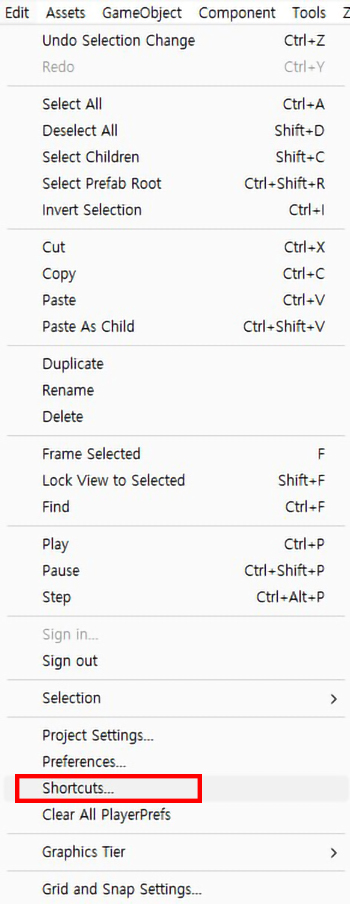
You can set UModeler X shortcuts using the Unity Shortcut Manager, accessible through theEdit>Shortcutsmenu in Unity's top menu.
Translation in progress — showing the English version.
You can set UModeler X shortcuts using the Unity Shortcut Manager, accessible through theEdit>Shortcutsmenu in Unity's top menu.
In Unity, the default profile has shortcuts registered for general use, but when a UModeler X object is selected, a separate shortcut profile is utilized.
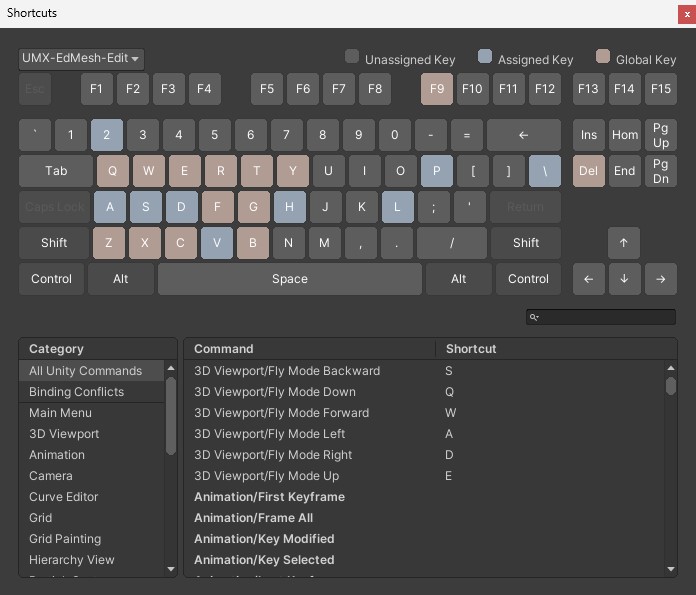
Upon installing UModeler X in a project, two profiles are created:
- UMX-EdMesh-Edit : Shortcut profile for Edit Mode.
- UMX-EdMesh-Obj : Shortcut profile for Object Mode.
For more information, please see the link below.