
Deform Group
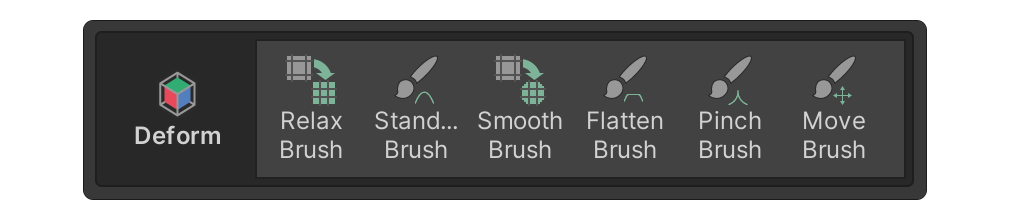
The Deform group includes brush-like tools for surface manipulation, rather than editing at the element level.
The Deform group includes brush-like tools for surface manipulation, rather than editing at the element level.
Brush tools allow you to adjust the brush size by moving the mouse up or down while holding the Shift key or using shortcuts like [,].
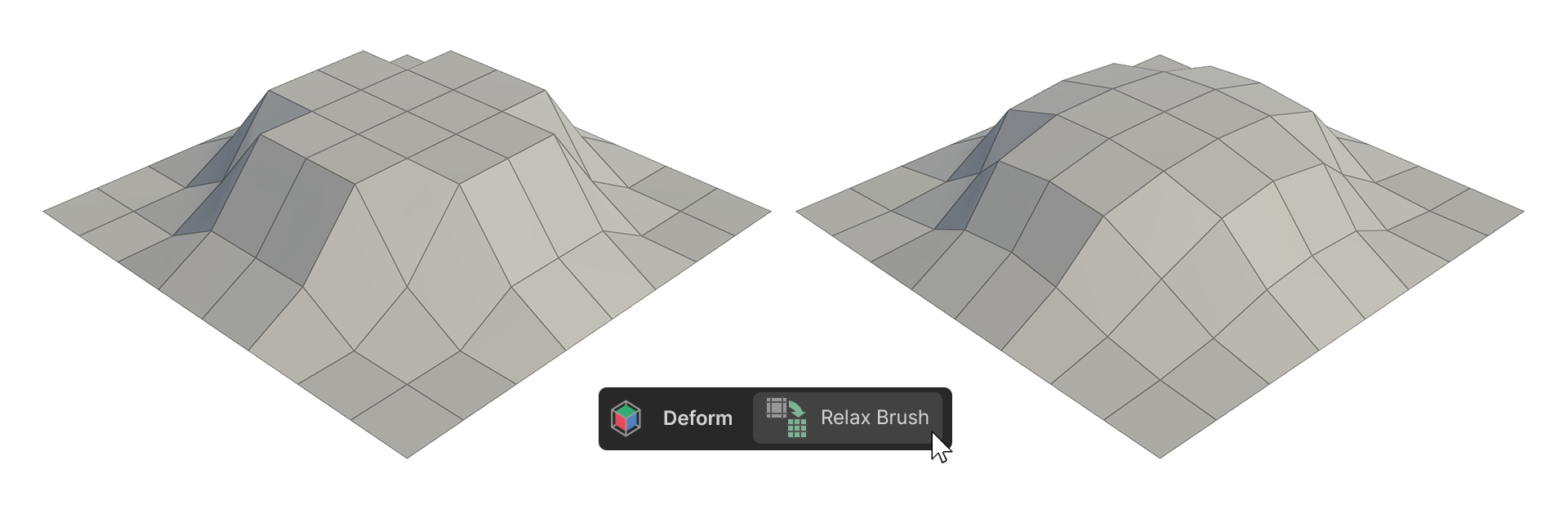
Relax
The Relax Brush evens out vertex spacing while maintaining the shape.
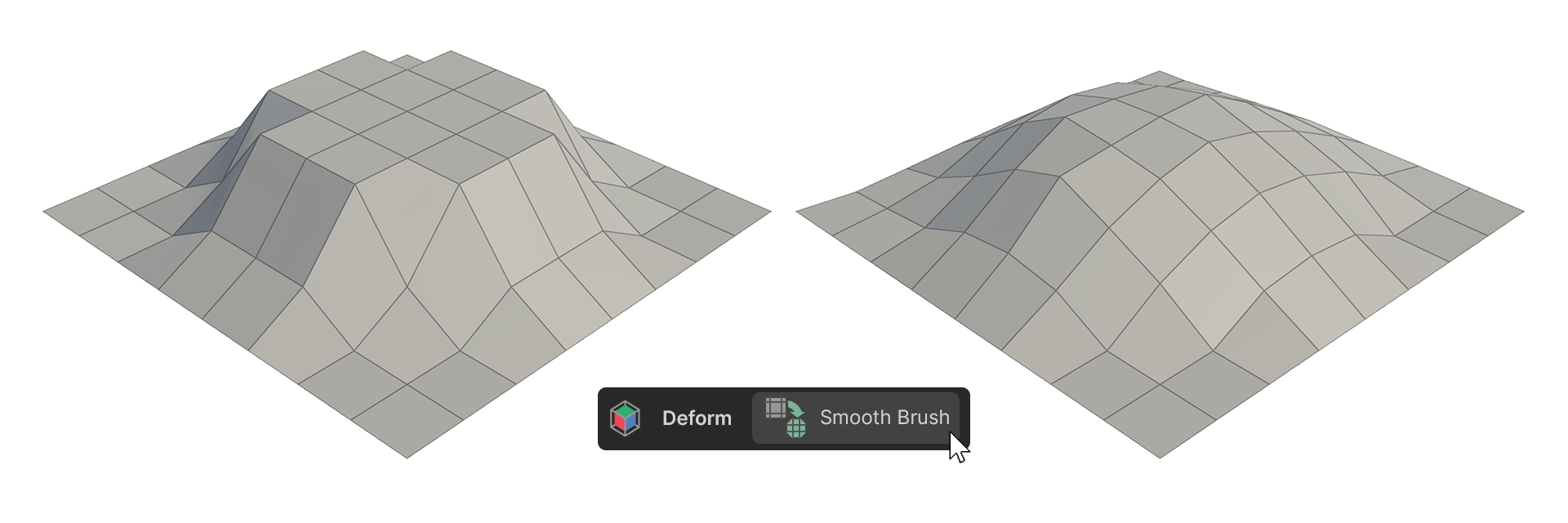
Smooth
The Smooth Brush softens shapes while maintaining vertex spacing.
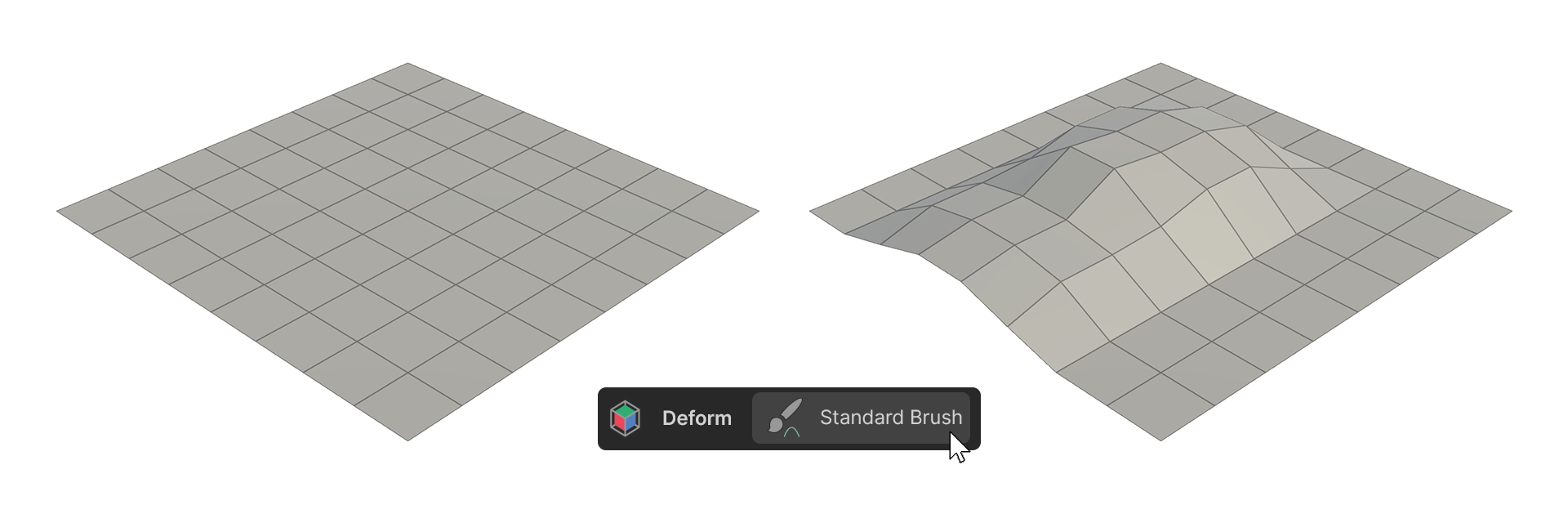
Standard
The Standard Brush pushes surfaces outward. Pressing the Ctrl key while brushing will cause the surface to go inward.
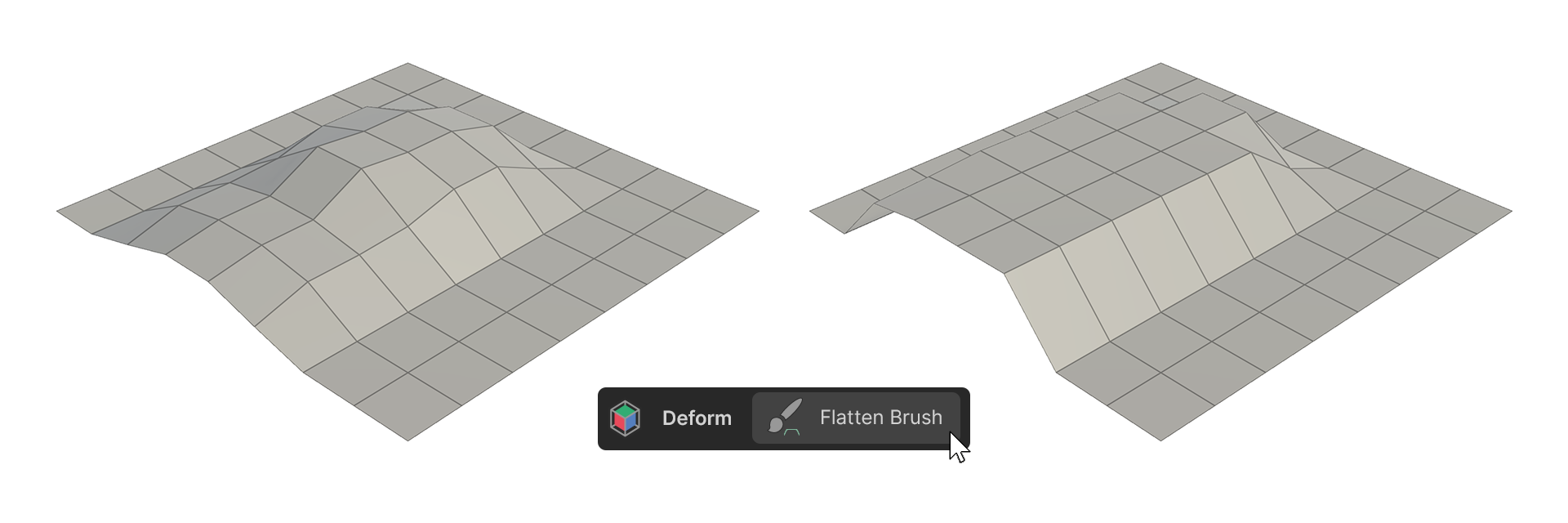
Flatten
The Flatten Brush flattens surfaces.
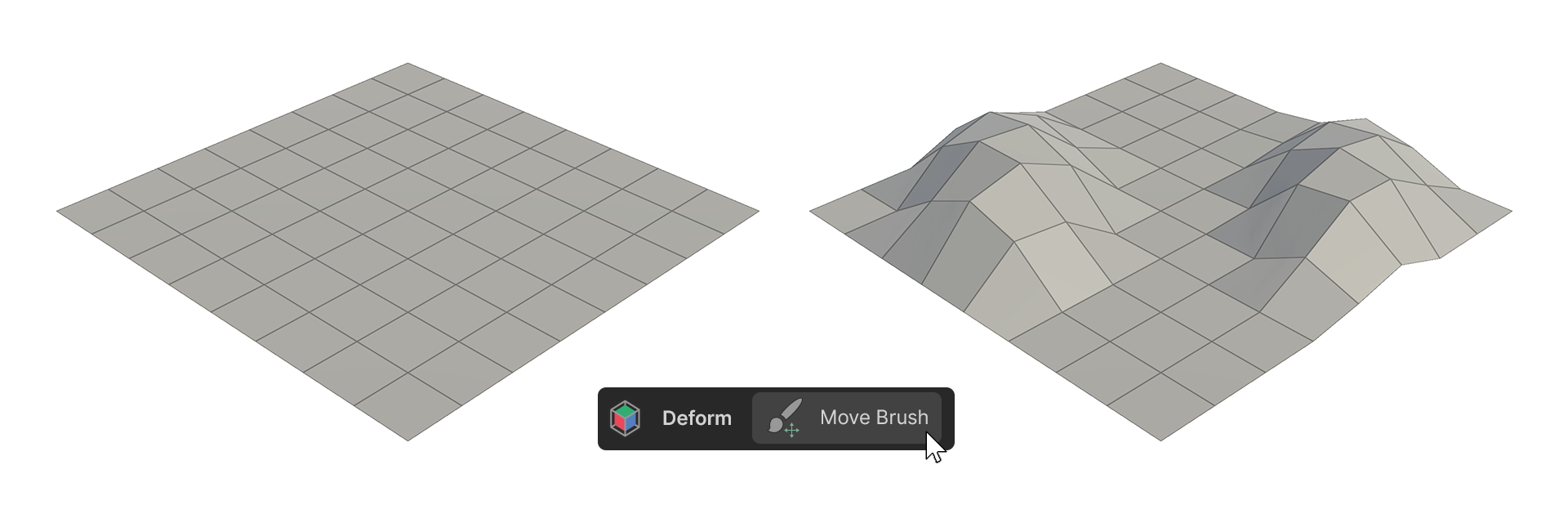
Move
The Move Brush moves vertices.
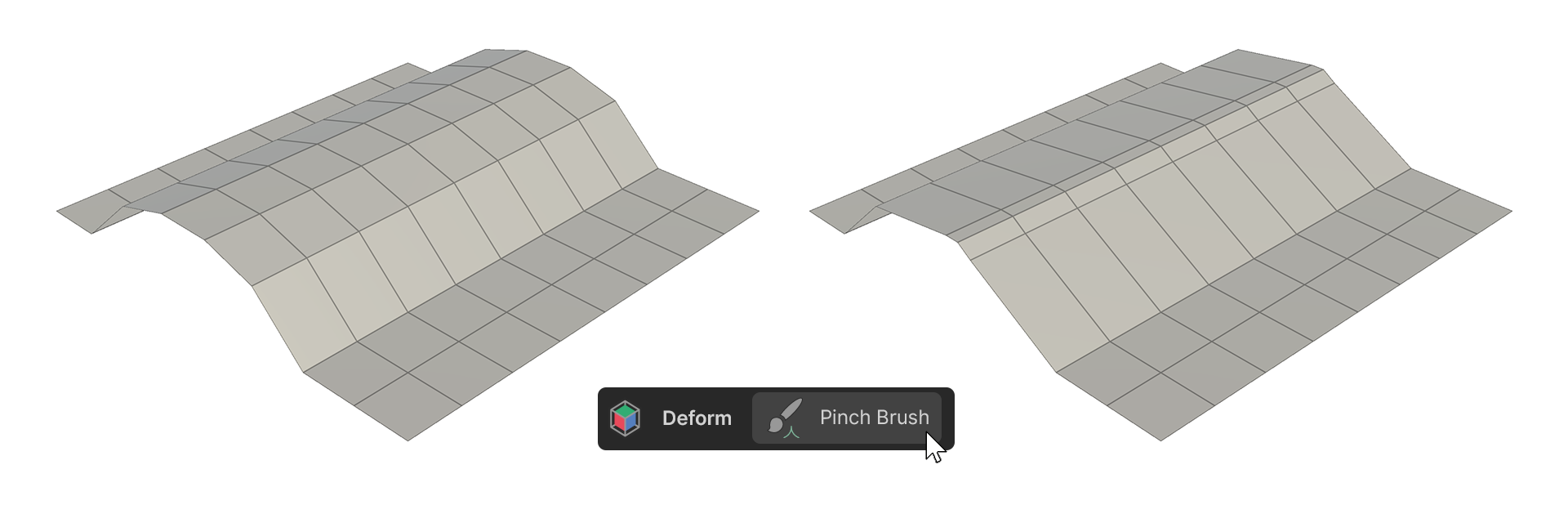
Pinch
The Pinch Brush brings vertices closer together, creating sharper edges.
For more information, please see the link below.