
Add Group
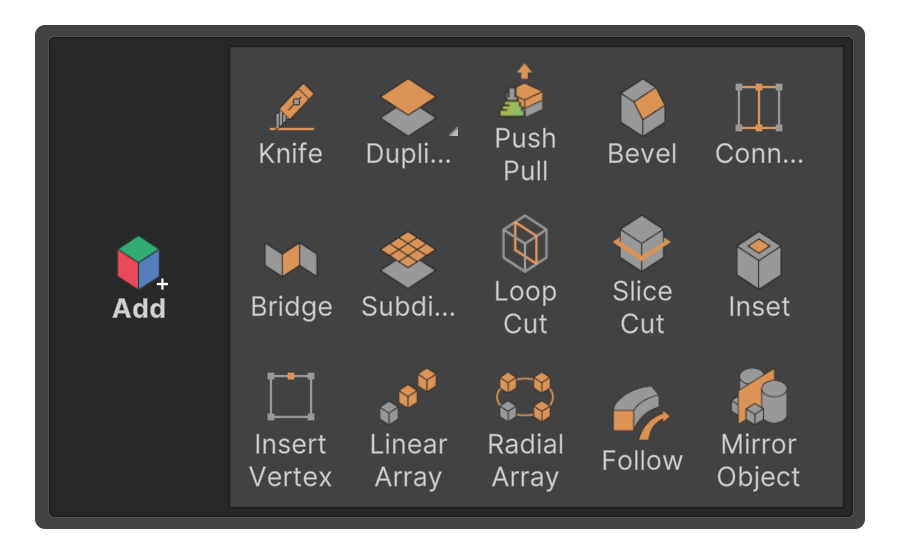
The Add group is a collection of tools that, when executed, will add each element (Vertex, Edge, Face).
The Add group is a collection of tools that, when executed, will add each element (Vertex, Edge, Face).
It usually contains tools that either add selected elements or add elements defined in the tool.
Duplicate
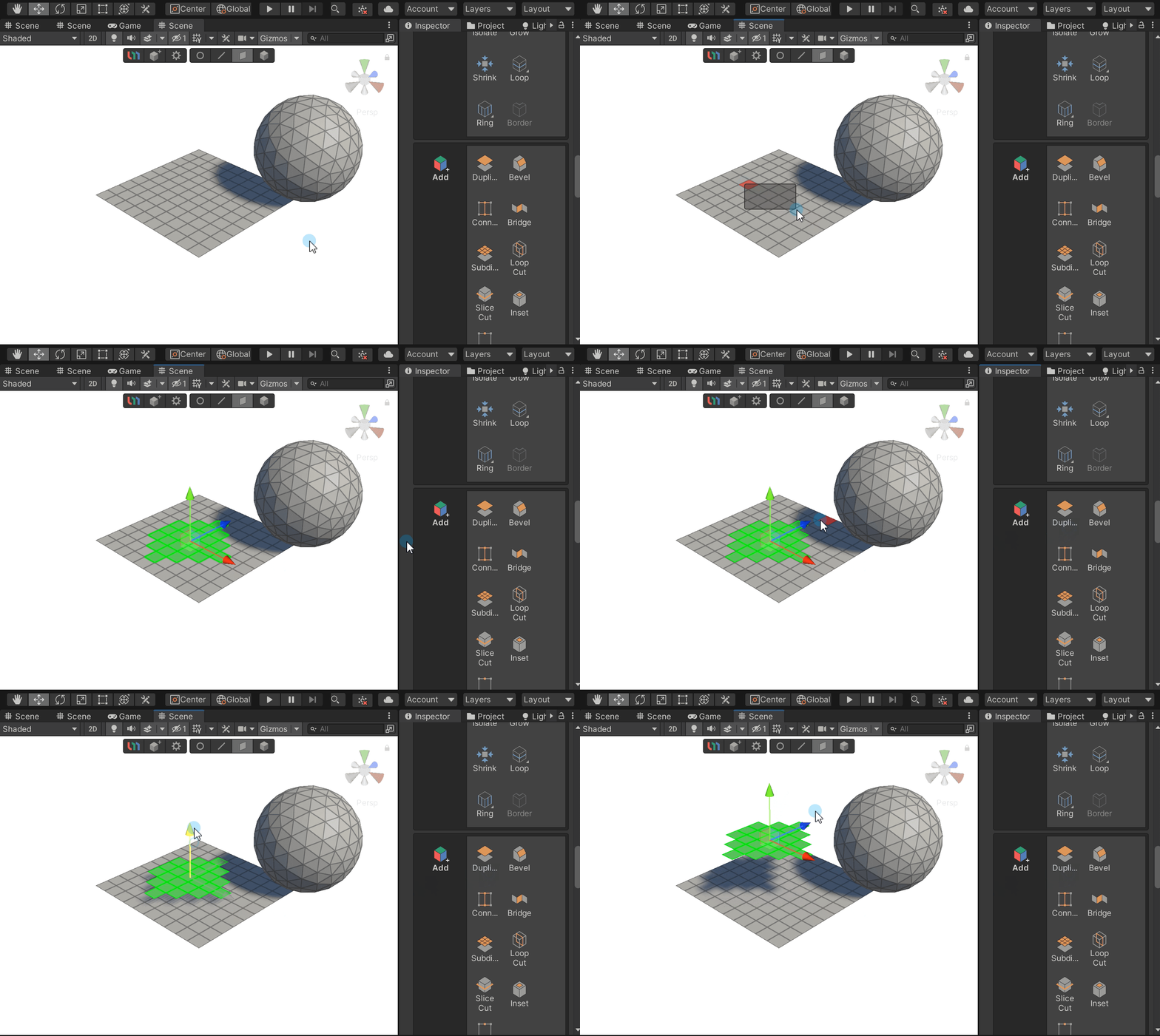
Select an element and choose Duplicate to create a copy of it.
Bevel
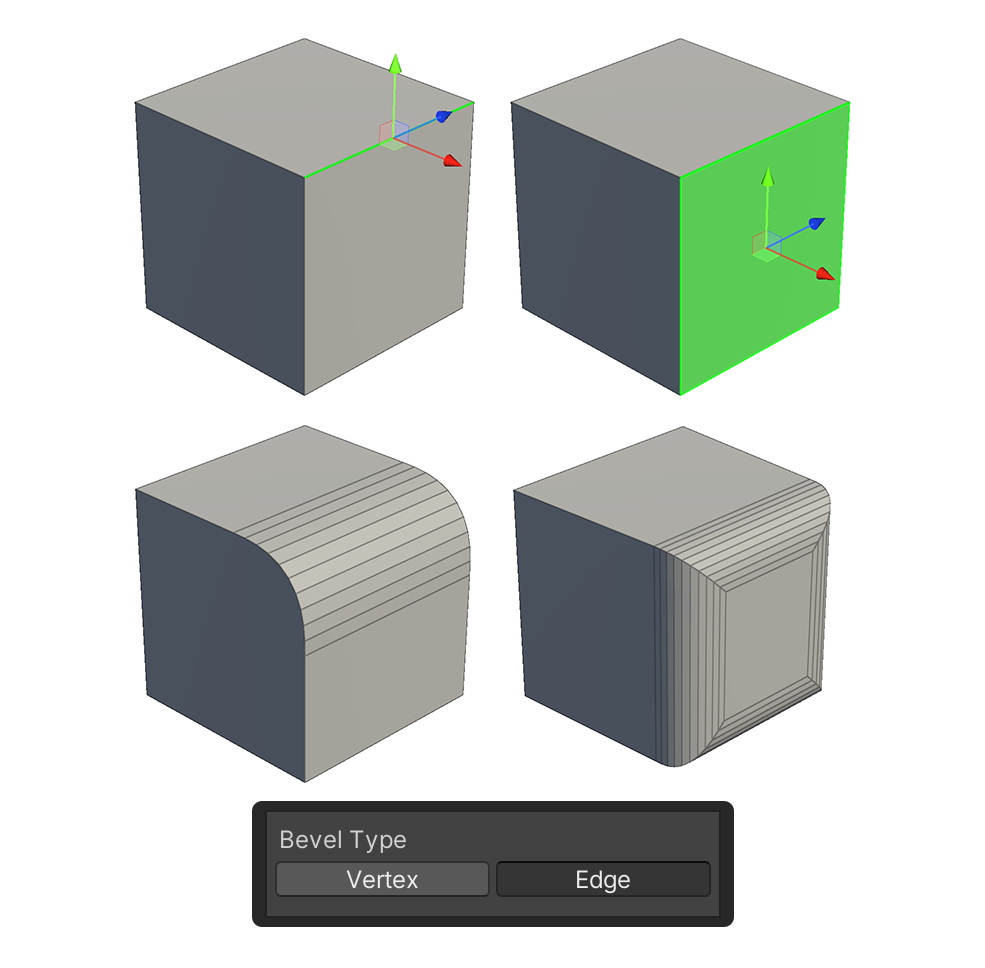
Select an element and press Bevel to round its edges.
Connect
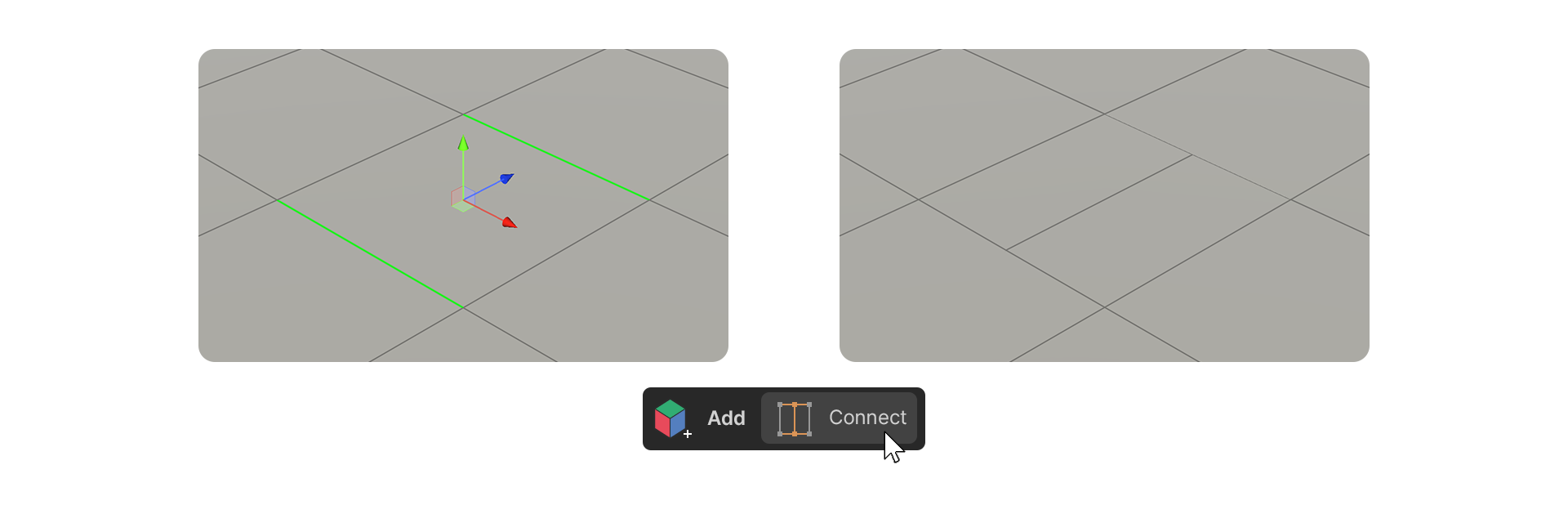
Connect creates an edge between two selected vertices or edges.
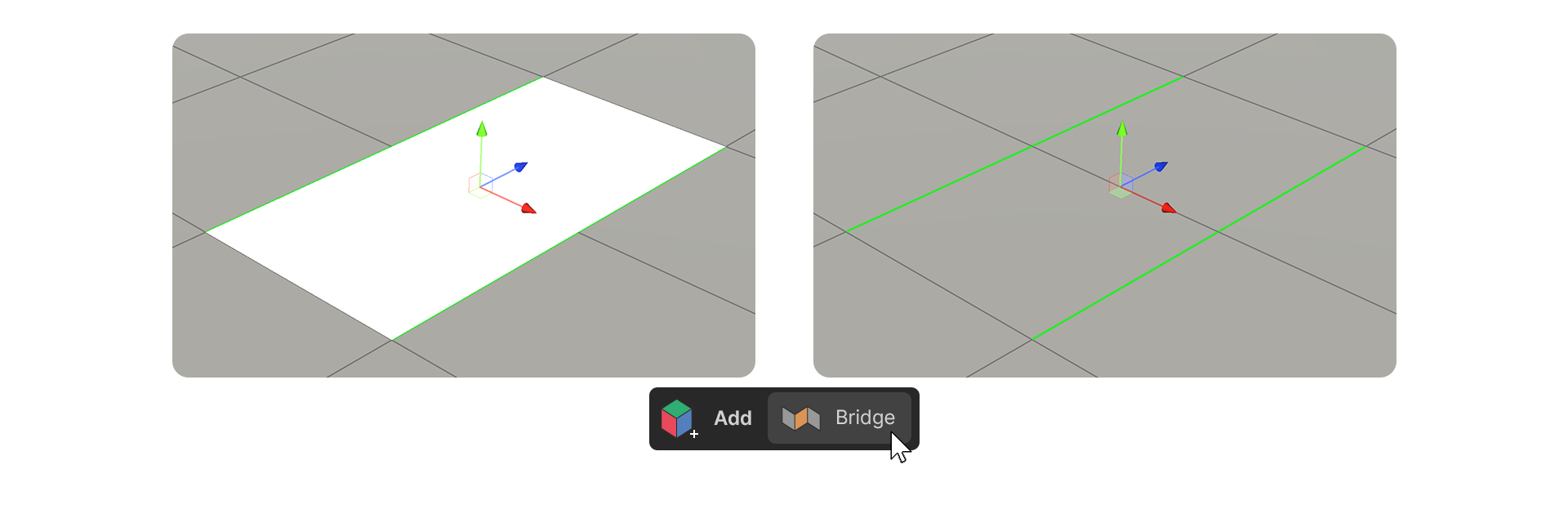
Bridge
Bridge connects two elements together, filling gaps or connecting separate edges.
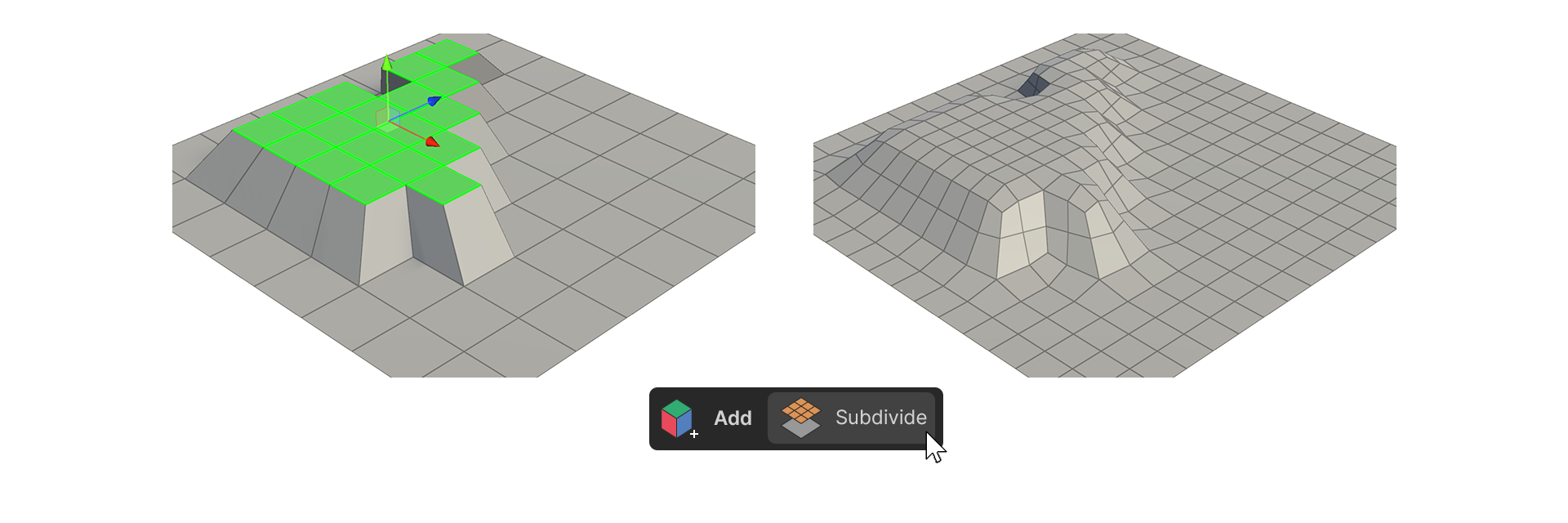
Subdivide
Subdivide divides faces, either partially or for the entire object. Be cautious with excessive subdivision, as it can affect performance and modeling convenience.
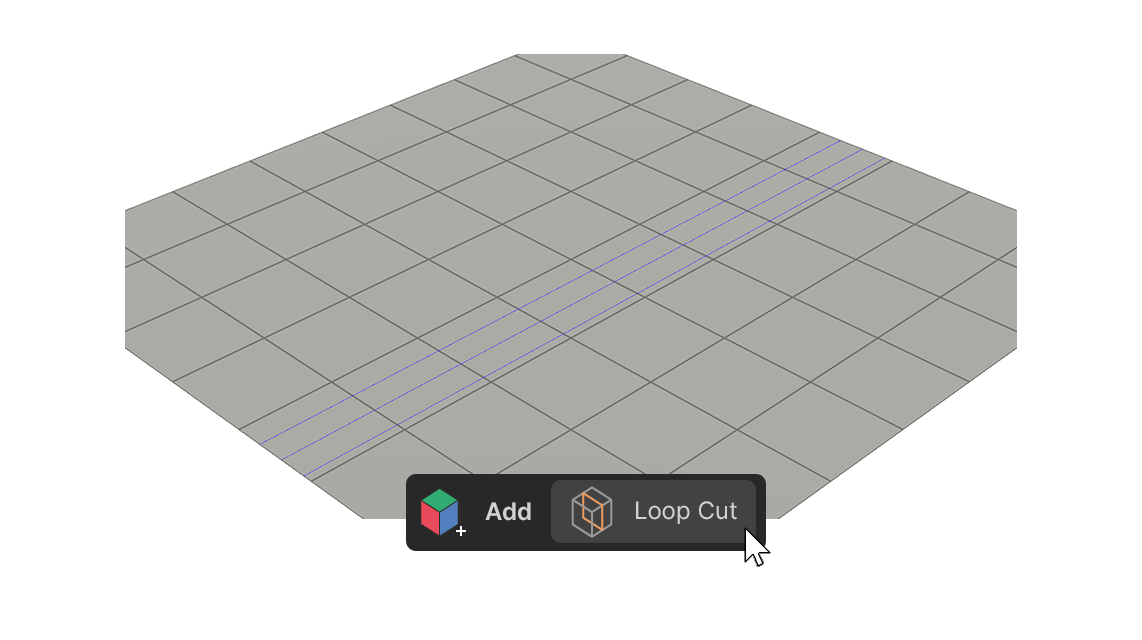
Loop Cut
Loopcut adds additional edges along the modeling surface for more details.
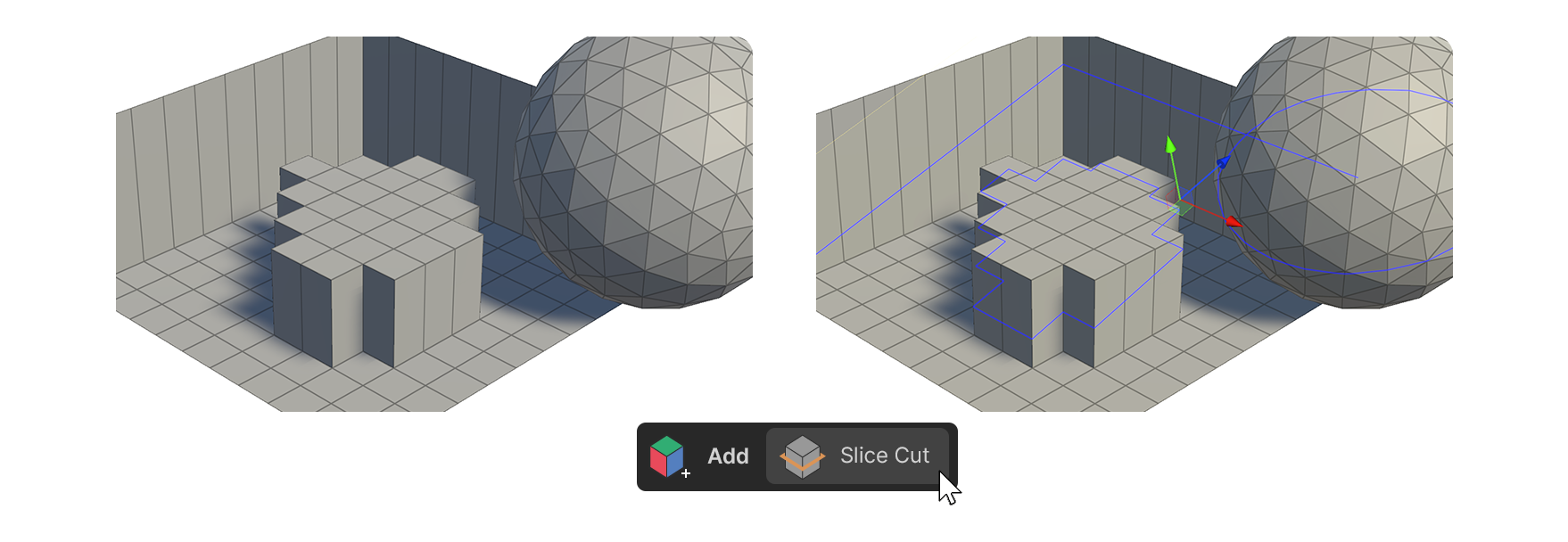
Slice Cut
Slice cut creates edges based on a line drawn on the object's surface.
You can move or rotate the virtual plane directly, or click both endpoints to draw a virtual line segment to create a virtual plane.
- Split Only: Cuts the mesh based on the virtual plane.
- Remove Above: Deletes the parts below the virtual plane.
- Remove Below: Deletes the parts above the virtual plane.
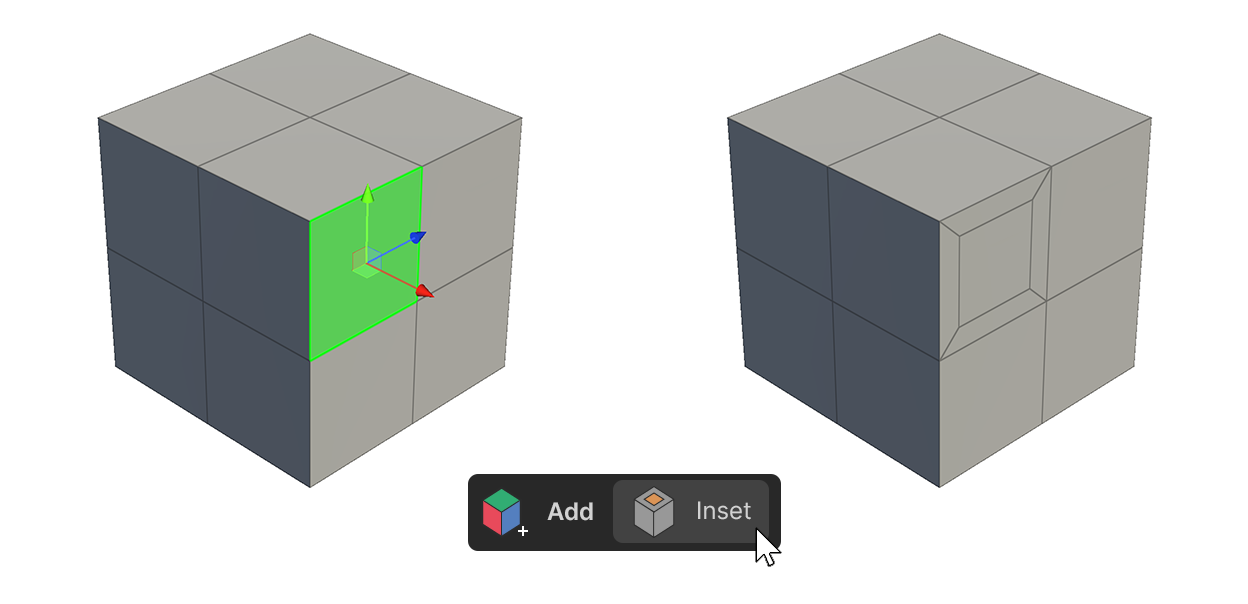
Insert
Insert adds faces inside the selected face.
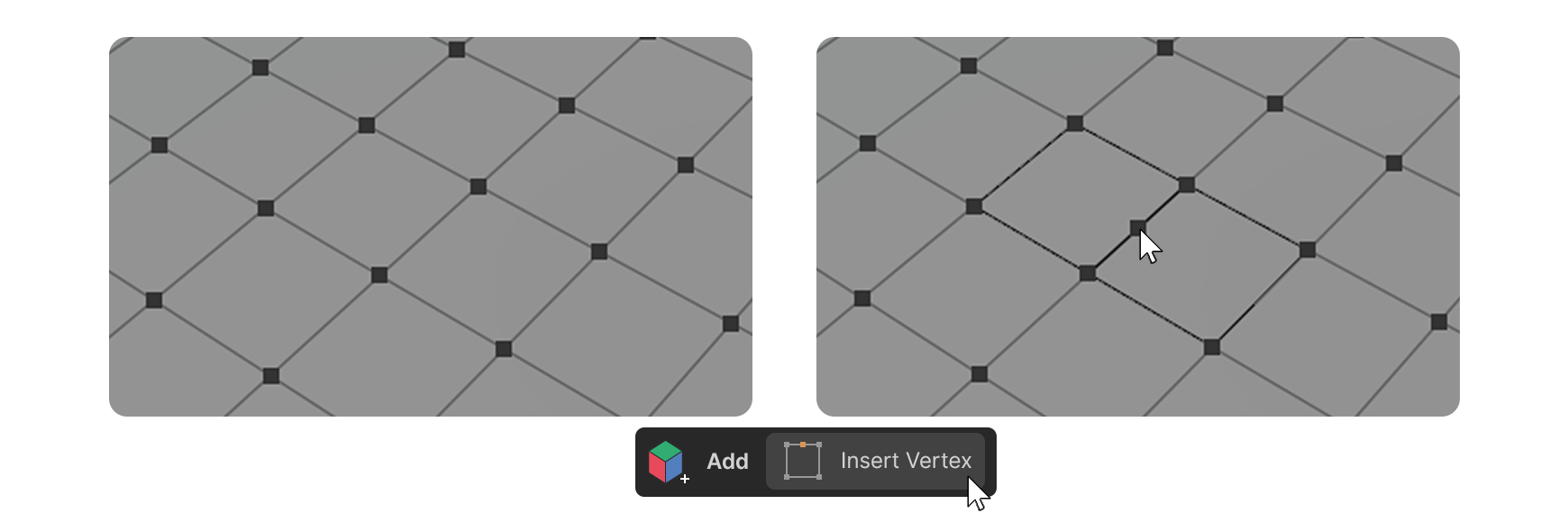
Insert Vertex
Insert vertex allows you to add a vertex on an edge as desired.
For more information, please see the link below.