
UV Param Tool
The UV Param tool allows you to adjust how textures are displayed on selected faces by transforming UV coordinates using properties such as position, rotation, scale, and tiling.
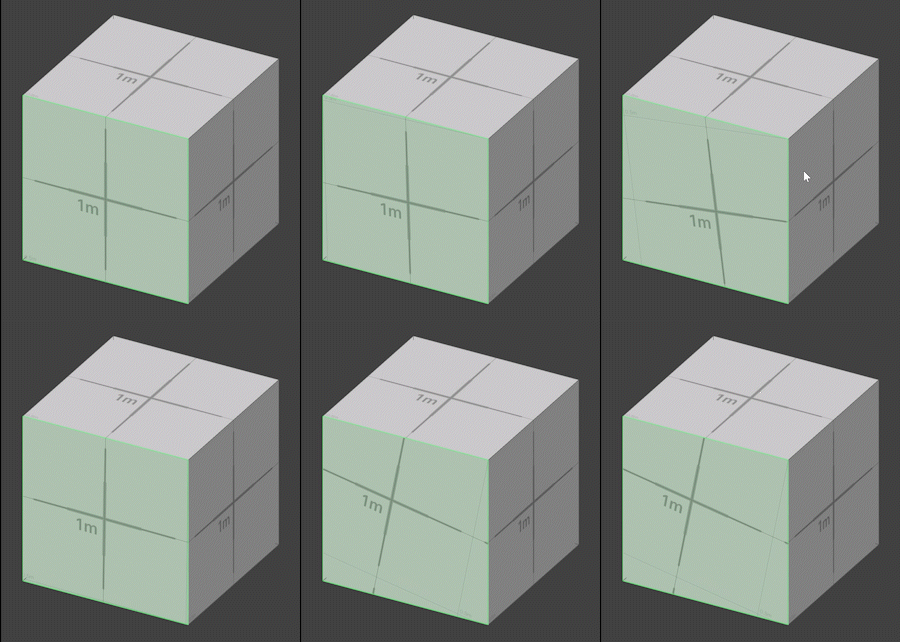
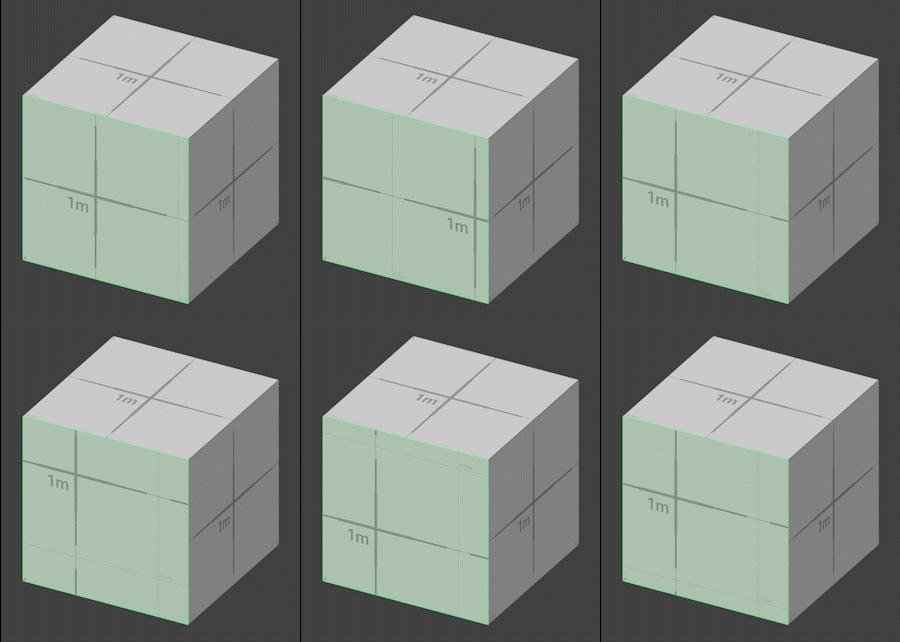
The UV Param tool allows you to adjust how textures are displayed on selected faces by transforming UV coordinates using properties such as position, rotation, scale, and tiling.
How to use it
1.Select the faces you want to modify.
2.Choose the UV Param Tool.
3.Adjust shifting, scaling, and rotating properties in the Tool Properties panel.
Properties
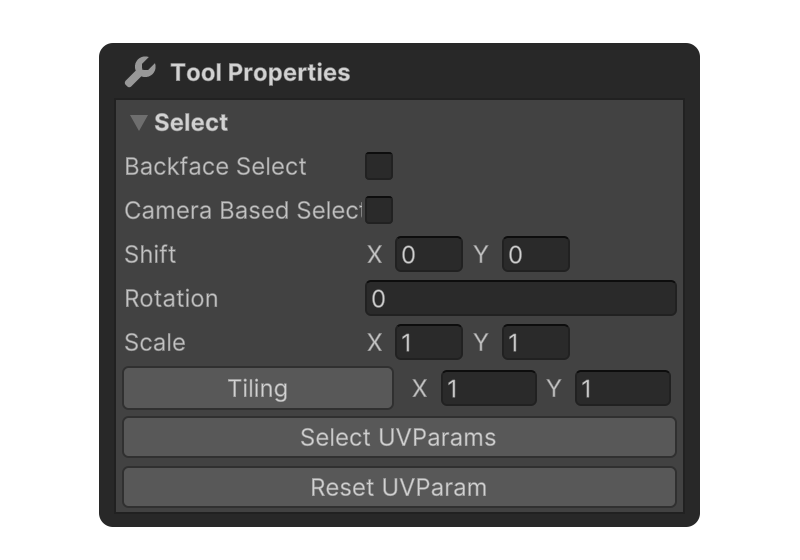
Select
Properties that allow you to set how faces are selected.
Backface Select
Camera Based Select
UV Param
Shift
Moves the texture's position.
Rotation
Rotates the texture.
Scale
Increases or decreases the size of the texture.
Tiling
Sets the number of times the texture repeats along the X and Y axes.
Select UV Params
Selects faces with modified UV Param values.
Reset UV Params
Resets the UV Param values to their defaults.