Arc Tool
The Arc Tool is a tool that allows you to create an arc by clicking two points and then dragging.
Translation in progress — showing the English version.
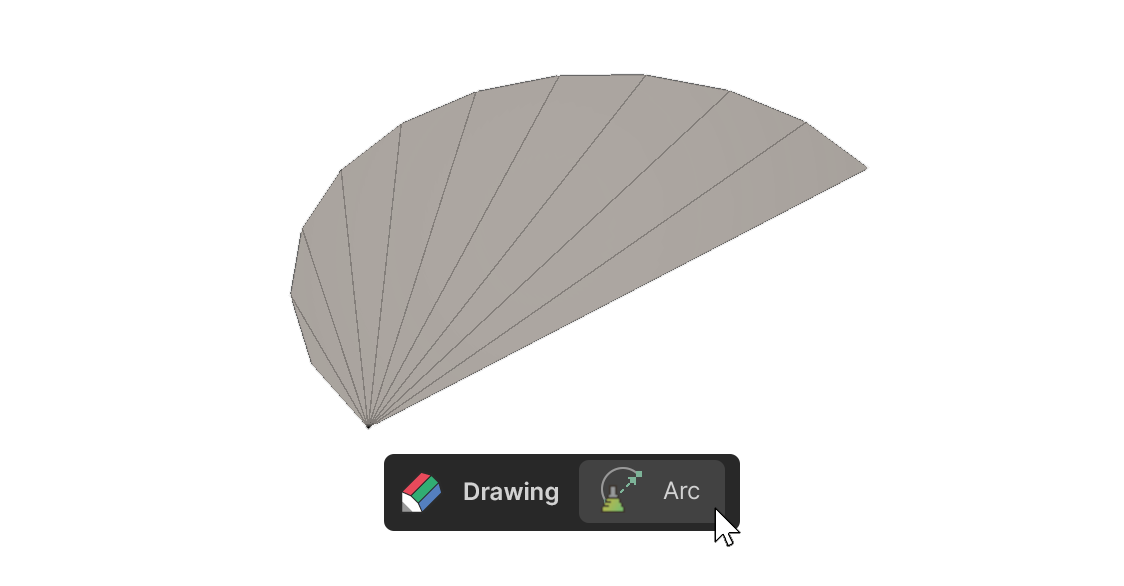
The Arc Tool is a tool that allows you to create an arc by clicking two points and then dragging.
How to use
1.Select the Arc tool.
2.Click to set the starting point of the arc.
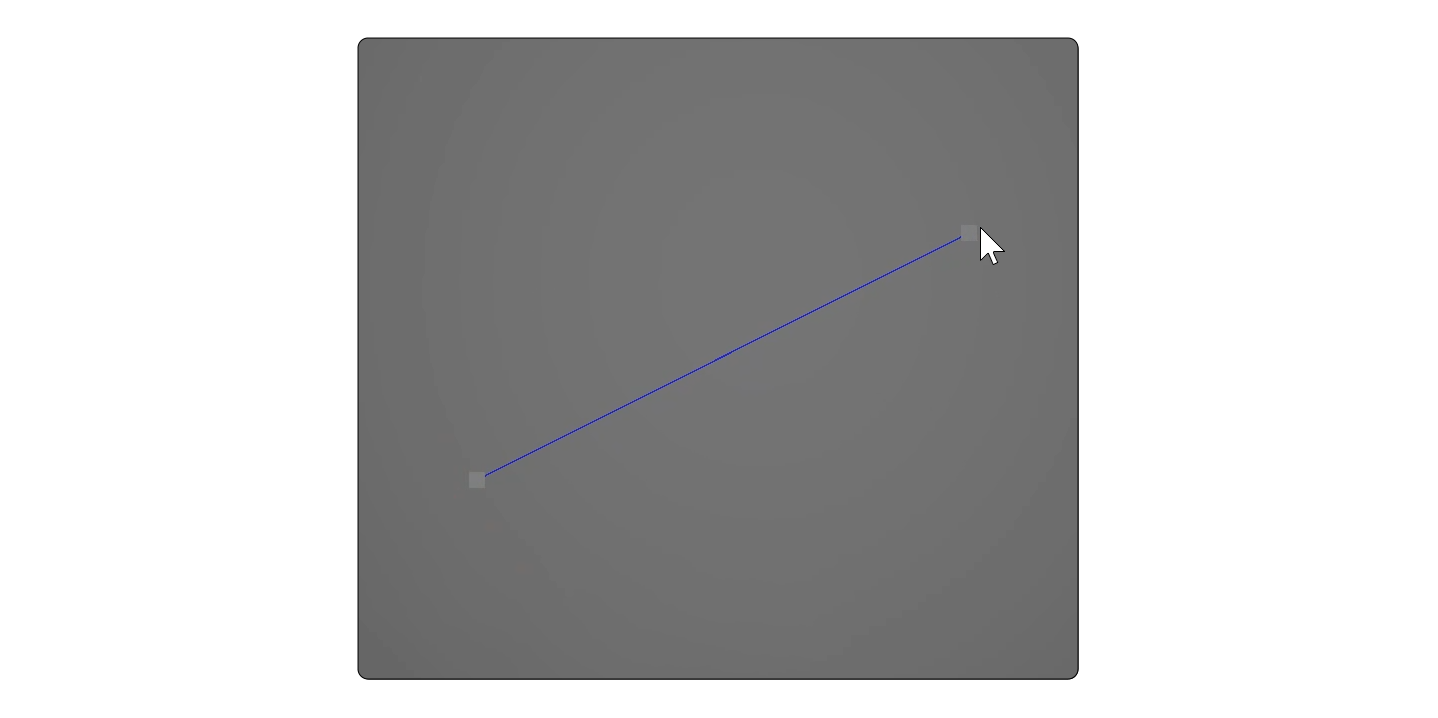
3.Drag the mouse to set the second point.
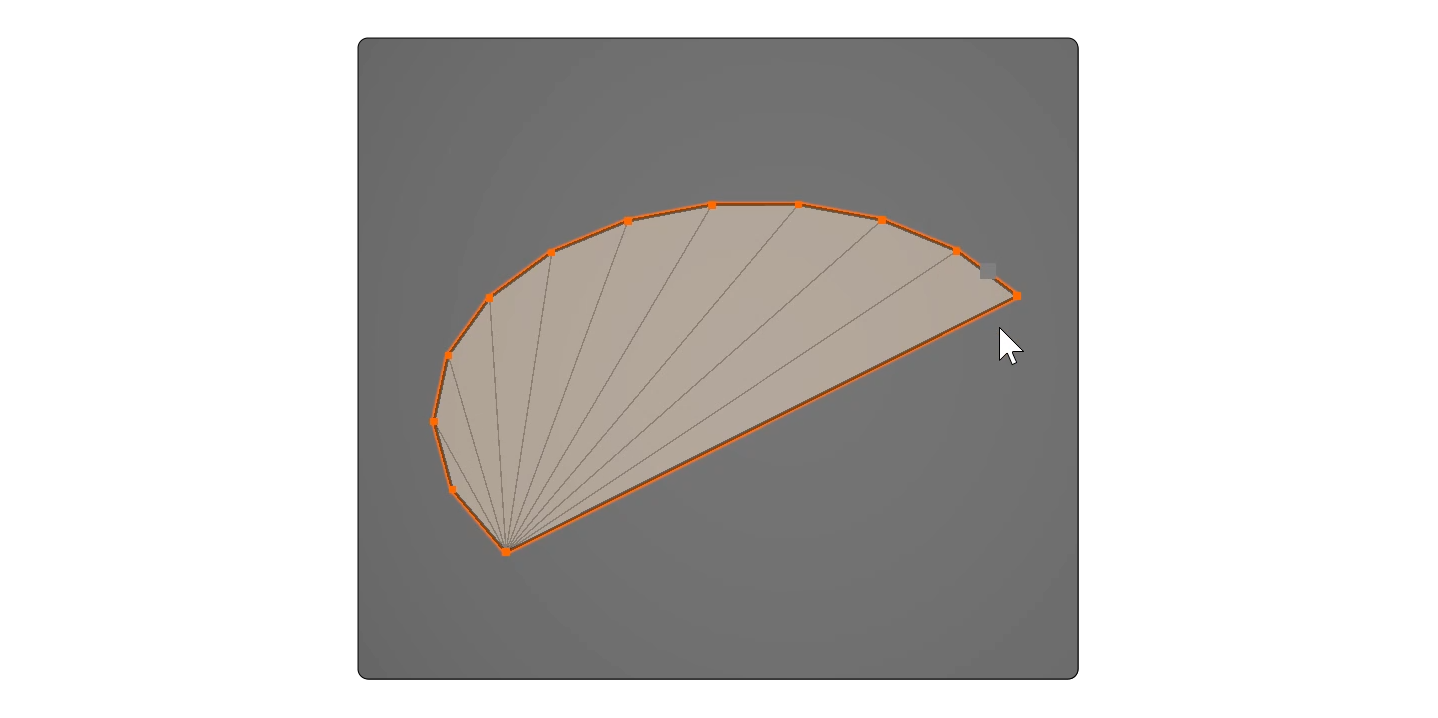
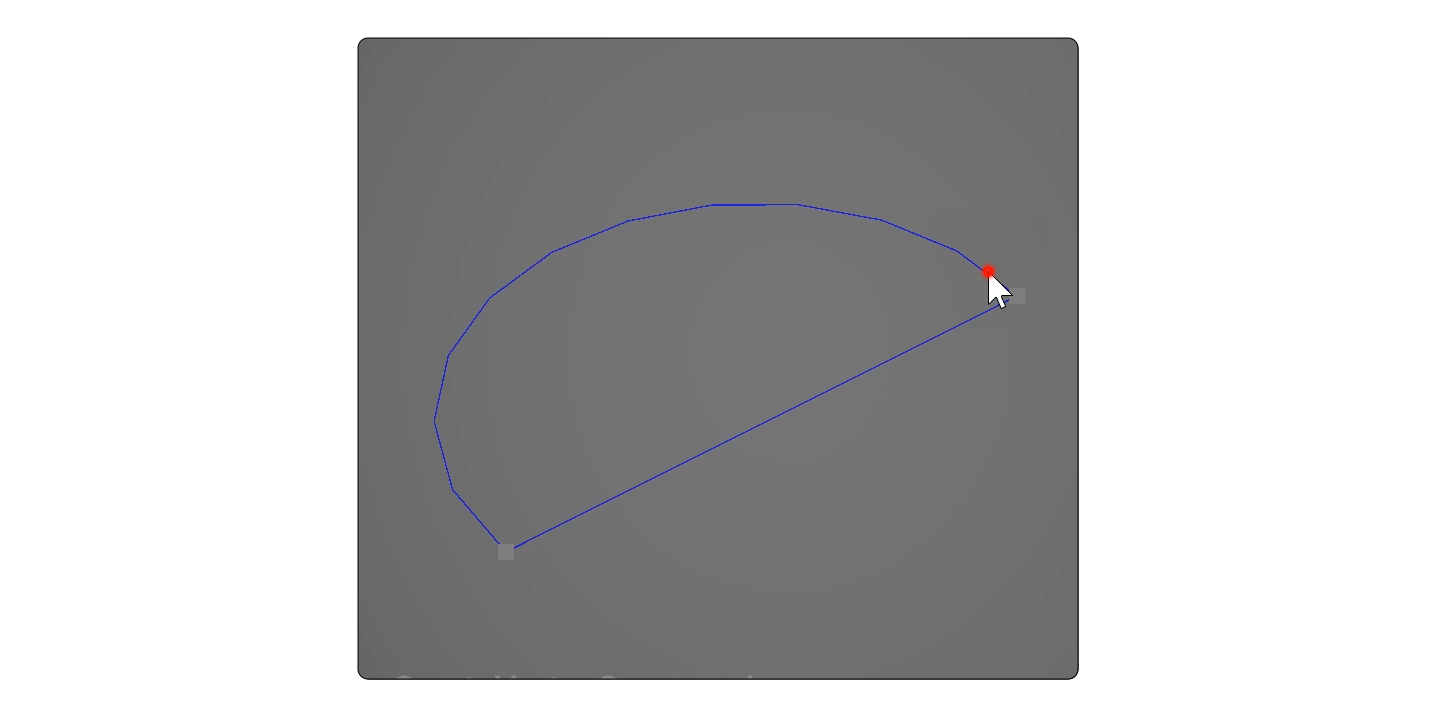
4.Release the left click, then move the mouse cursor to set the third point.
Properties
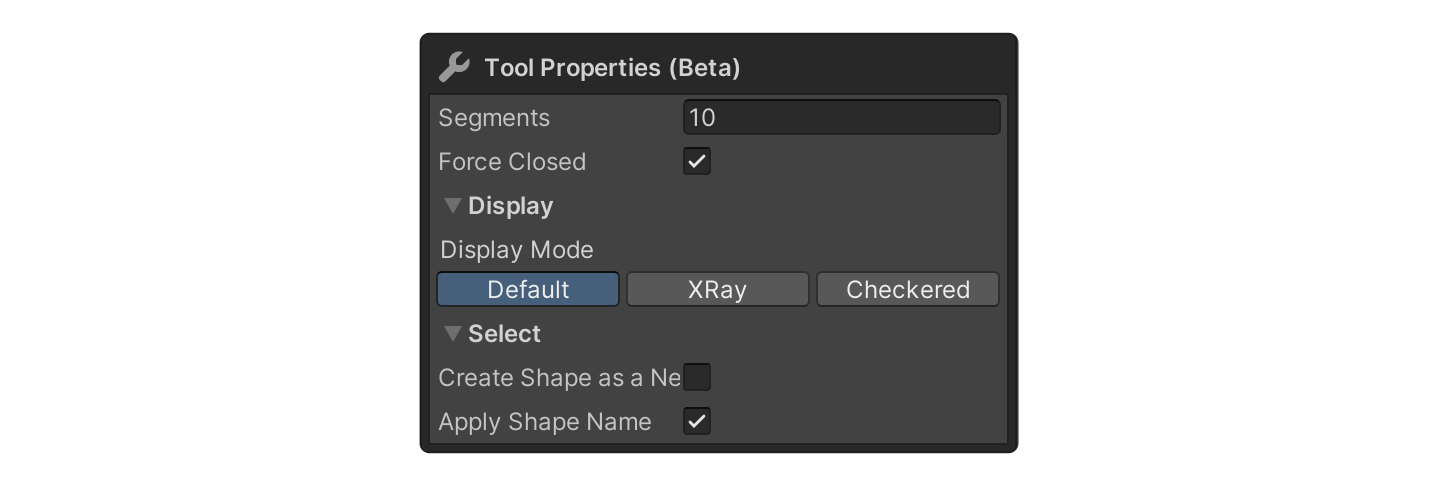
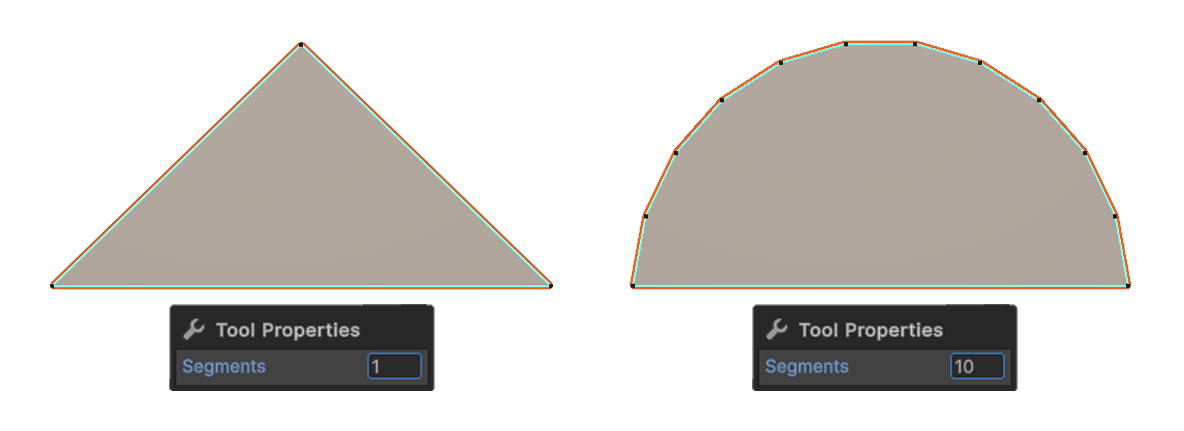
Segments
How many edges an arc will have.
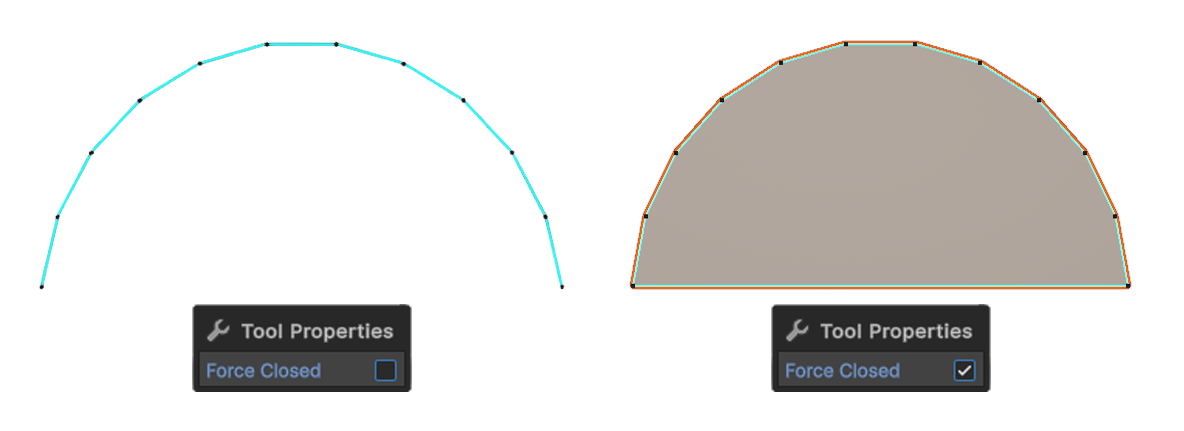
Force Closed
When Close property is enabled, the first and last vertices will be connected to create a closed form.