
Pinch Brush Tool
The Pinch Brush tool is a brush-like tool that gathers the gaps between vertices.
Translation in progress — showing the English version.
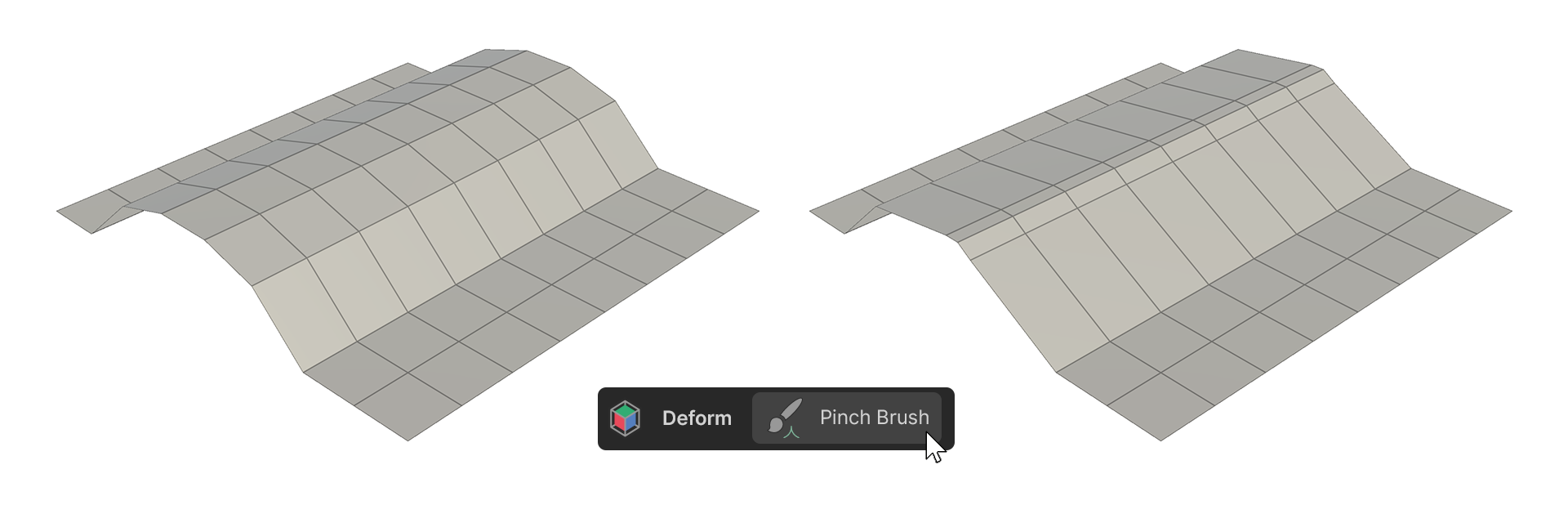
The Pinch Brush tool is a brush-like tool that gathers the gaps between vertices.
The result is a pointed or sharpened shape.
How to use it
1.Launch the Pinch Brush tool.
2.Adjust the desired properties.
3.Move the mouse cursor over the vertices of the object, then click and drag to bring the vertices together.
Properties
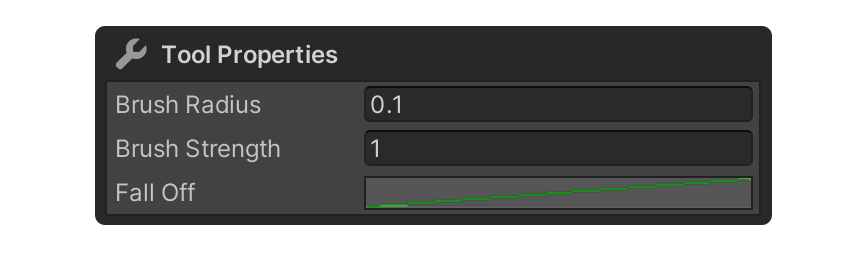
Brush Radius
This property determines the radius size of the brush. The unit is meters.
Brush Strength
Property for the brush strength.
Fall Off
A Graph Shape property that determines the shape of the brush.
It can be edited by clicking on the graph next to Fall Off.