
Texture Projection Tool
Translation in progress — showing the English version.
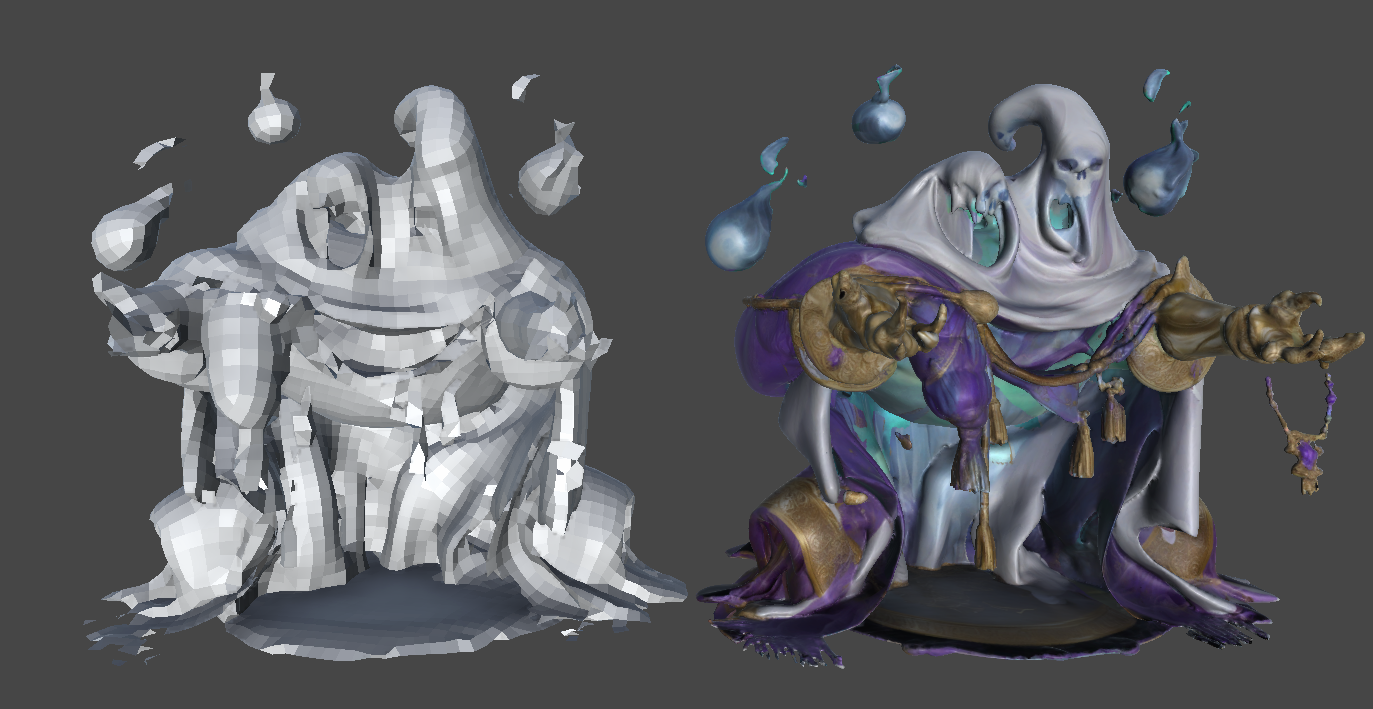
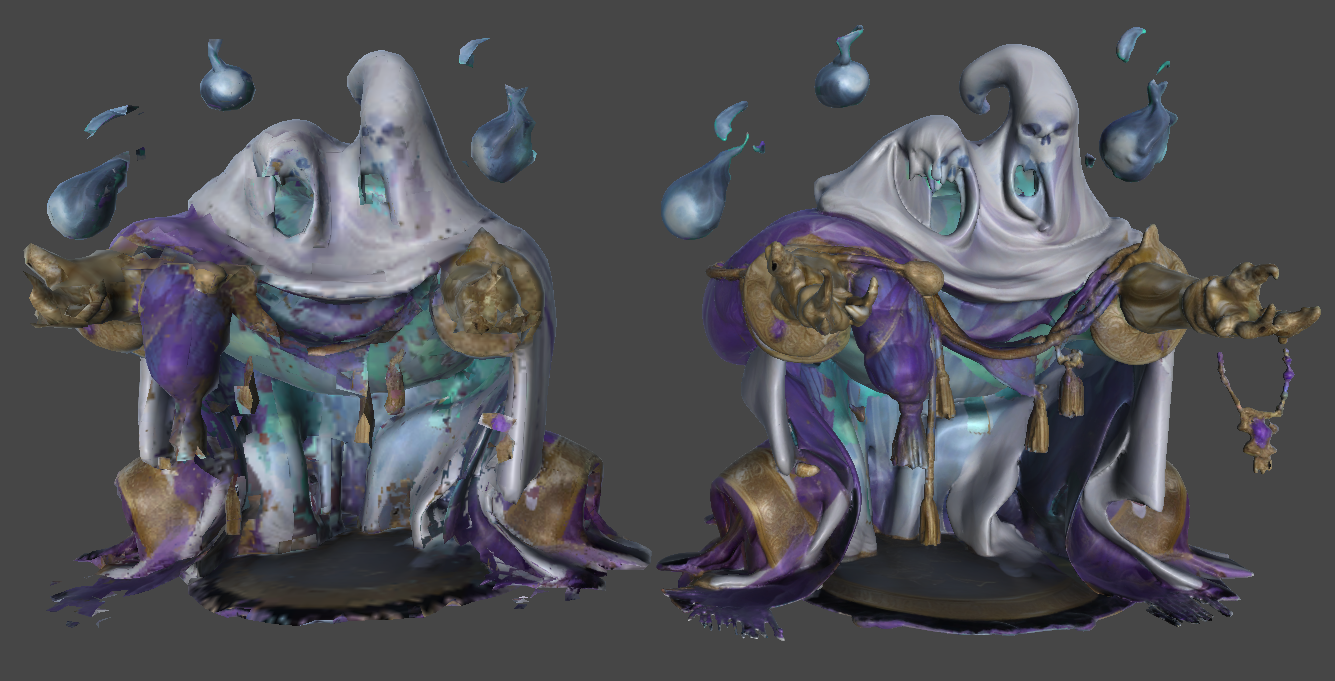
The Texture Projection Tool generates a new texture based on the texture of the source transform. It works only with albedo textures, and the selected model must have its UV unwrapped.
How to use it
- Unwrap the UV of the mesh to prepare it.
- Select the umodelerized mesh that you want to use as the source. Adjust the position so that it stays in the same spot as much as possible.
- Execute the tool.
- A new texture will be generated in the Assets/UModelerX directory.