
Mark UV Seam Tool
The Mark UV Seam Tool is a tool that sets a selected Edge as a cut line to be used by the LSCM tool in the UV Editor.
Translation in progress — showing the English version.
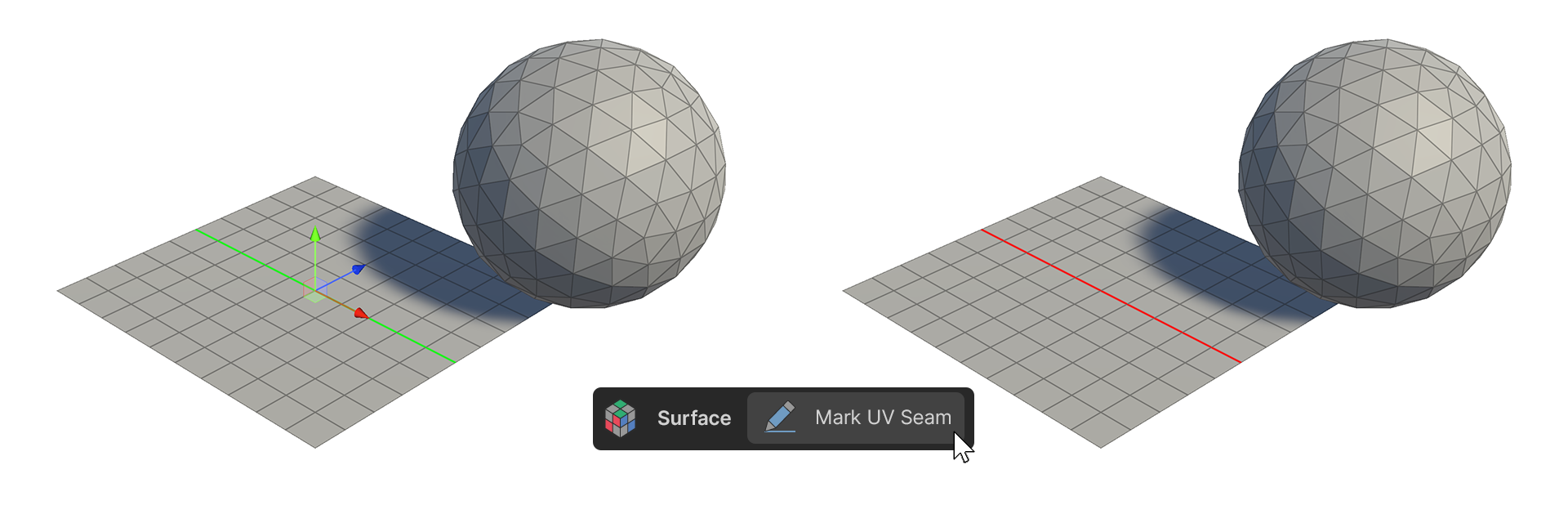
The Mark UV Seam Tool is a tool that sets a selected Edge as a cut line to be used by the LSCM tool in the UV Editor.
How to Use
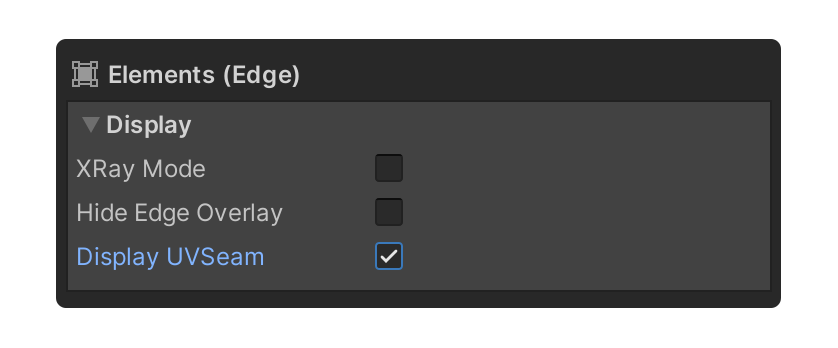
1.With an edge selected, enable the Display UVSeam property of the Elements group.
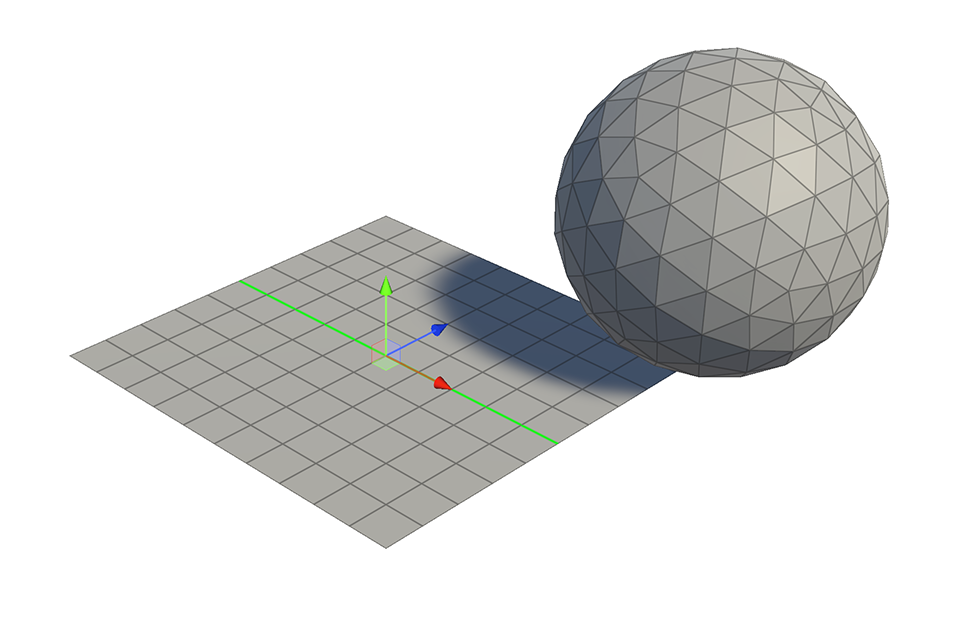
2.Select the edge you want to set as the cut line.
3.Run the Mark UV Seam Tool.
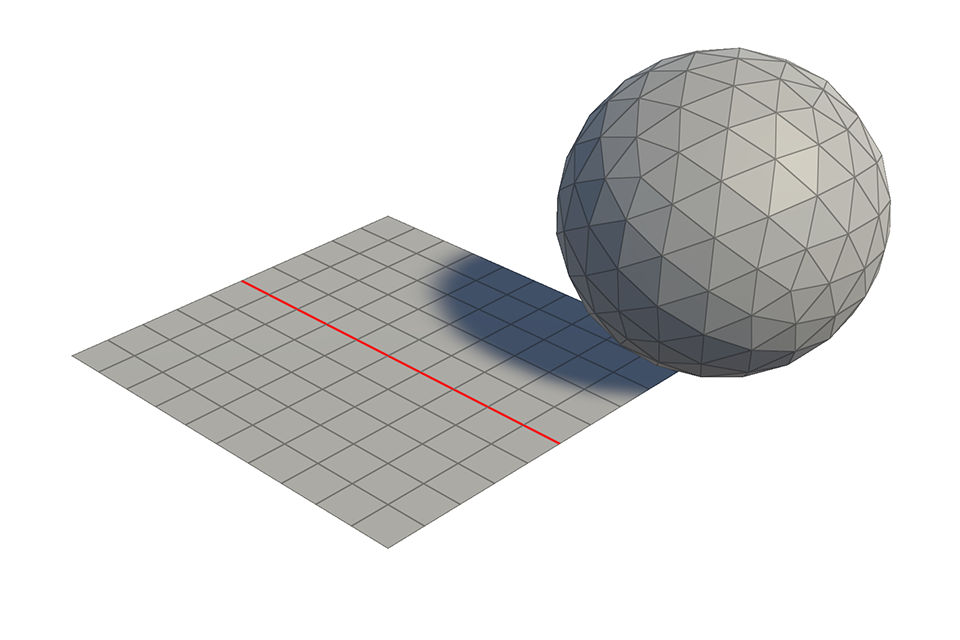
4.The selected edge is now set as a cut line.