
Face Normal Tool
Face Normal tool adjusts the direction of face normals.
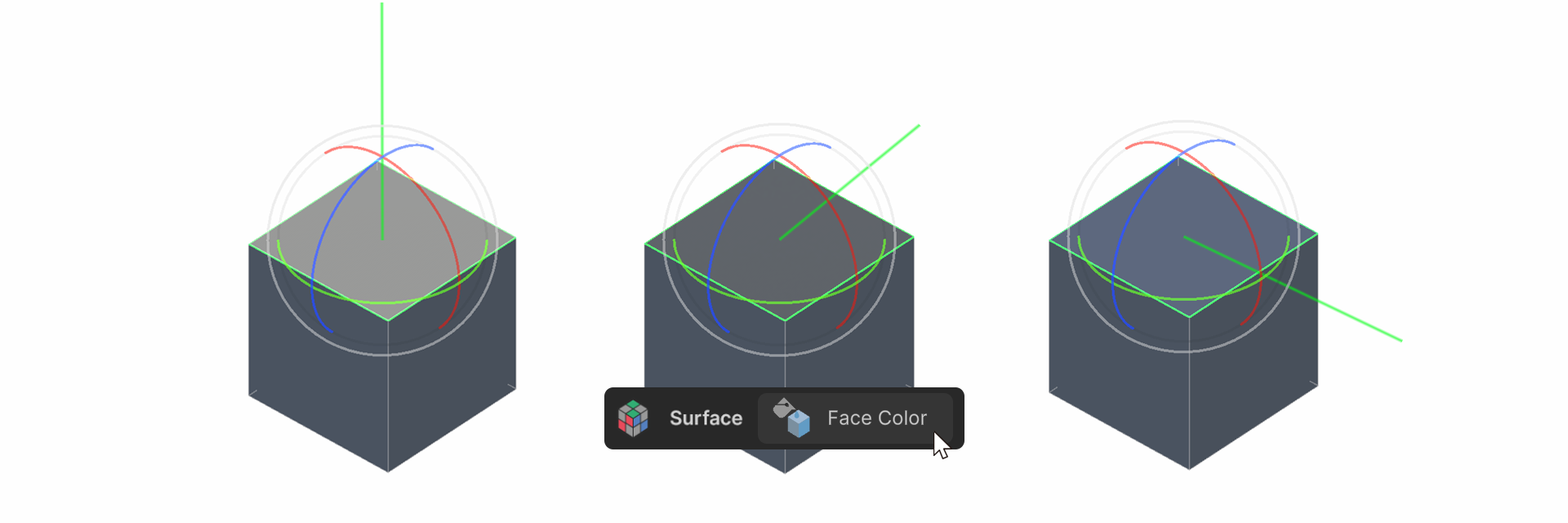
Face Normal tool adjusts the direction of face normals. The closer the normals align with the light direction, the brighter the surface appears.
How to use it
1.Run the Face Normal tool.
2.Click the Select Face Normals button to select the face whose face normals you want to rotate.
3.Use the rotate gizmo to adjust the face normals.
Properties
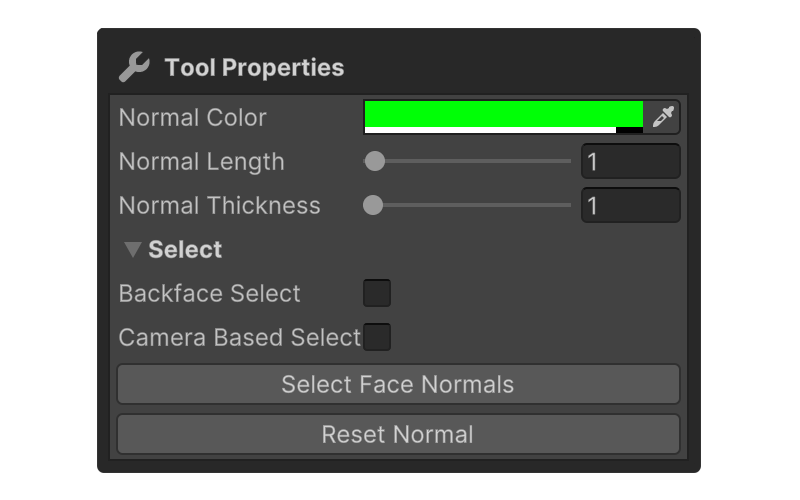
Normal Color
A property that allows you to set the color of the normal vector.
Normal Length
A property that allows you to set the length of the normal vector.
Normal Thickness
A property that allows you to set the thickness of the normal vector.
Select
Properties that allow you to set how faces are selected.
Backface Select
Camera Based Select
Select Face Normals
Select the face whose normals you want to rotate.
Reset Normal
Resets the normal values to their defaults.