
Knife Tool
A Knife Tool is a tool that connects an edge or vertex to an edge.
Translation in progress — showing the English version.
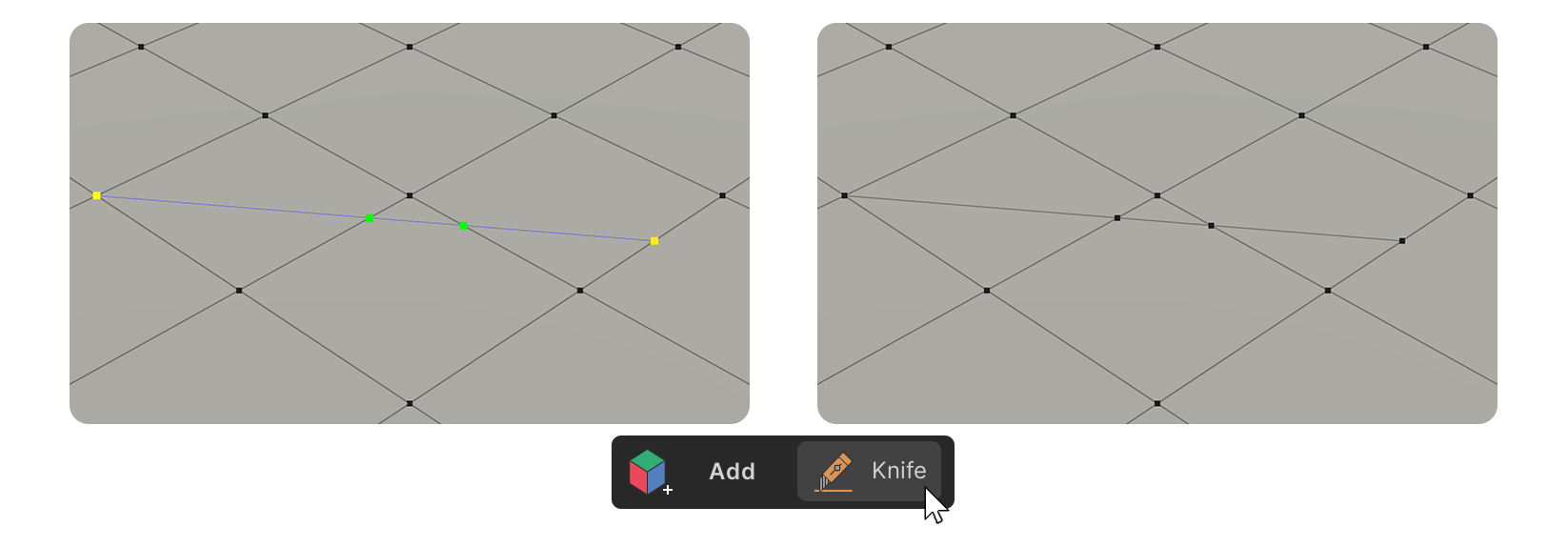
A Knife Tool is a tool that connects an edge or vertex to an edge.
How to Use
1.Launch the Knife Tool.
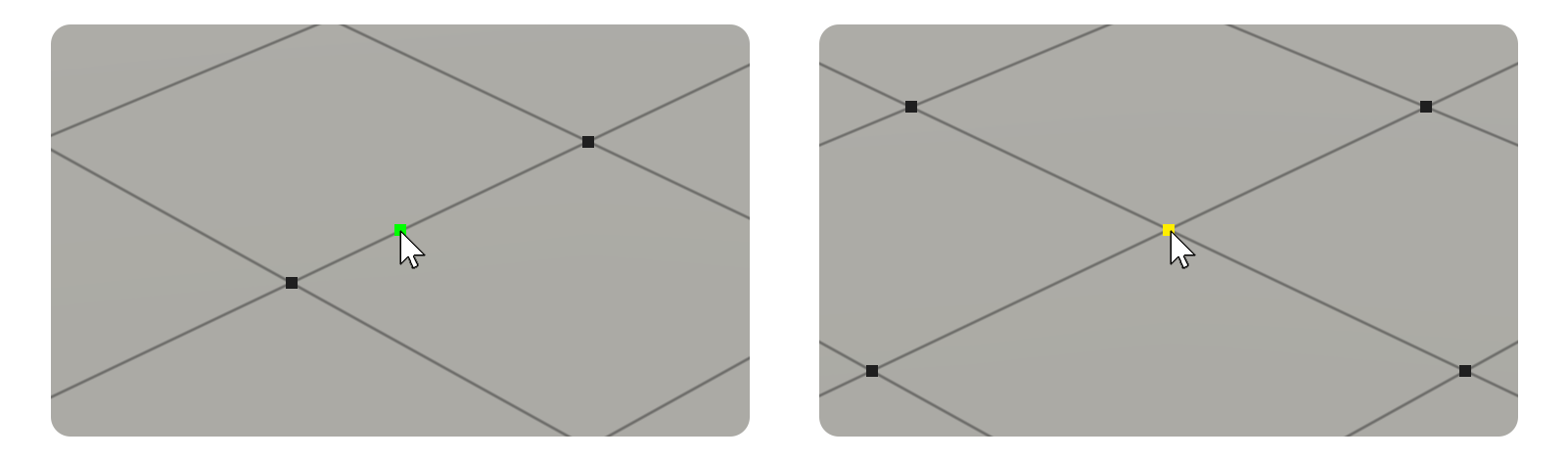
2.Click on the edge or vertex that you want to use as a starting point.
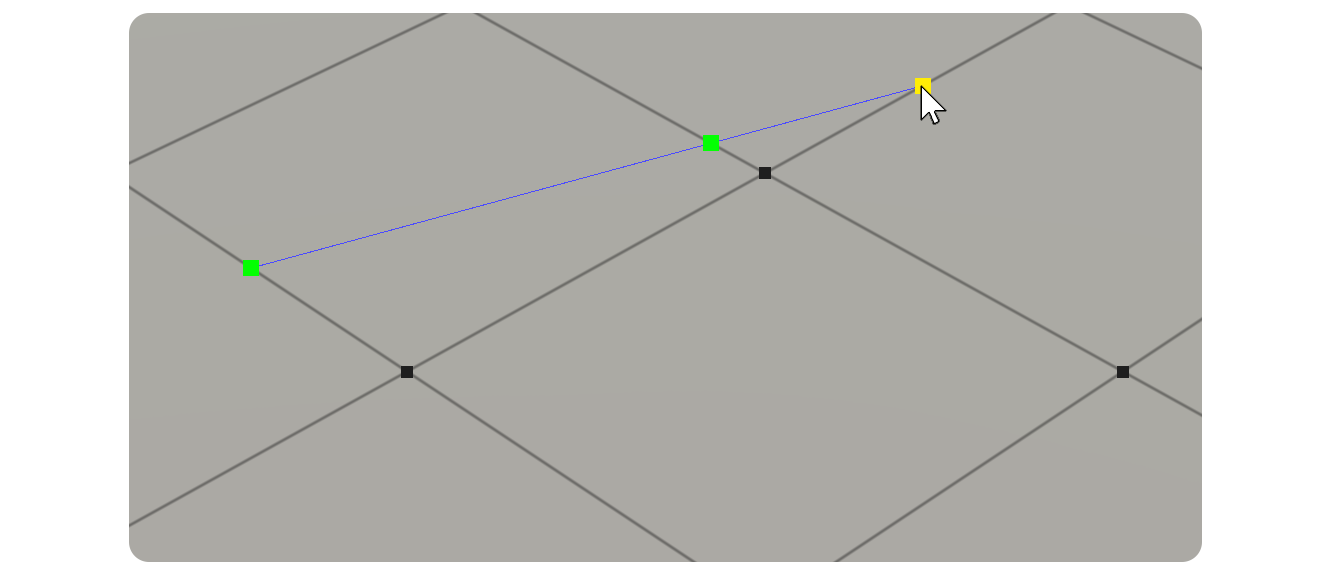
3.Create edges byClickon other edges or vertices that you want to connect to create the desired shape.
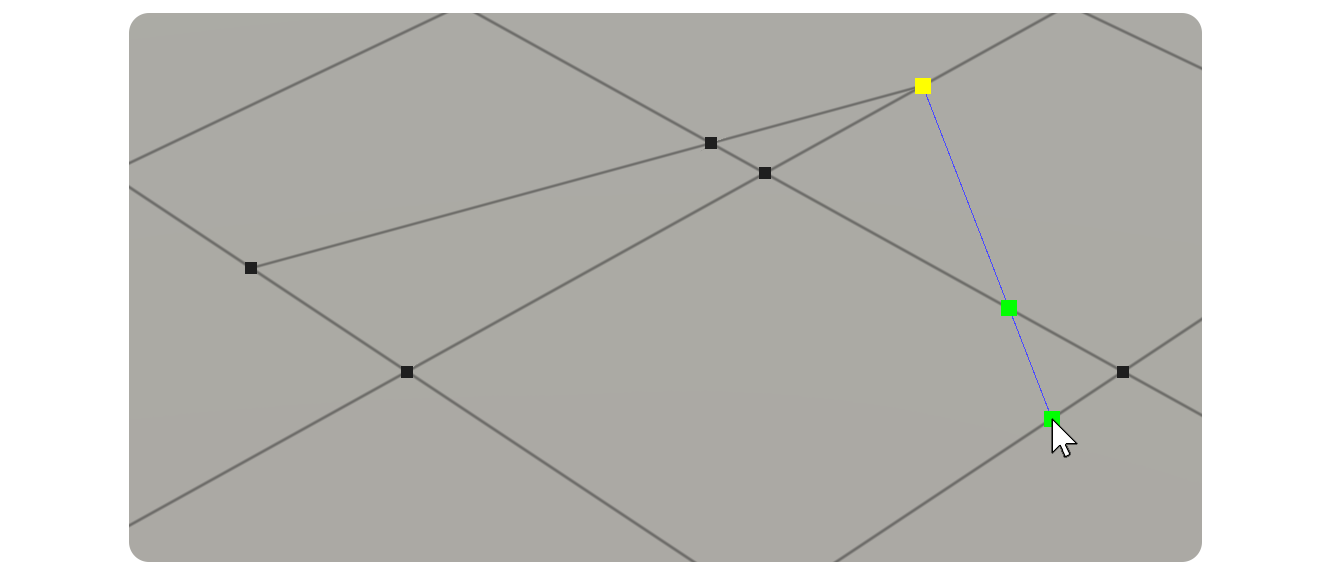
4.Continue toClickon other edges or vertices to connect them.