
Insert Vertex Tool
The Insert Vertex tool adds a vertex over the desired edge.
Translation in progress — showing the English version.
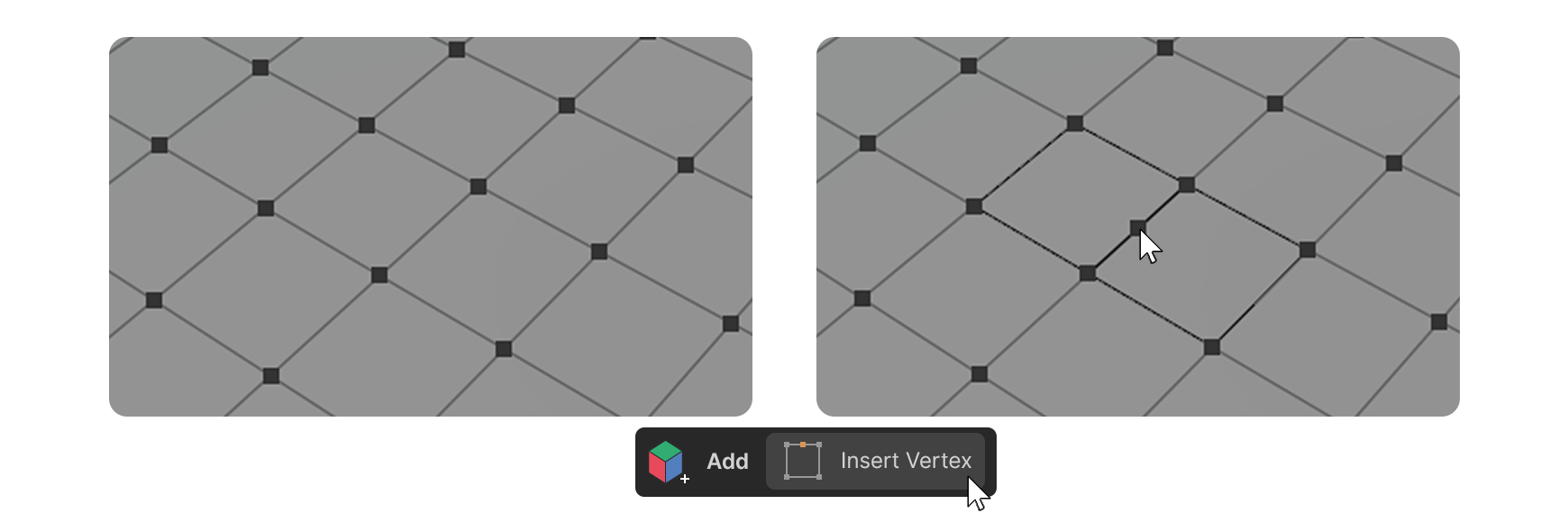
The Insert Vertex tool adds a vertex over the desired edge.
To use
1.Launch the Insert Vertex tool.
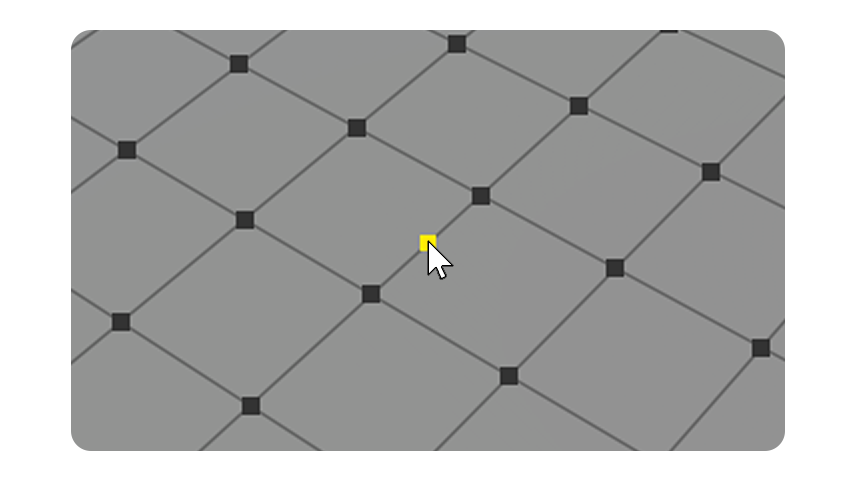
2.Click where you want to add a vertex, above the edge.
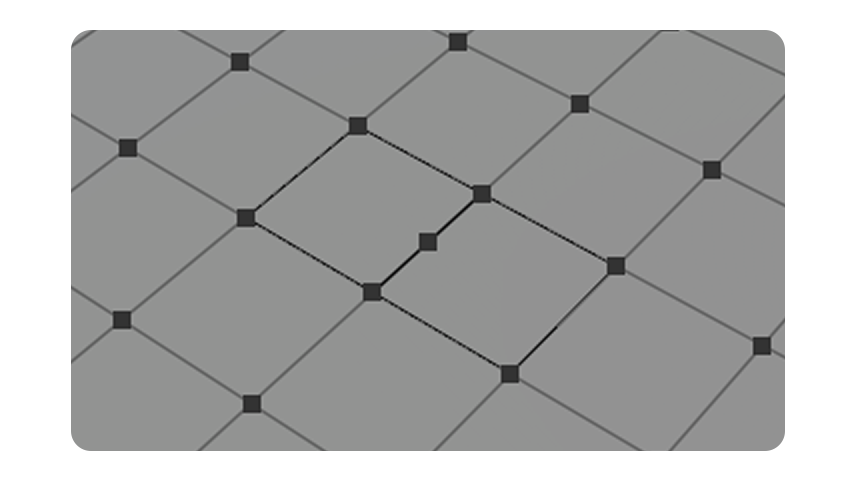
3.a vertex has been created above the edge.
Properties
Display
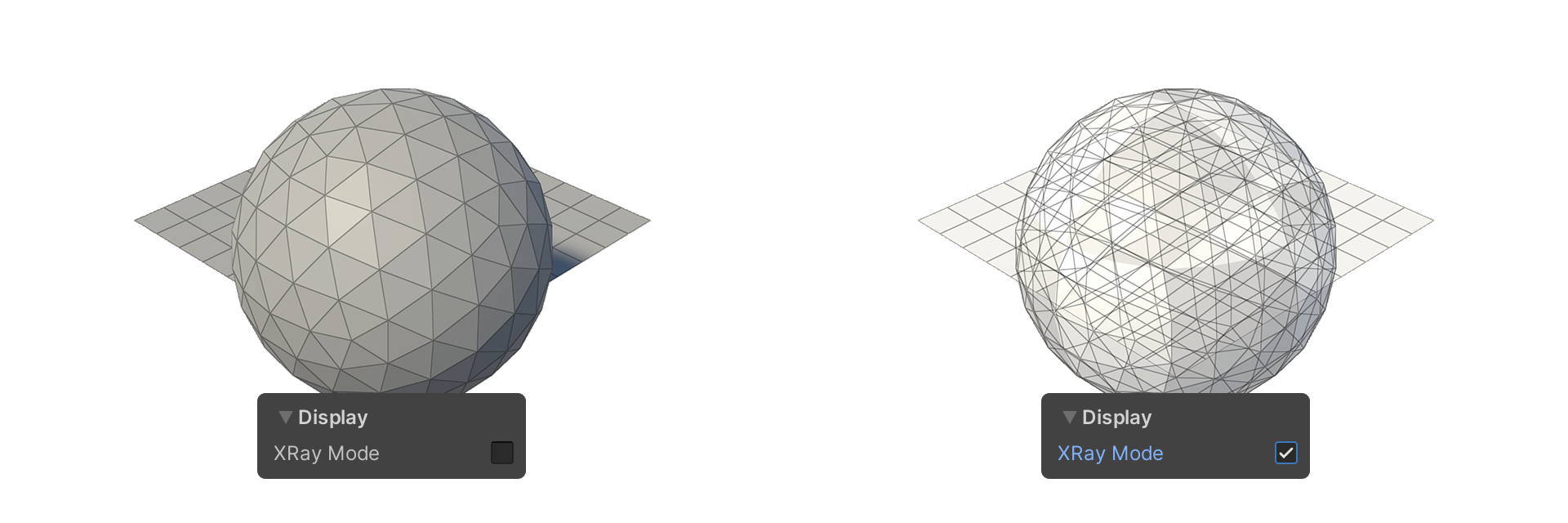
This property allows you to select how the mesh is displayed.
XRay Mode
Allows you to make the faces translucent.
Select
This property allows you to set how edges are selected.
Backface Select
Camera Based Select