Bevel Tool
The Bevel Tool is a tool that bevels selected elements.
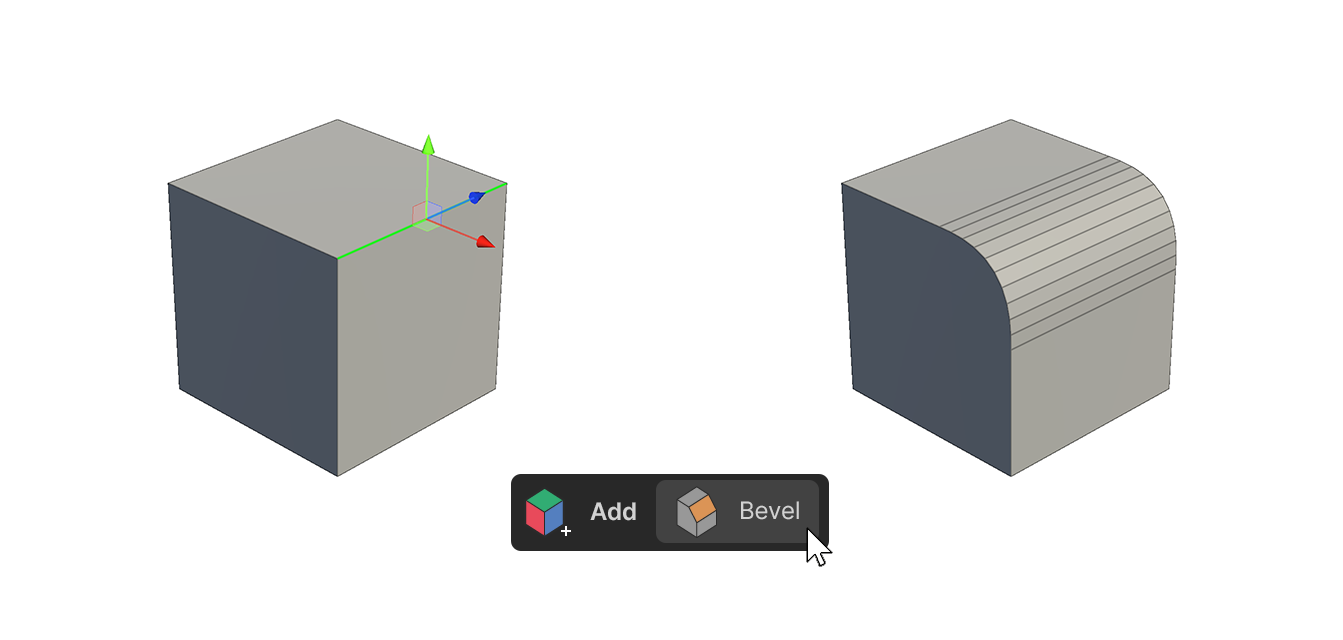
The Bevel Tool is a tool that bevels selected elements.
How to use this Tool
Vertices
1.Select a vertex.
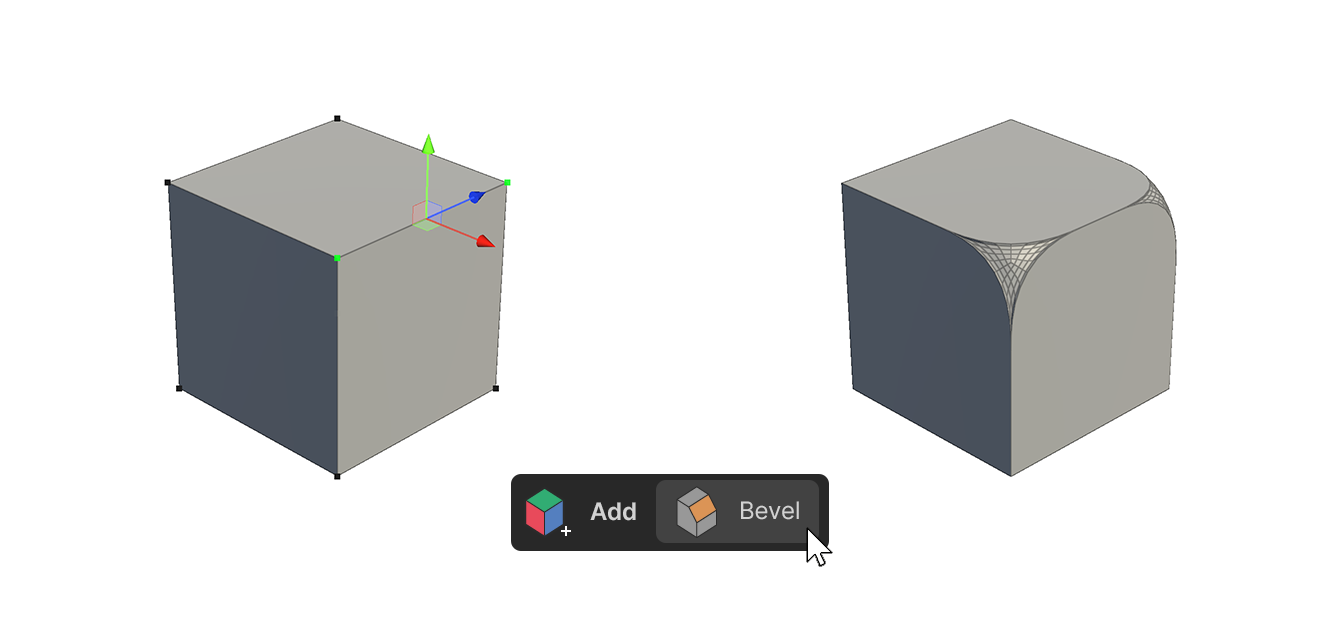
2.Run the Bevel Tool.
3.Select Vertex from Bevel Type.
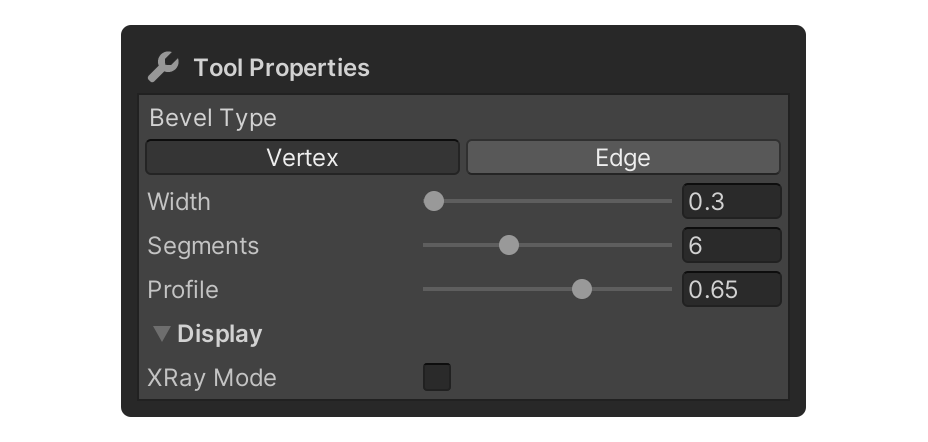
4.Adjust the properties to the appropriate values.
5.After adjusting the Properties, select the element, or press another tool to finalize.
Edge
1.Select an edge.
2.Launch the Bevel tool.
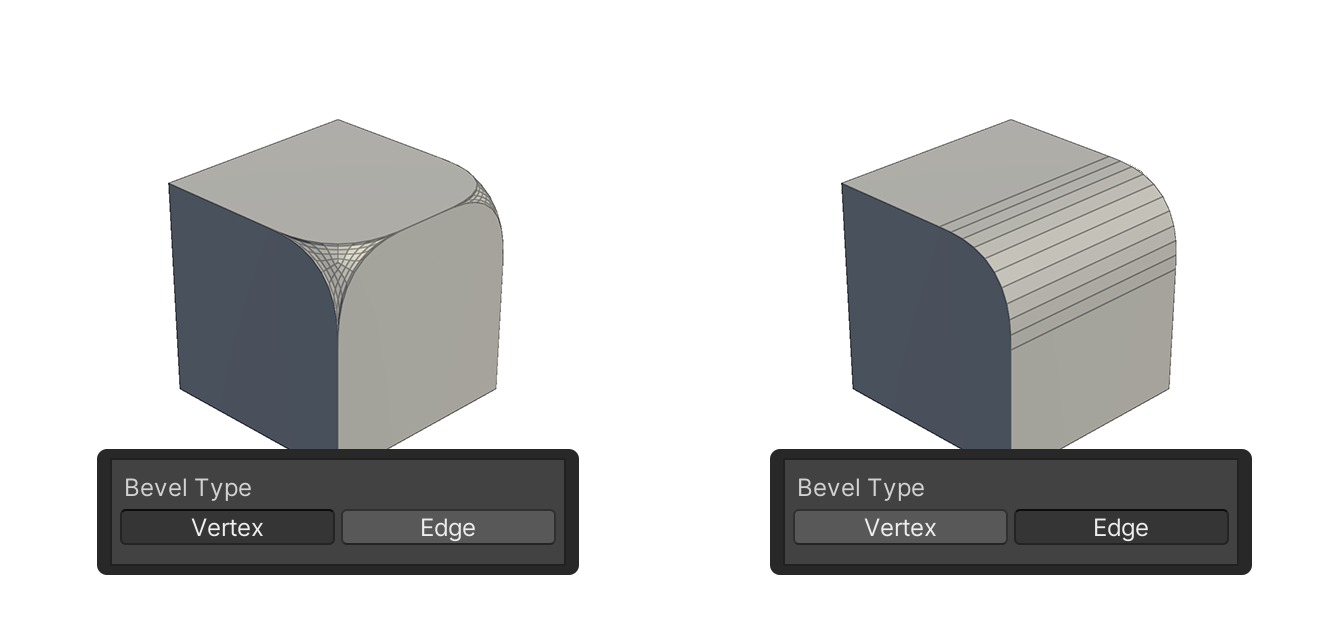
3.Under Bevel Type, select Vertex or Edge.
4.Adjust to the appropriate value.
5.After adjusting the properties, select the element, or press another tool to finish.
Face
1.Select a face.
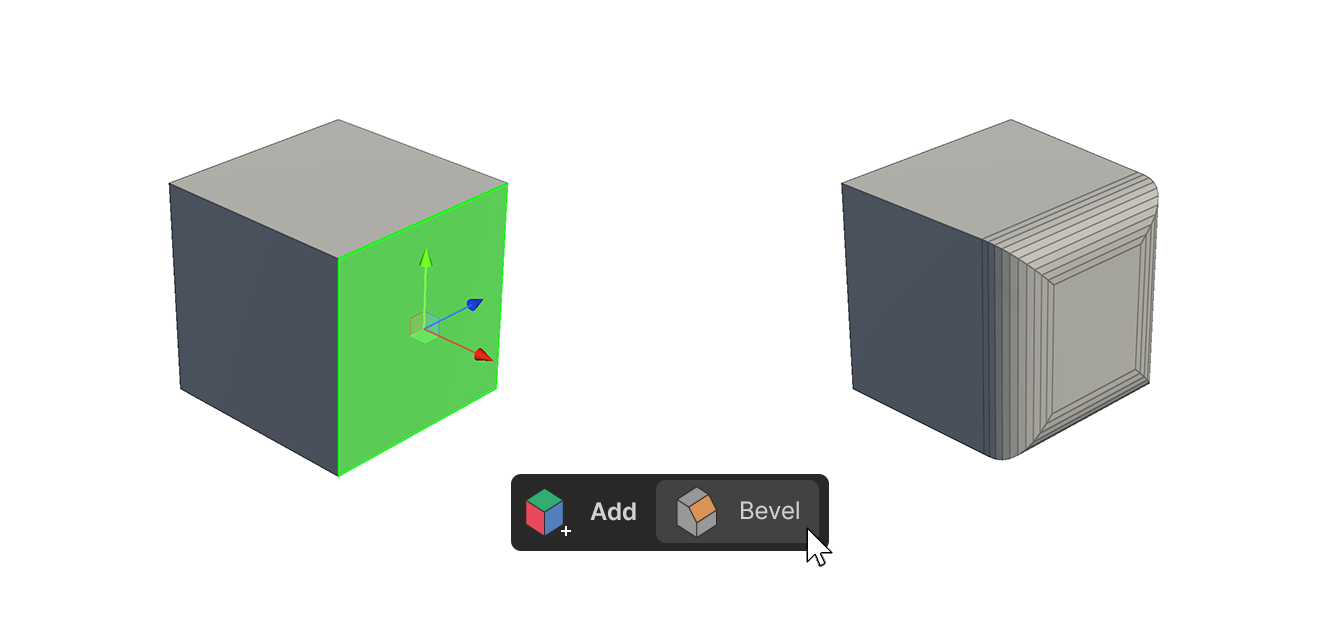
2.Run the Bevel Tool.
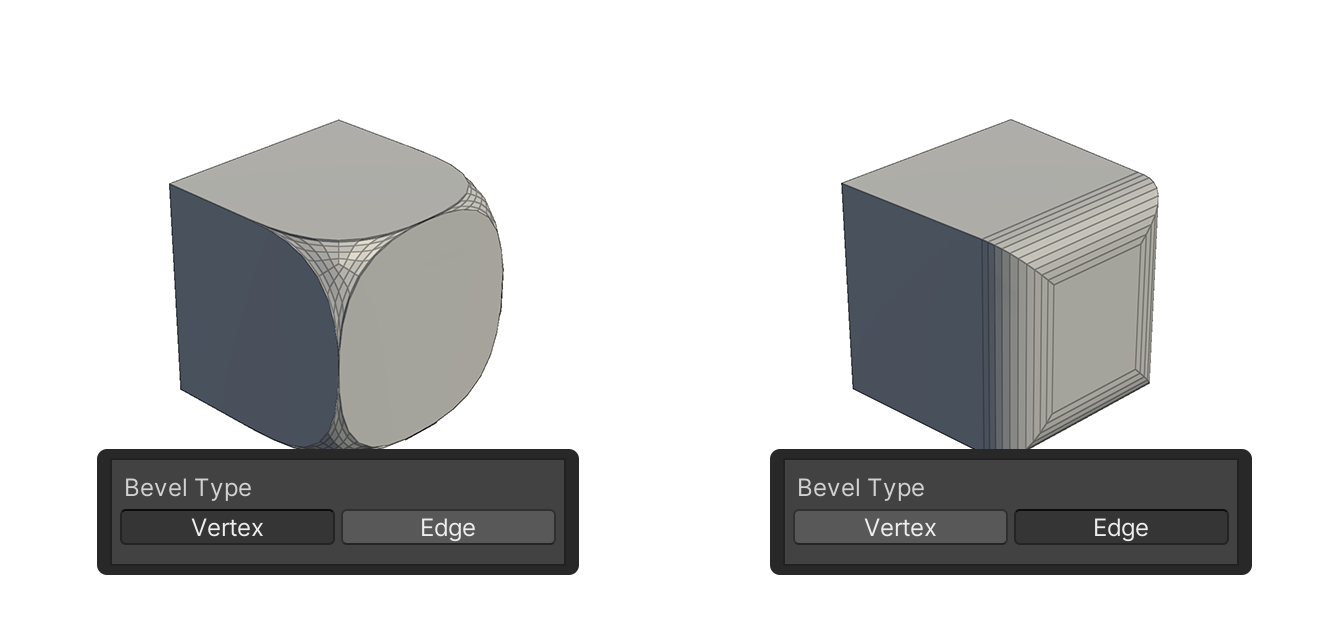
3.In the Bevel Type property, select either Vertex or Edge.
4.Adjust to the appropriate value.
5.After adjusting the properties, select the element, or use another tool to finish.
Properties
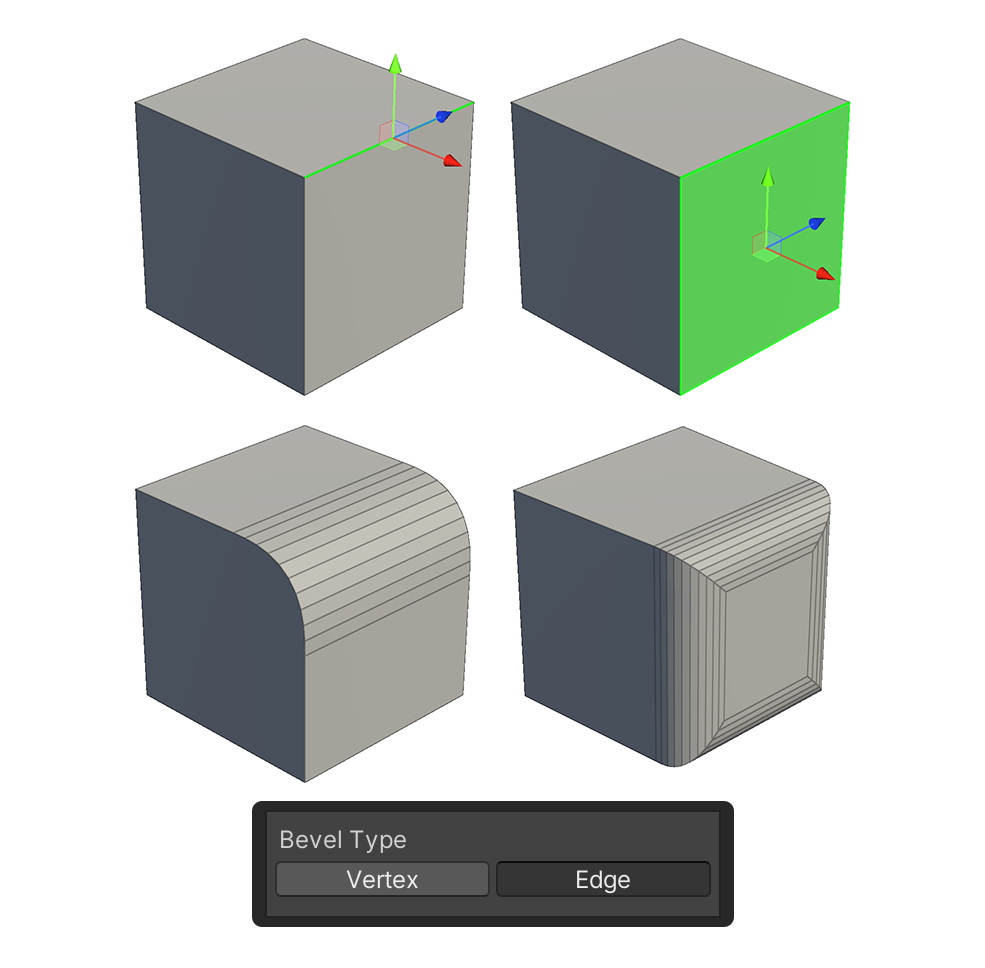
Bevel Type
This property sets the type of element to be affected by the Bevel tool
Vertex
A property that affects only the vertices belonging to the selected element.
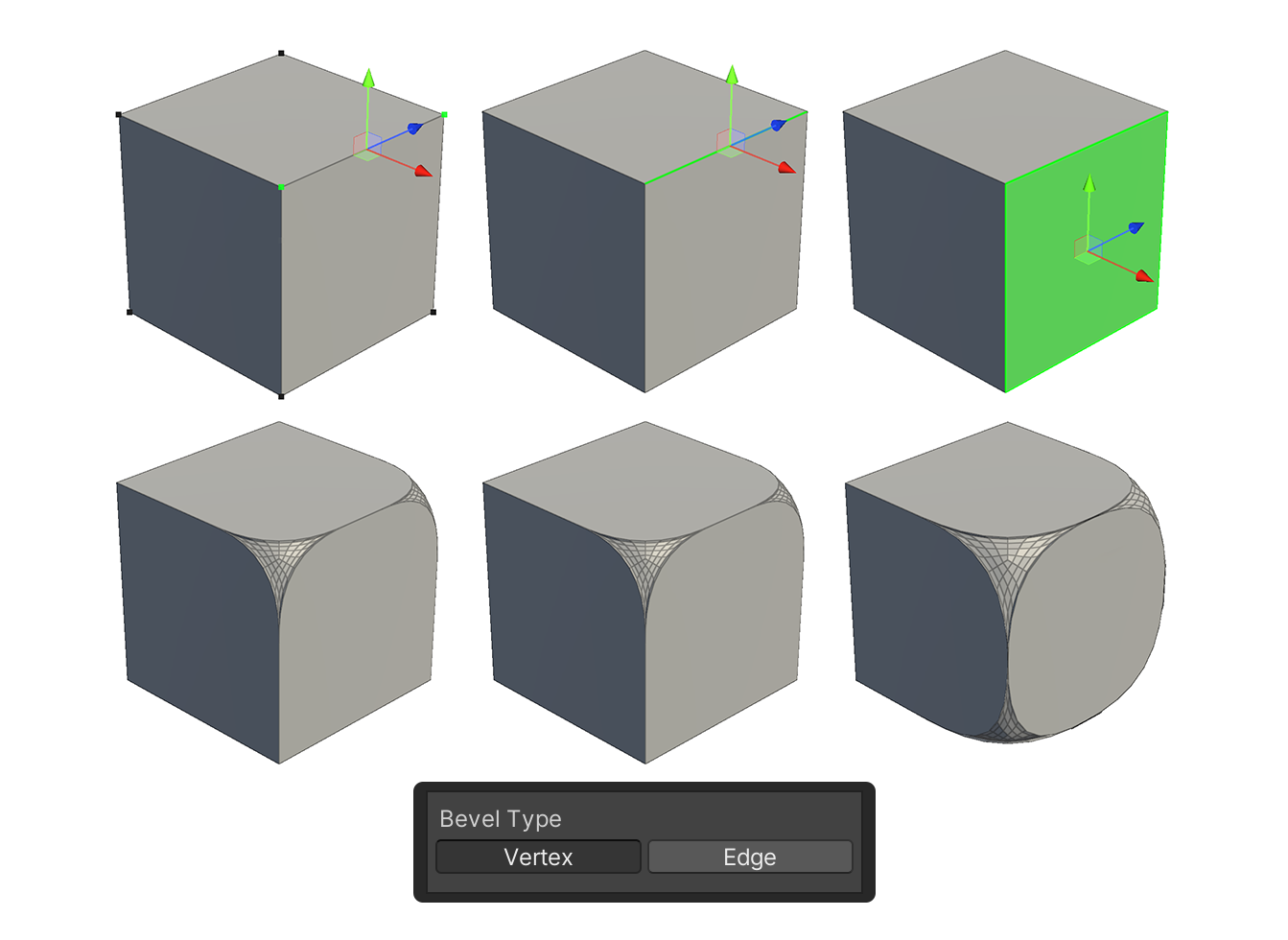
Edge
Properties that affect only edges belonging to the selected element.
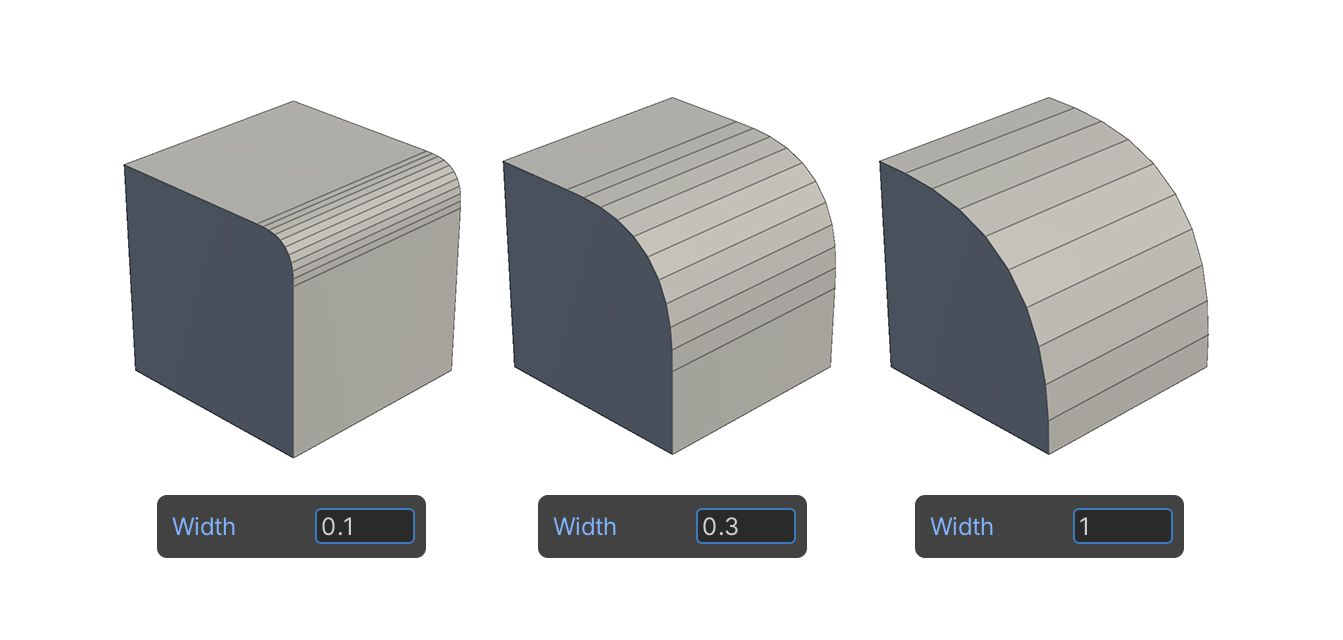
Width
Property that sets the length of the clipping.
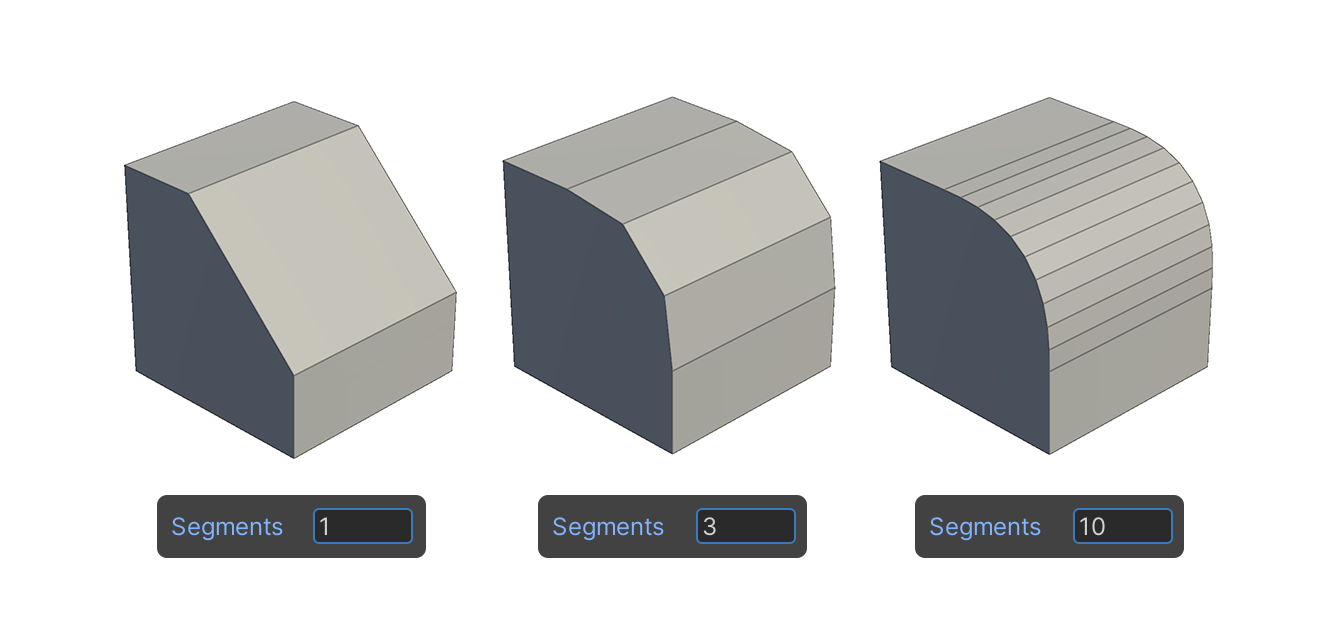
Segments
This property sets the number of pieces that will be cut off.
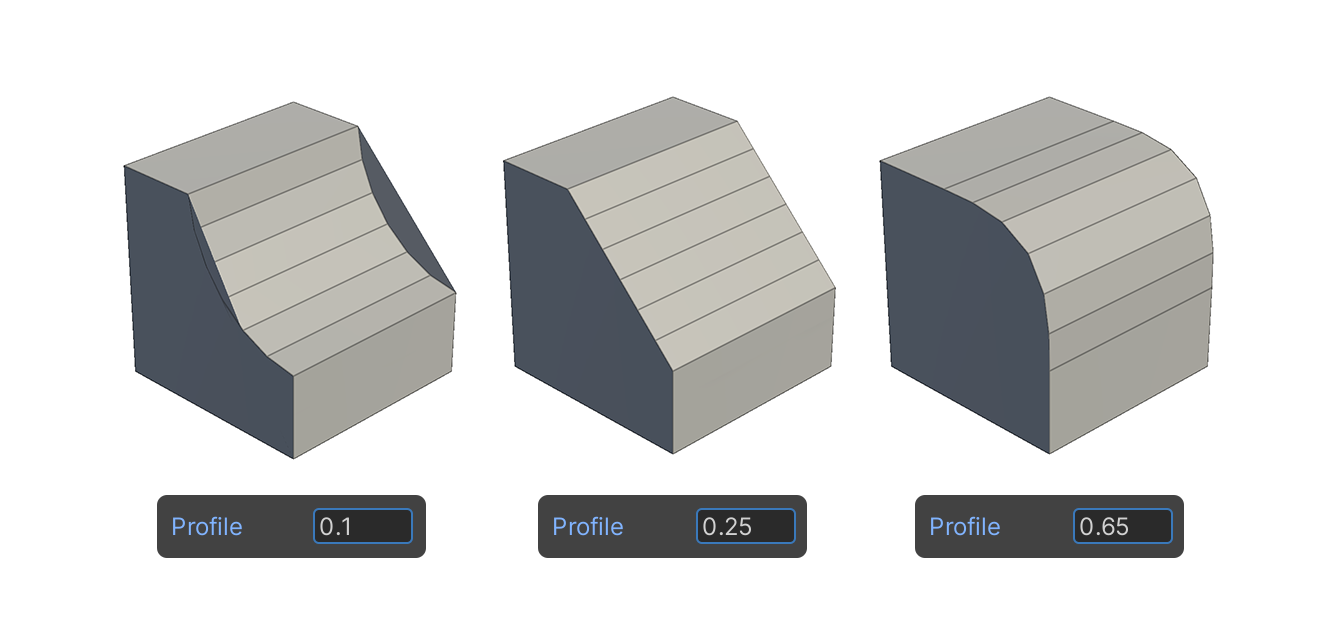
Profile
This property sets the protrusion of the clipping.
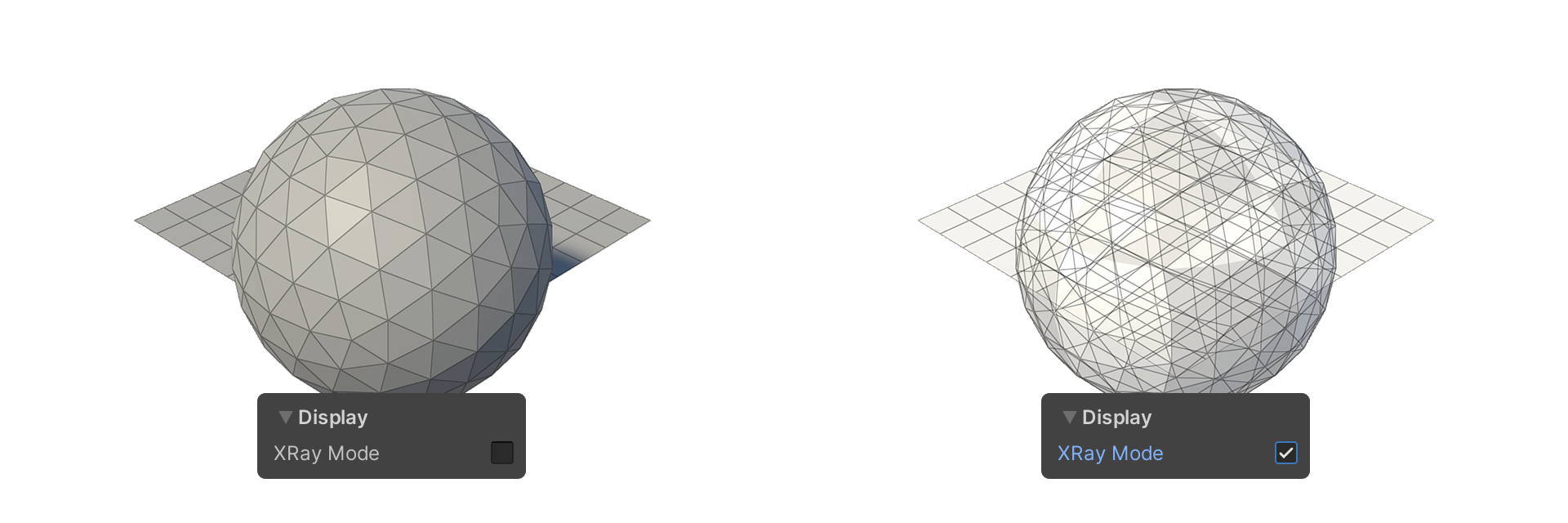
Display
XRay Mode
Displays the face as translucent.