
General Mesh to UModeler X Mesh
UModelerize is a feature that converts models not created with UModeler X to a state that can be edited in UModeler X.
Translation in progress — showing the English version.
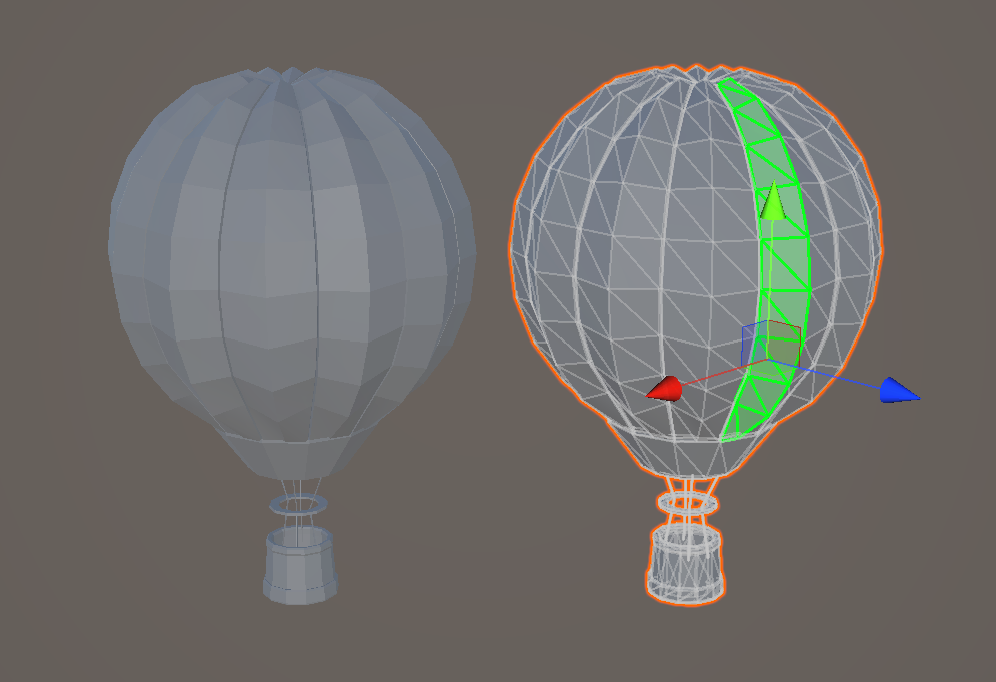
UModelerize is a feature that converts models not created with UModeler X to a state that can be edited in UModeler X.
This function is not used directly in UModeler X's modeling mode or any other mode, but rather by selecting the model you want to convert in the Hierarchy tab of the Unity Editor and right-clicking on it.
How to use
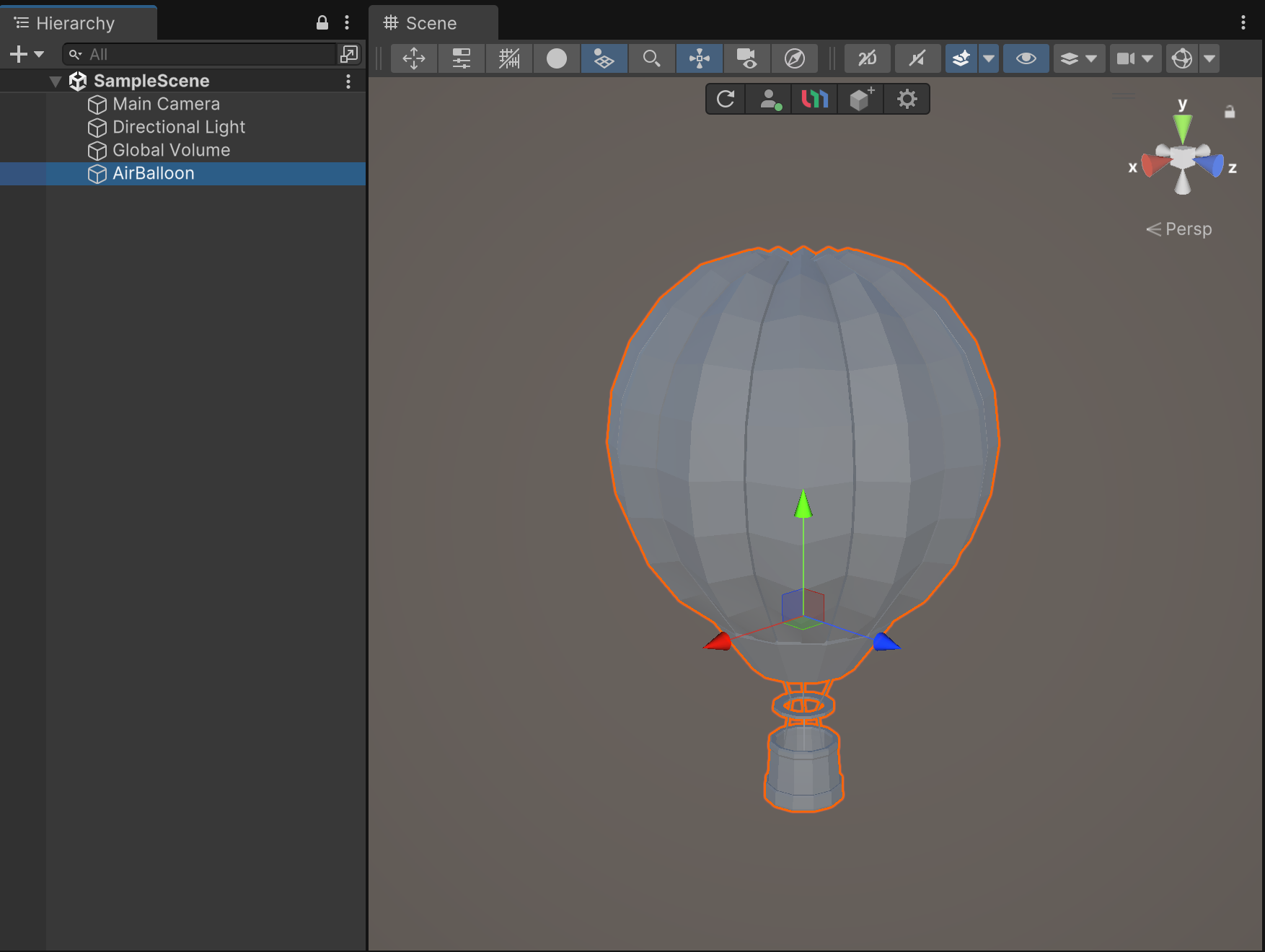
1.Select the model you want to convert from the Hierarchy tab in the Unity Editor.
2.Right-click on the selected model.
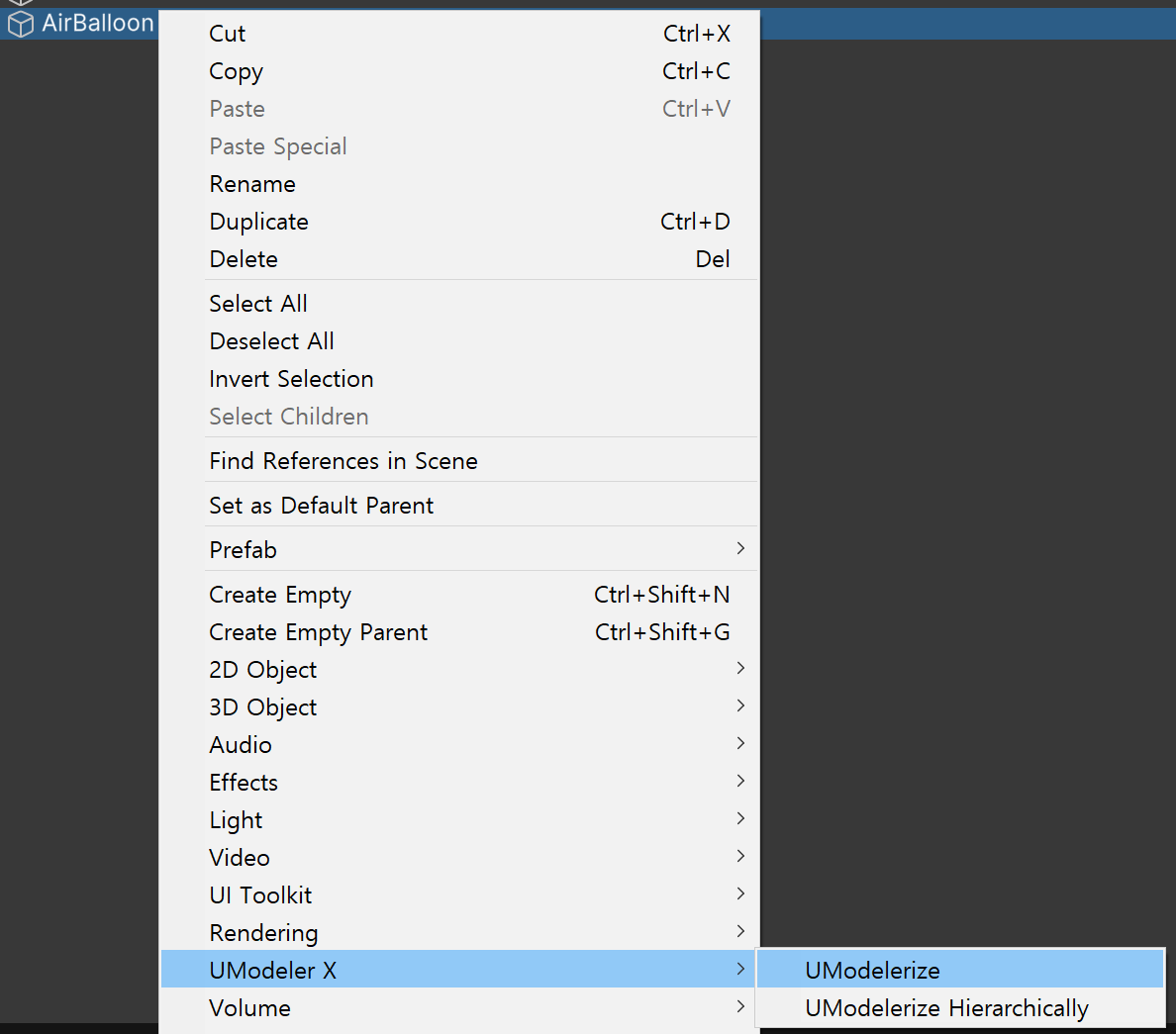
3.Select "UModeler X > UModelerize" from the menu that appears after you Right-click.
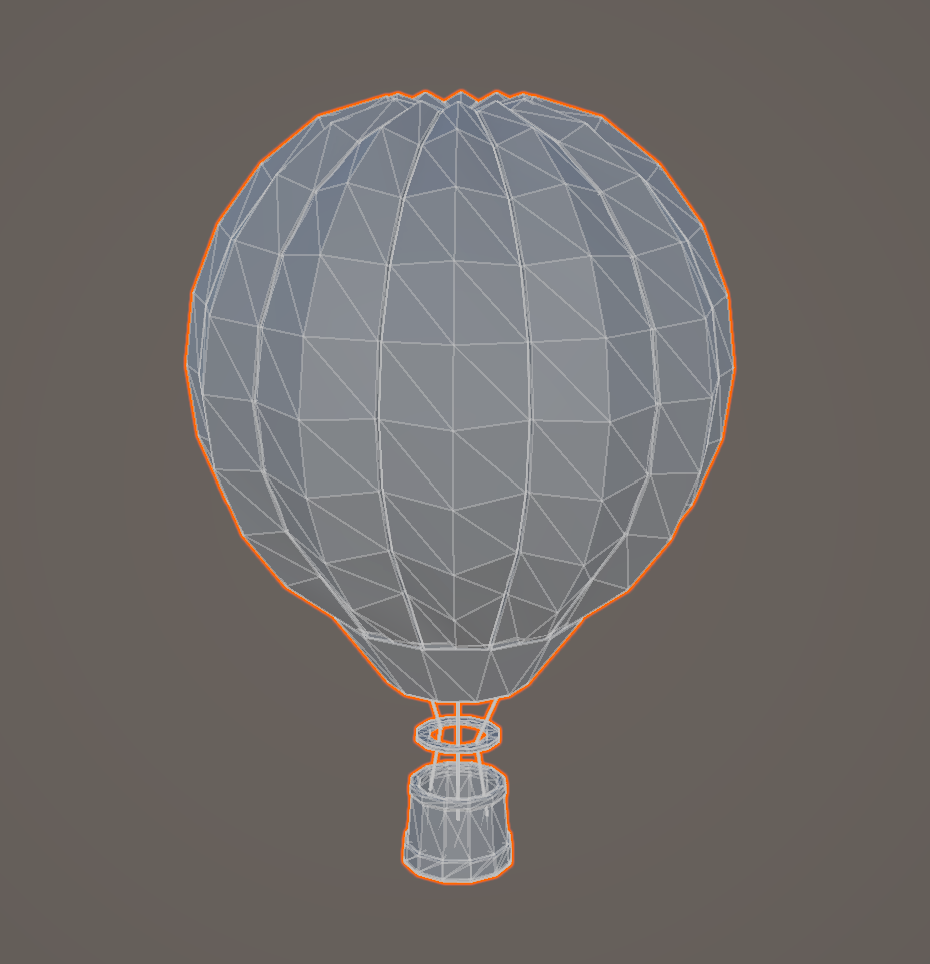
3.The selected model is converted to an editable state in UModeler X.
Types
- UModelerize: UModelerize the selected object.
- UModelerize Hierarchically: UModelerize the selected object and its child objects.
- UModelerize Merge Vertices: UModelerize the selected object and merge duplicate vertices.
- UModelerize Hierarchically Merge Vertices: UModelerize the selected object and its child objects, merging duplicate vertices.