
Export
Exports the current UModeler X mesh to a file in a specified format.
Translation in progress — showing the English version.
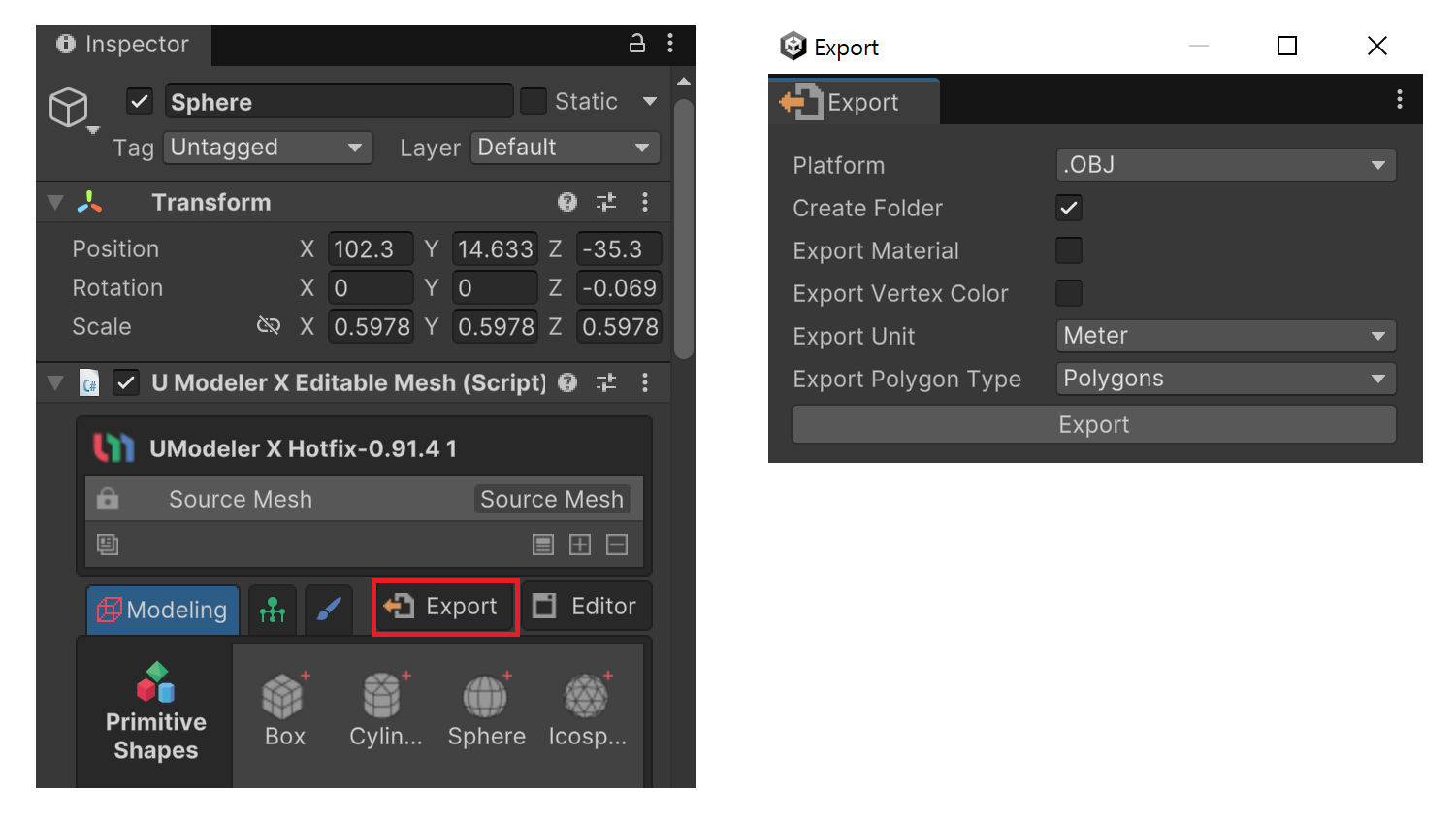
Exports the current UModeler X mesh to a file in a specified format.
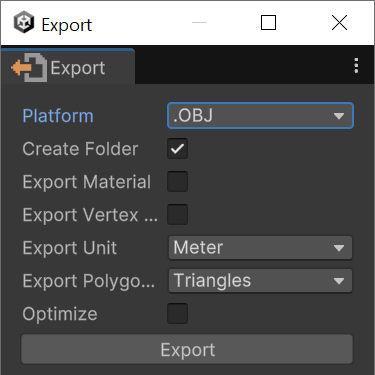
Properties about .obj.
- Create Folder: A folder will be created, and .OBJ, .STL, and .MTL files will be exported within it.
- Export Material: A material file (.MTL) will be created.
- Export Vertex Colors: Adds RGB channels to each vertex. This format may not be compatible with all programs that load .obj files.
- Export Unit: Supports
Meter,CentiMeter, andMilliMeterunits. - Export Face Type: Supports
Triangles,Quads, andPolygonsface types. - Optimize: Supported only when
Export Face Typeis set to Triangles. Minimizes redundant information during export.
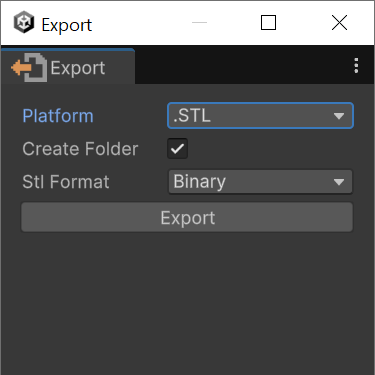
Properties about .stl.
- Create Folder: A folder will be created, and .OBJ, .STL, and .MTL files will be exported within it.
- stl Format: Supports
BinaryandAsciiformats.
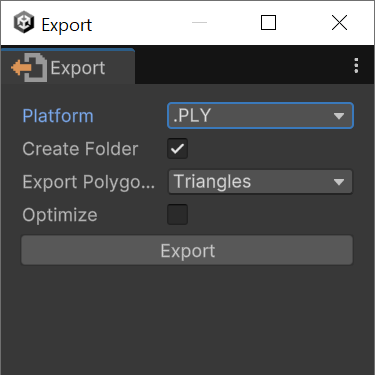
Properties about .ply
- Create Folder: A folder will be created, and .OBJ, .STL, and .MTL files will be exported within it.
- Export Face Type: Supports
Triangles,QuadsandPolygonsface types. - Optimize: Supported only when
Export Face Typeis set to Triangles. Minimizes redundant information during export.
Properties about .fbx
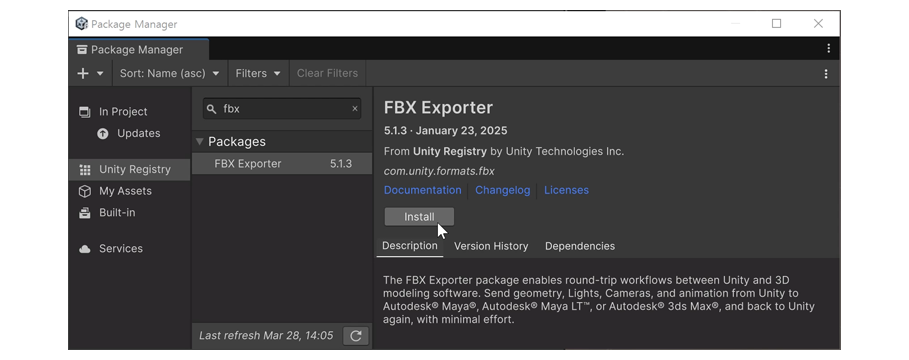
1.In the Package Manager, install the FBX Exporter.
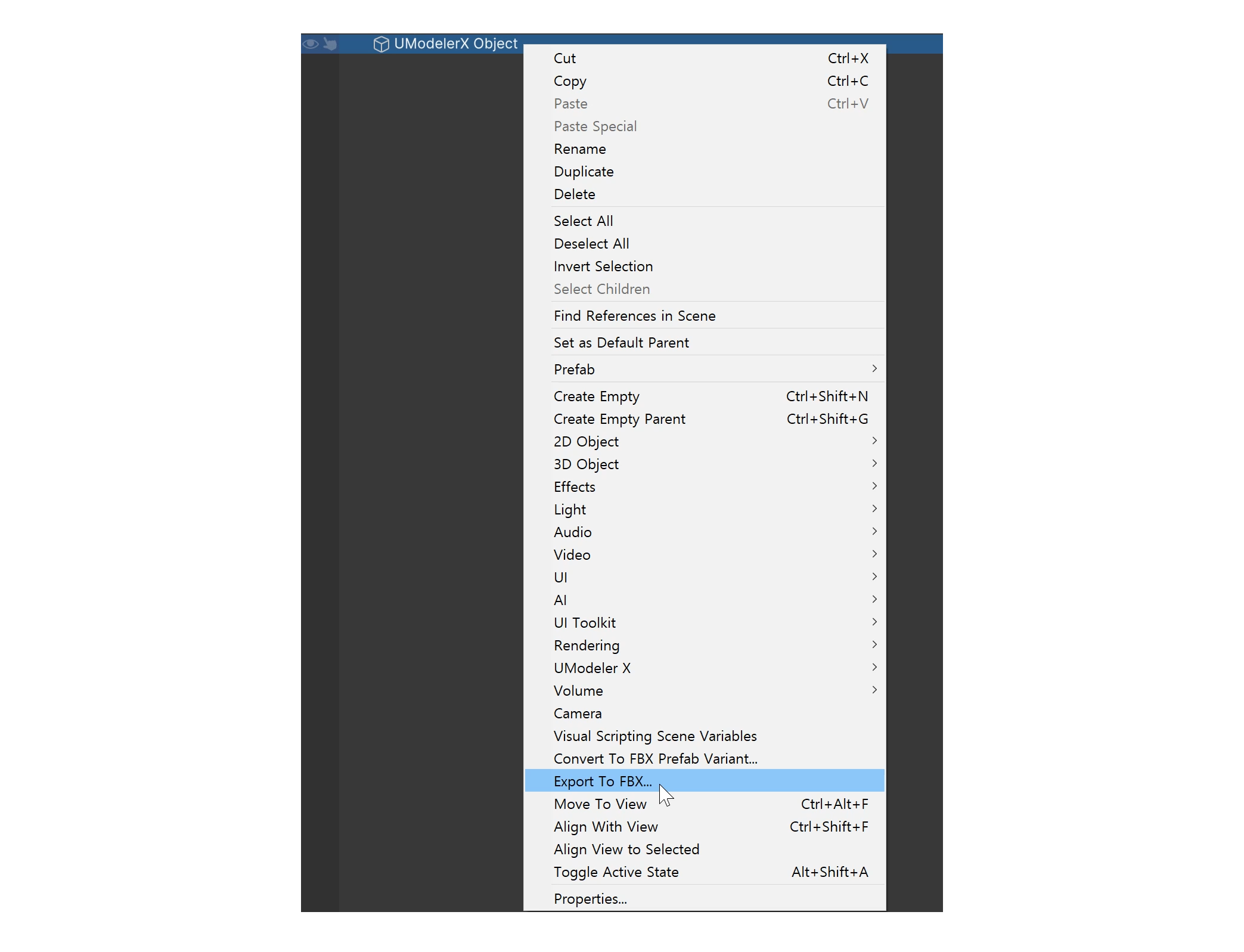
2.Select the object, then right-click and choose Export To FBX.
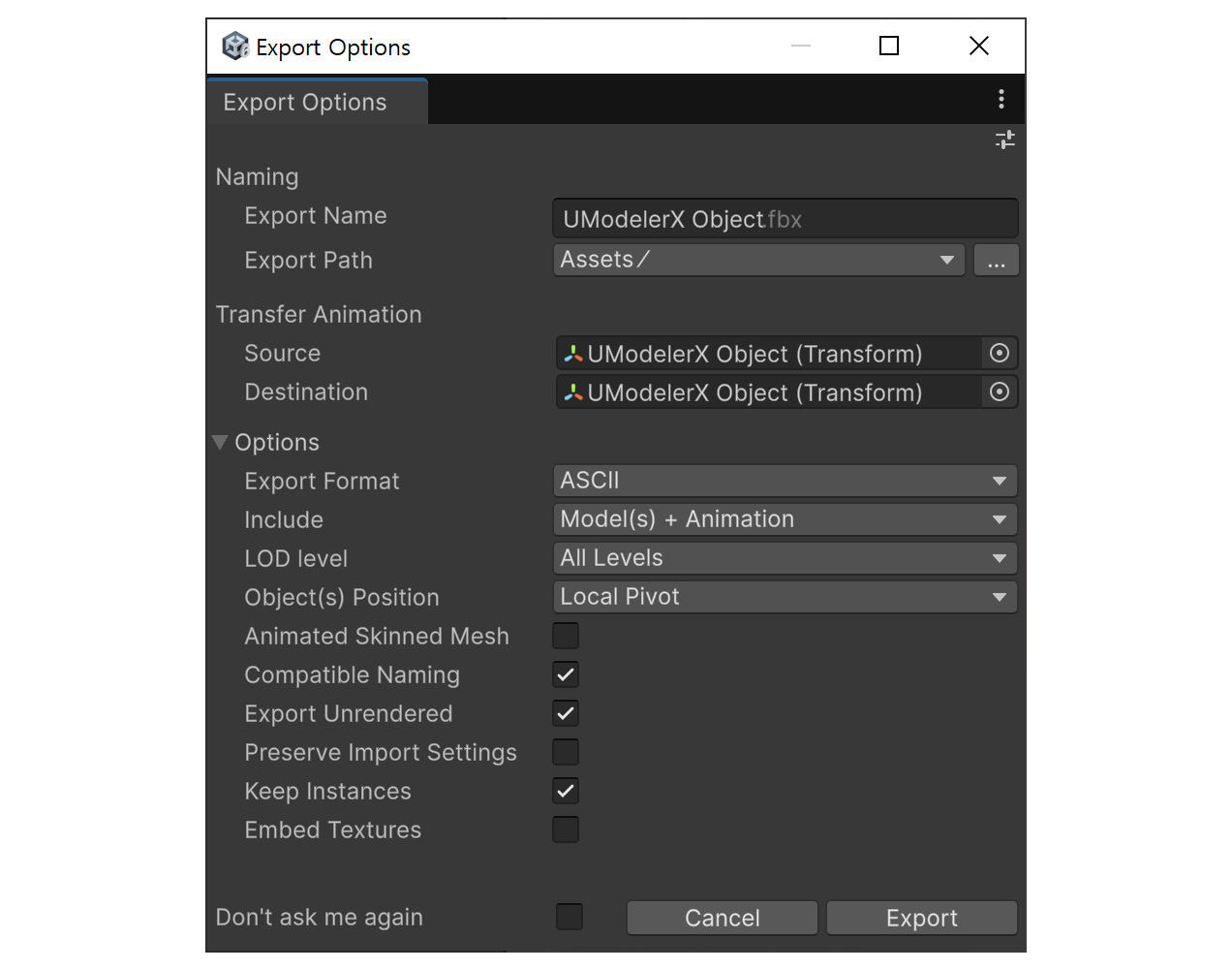
3.In the Export Options window, click Export.