Shell Modifier
The Shell modifier is a modifier that can generate thickness.
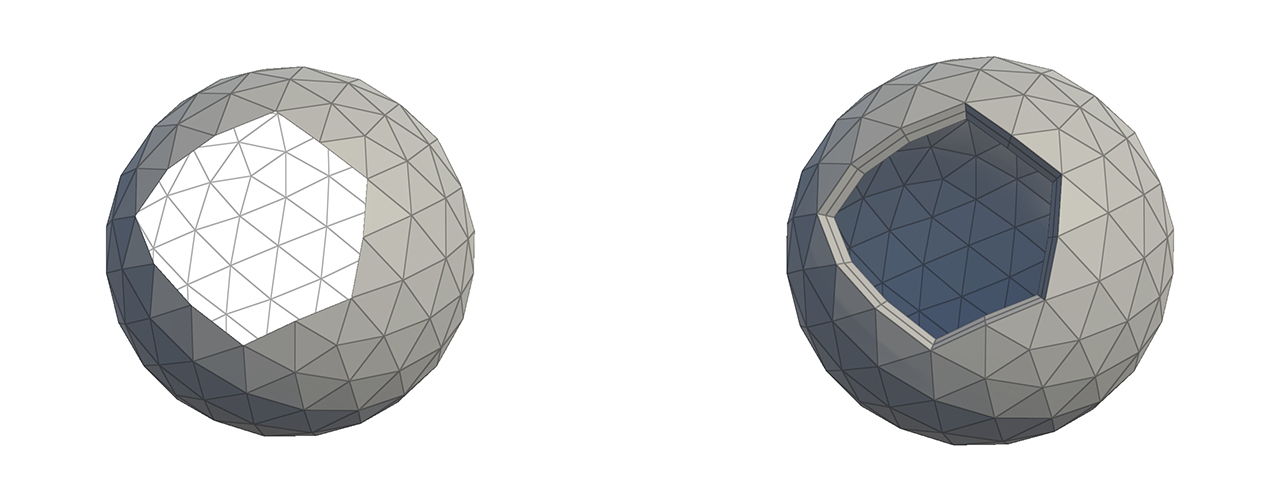
The Shell modifier is a modifier that can generate thickness. You can generate thickness by expanding or contracting the original mesh in the normal direction, and you can also add a face to the cross-section of the generated thickness.
How to Use

1.Press the Add Modifier button.
2.Select the Shell Modifier.
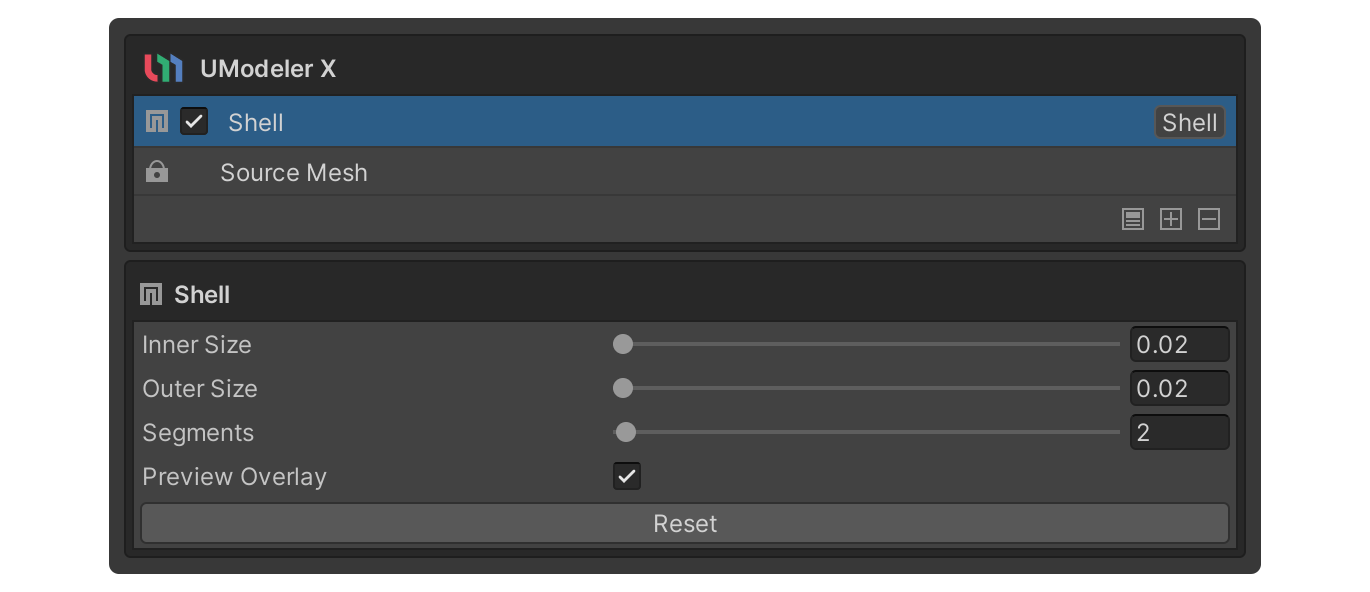
3.Change the Inner Size property or Outer Size property.
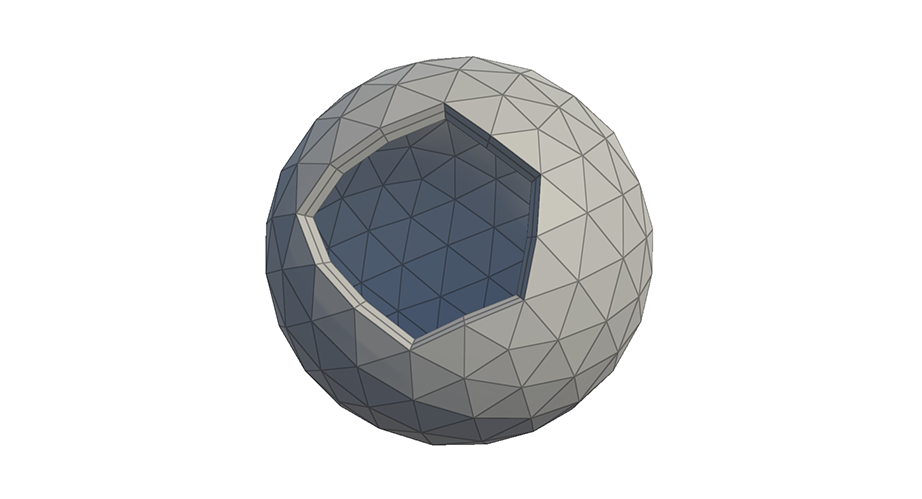
4.the thickness has been created.
Properties
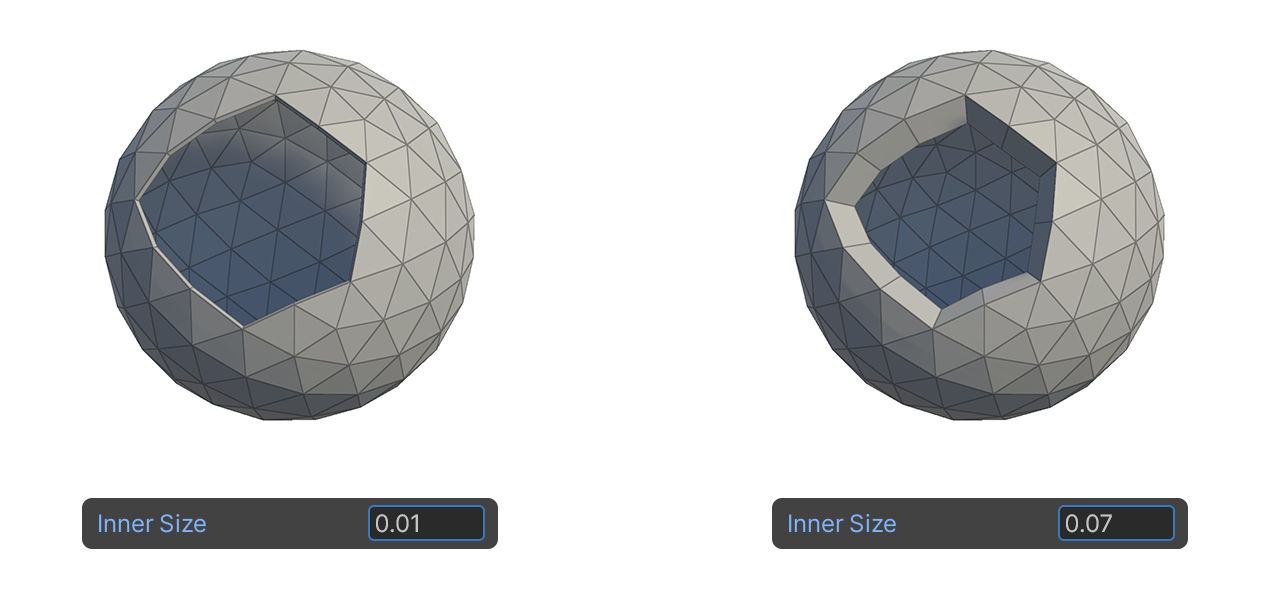
Inner Size
The separation distance of the faces facing inward, the opposite direction of the normal direction.
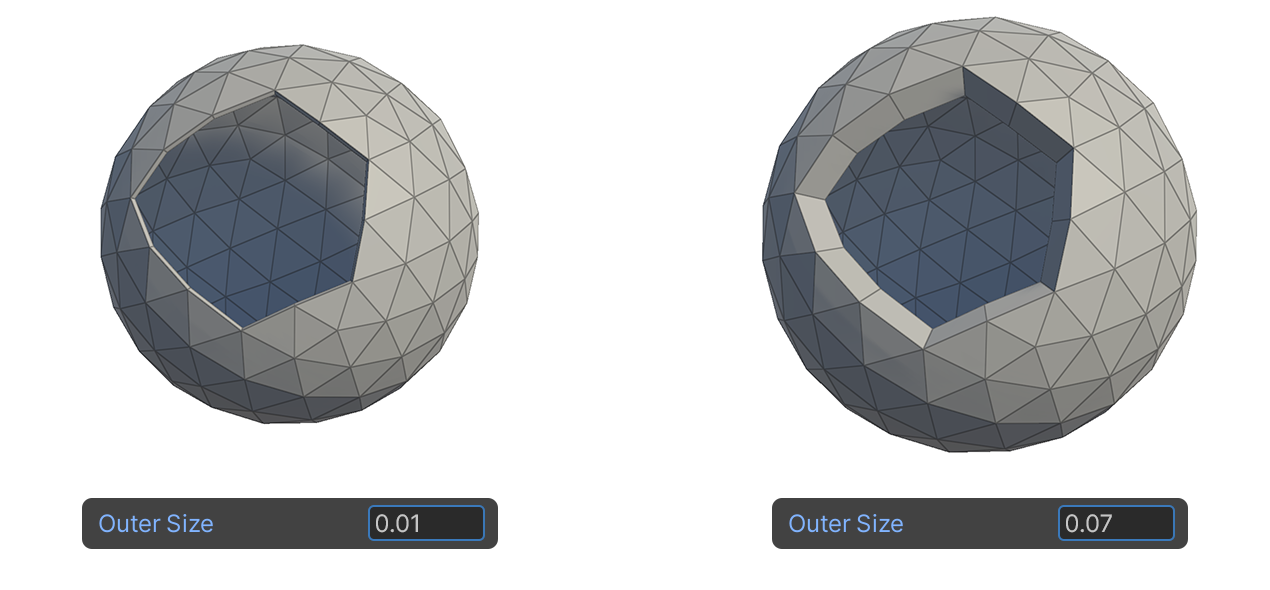
Outer Size
The separation distance of the faces facing the outward direction from the normal direction.
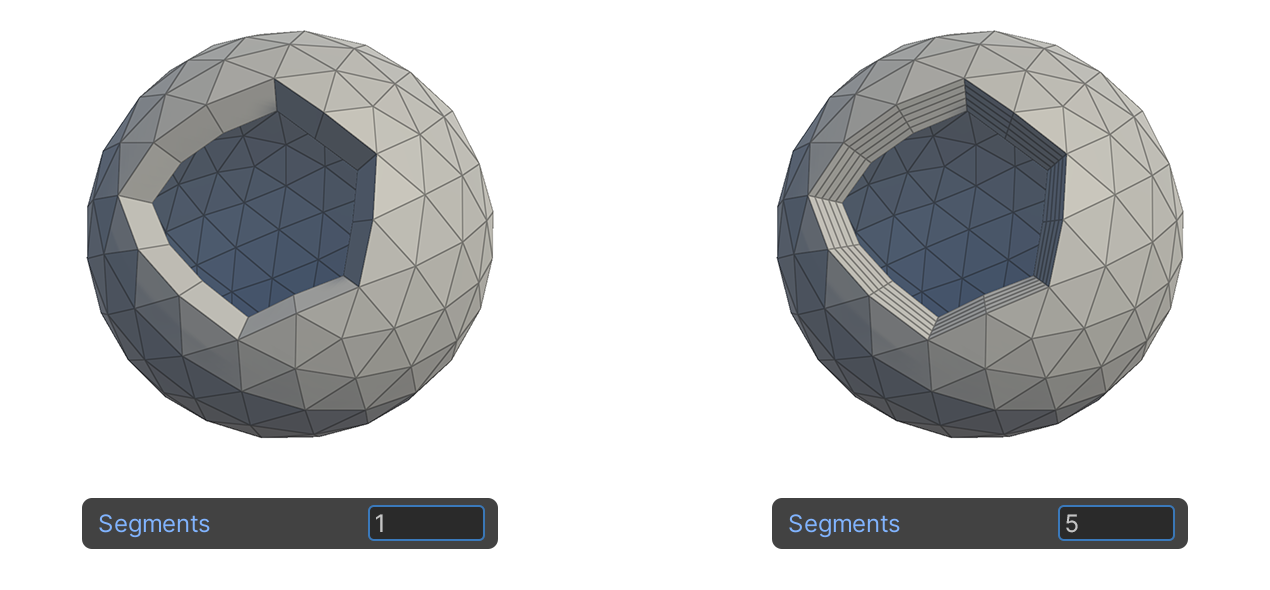
Segments
A property used to divide the generated faces in cross-sections of the thickness.
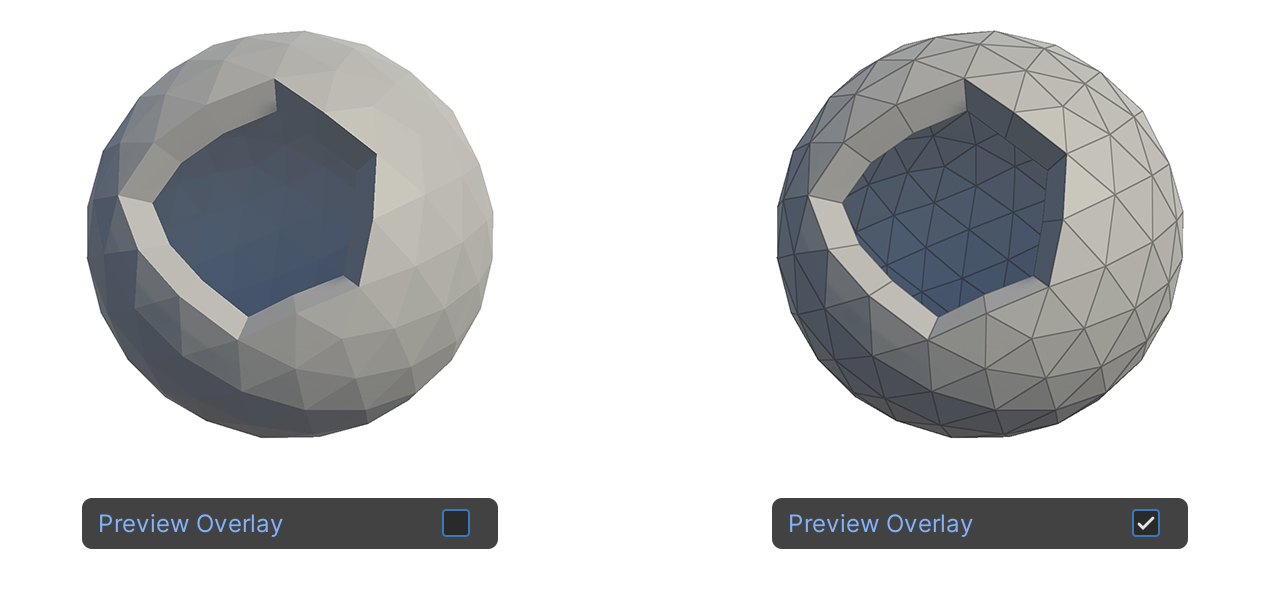
Preview Overlay
A property that allows you to see the wireframe result of the modifier, so you can see the current state of the element.