
Transform Tool
Translation in progress — showing the English version.
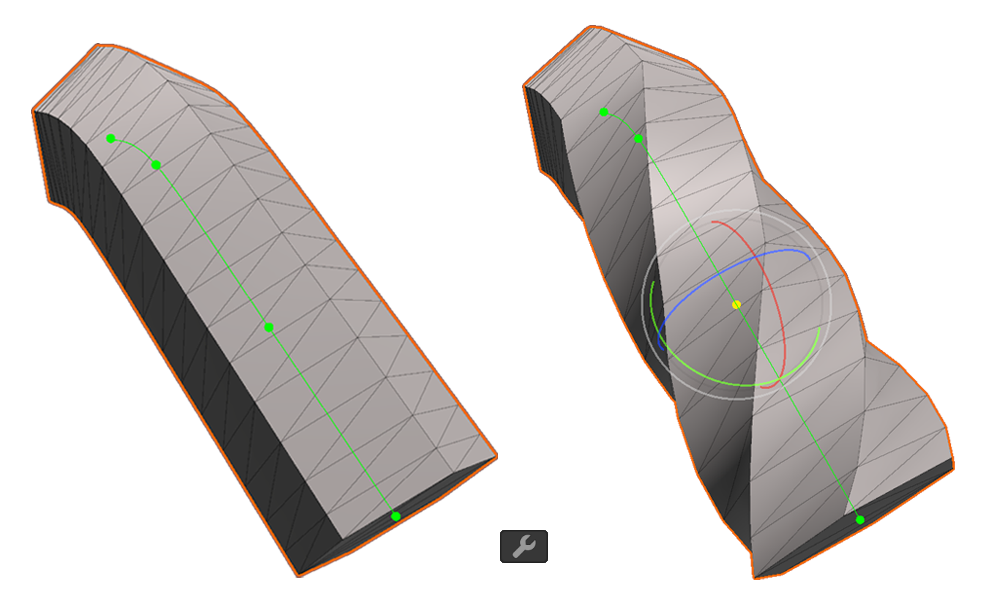
The Transform Tool is a feature that lets you edit the position, rotation, and scale of points on a CurveMesh.
You can select this tool using the button in the top toolbar or by pressing the shortcut Shift + 3.
Property
World Space
The position values are displayed in world coordinates.
Position
Represents the point's location.
Rotation
Represents the point's rotation, based on the point's forward direction.
Scale
Represents the point's size, based on the point's vertical and horizontal directions.