
Flip Center Tool
The Flip Center Tool in the UV Editor is a tool that flips the position up and down and left and right relative to the center of the selected UV element, resulting in a diagonal flip.
Translation in progress — showing the English version.
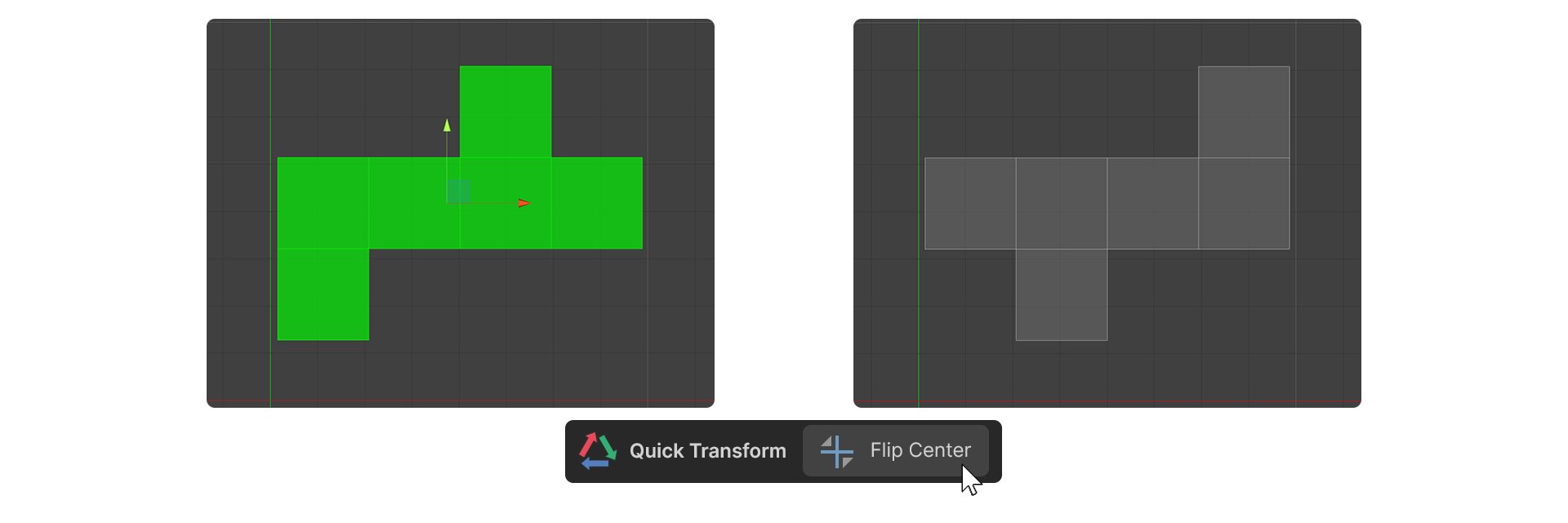
The Flip Center Tool in the UV Editor is a tool that flips the position up and down and left and right relative to the center of the selected UV element, resulting in a diagonal flip.
If the UV Editor's cursor is active, it will center flip the position of the cursor.
How to Use
- select a UV element.
- Run the Flip Center Tool.
- The selected UV element is centered flipped.