
Fit Tool
The Fit tool in the UV Editor is a tool that places UVs to fit in the texture space while maintaining the distance and size between selected UVs.
Translation in progress — showing the English version.
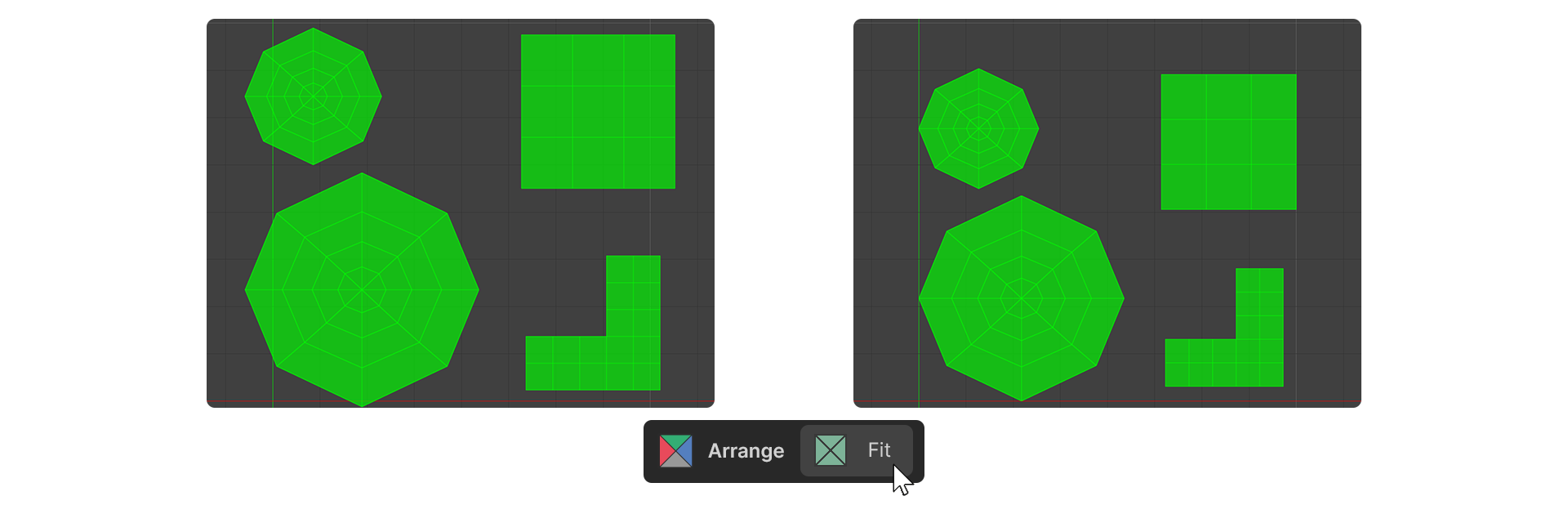
The Fit tool in the UV Editor is a tool that places UVs to fit in the texture space while maintaining the distance and size between selected UVs.
How to Use
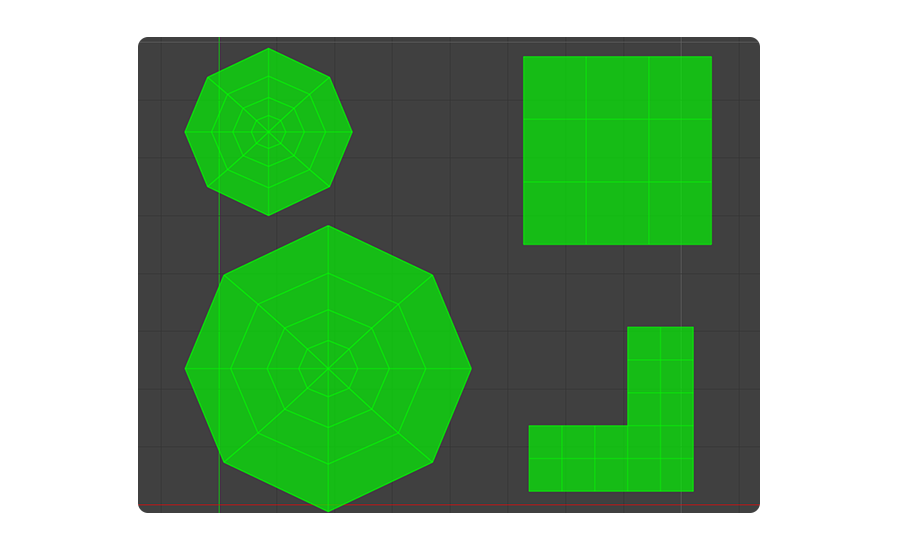
1.Select the UVs you want to put in the texture space.
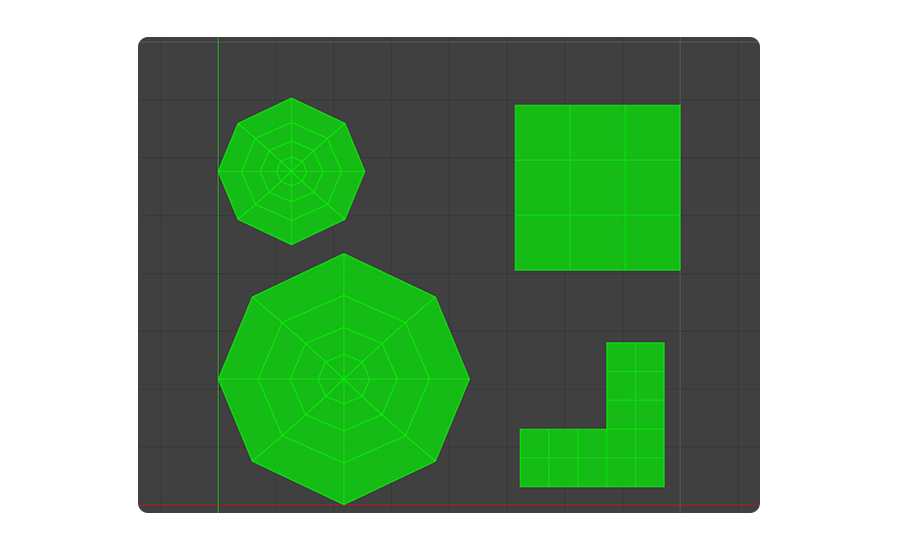
2.Run the Fit Tool.
3.The selected UVs have been placed in the texture space.
Properties
Margine
Sets a global margin applied to the entire UV layout.