
Group Layer
A container layer that manages multiple layers as a single unit.
Translation in progress — showing the English version.
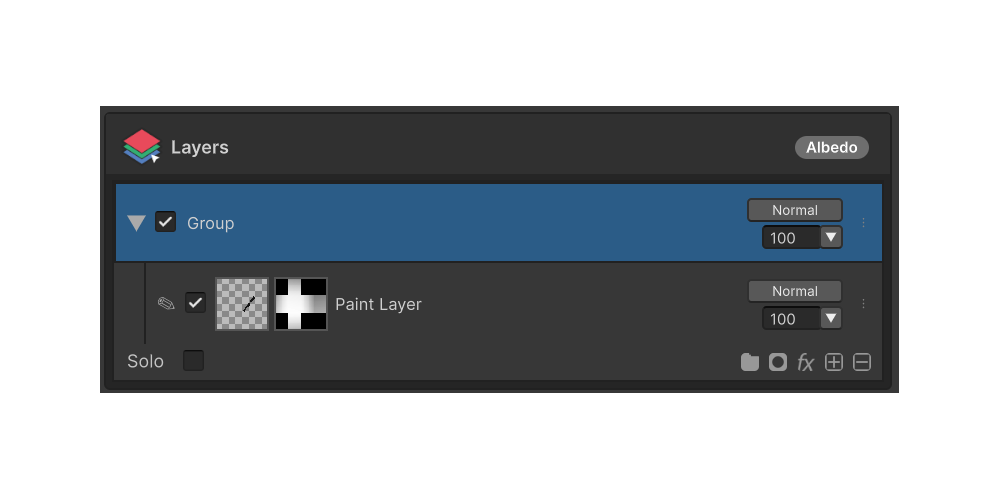
A Group layer is a container that bundles multiple layers and manages them as a single unit. The group's visibility, blend mode, opacity, and mask apply to every child layer at once.
How to use
- Click the Group button on the layer panel's status bar.
- Pick Add Group from the context menu.
- An empty Group layer is added at the current selection. Drag other layers onto it to make them children.
Menu Items
The Group button on the status bar opens a context menu with these items:
Add Group
Adds a new empty Group layer. Always available.
Ungroup
Dissolves the selected Group layer and promotes its children up one level. Only available when a Group layer is selected.
Merge Group
Merges the Group's children into a single Paint layer, baking in each child's blend mode and opacity. Only available when a Group layer is selected.