Torus Tool
The Torus tool is a tool for creating shapes that are rings.
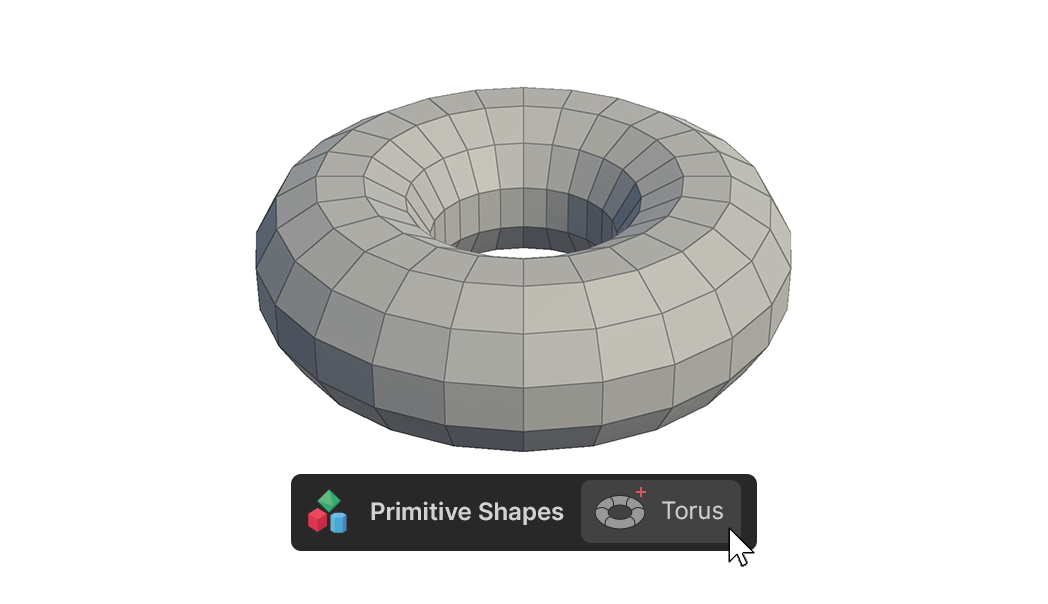
The Torus tool is a tool for creating shapes that are rings.
How to use
The basic shape creation tools in the Primitive Shapes group can create shapes in two ways.
1.click-drag to create, edit
2.Create and edit using One Click Build
Create and edit by clicking and dragging
1.Select Torus Tools.
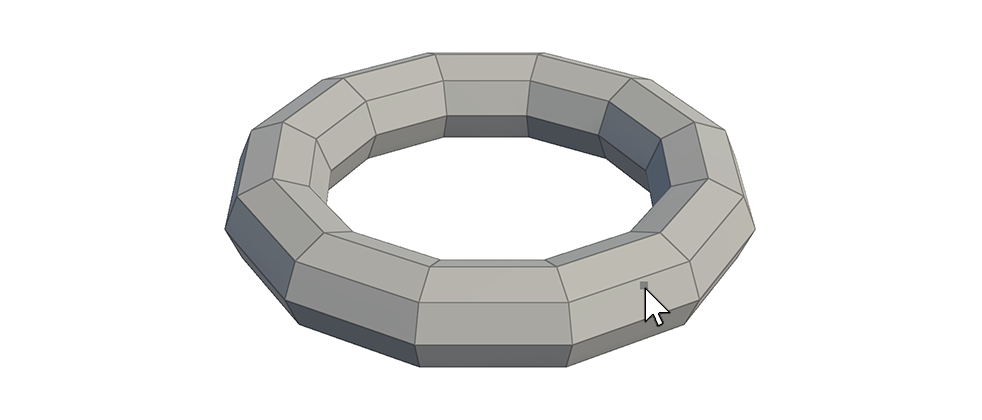
2.Click and drag the mouse in the scene to create a shape with the desired radius size.
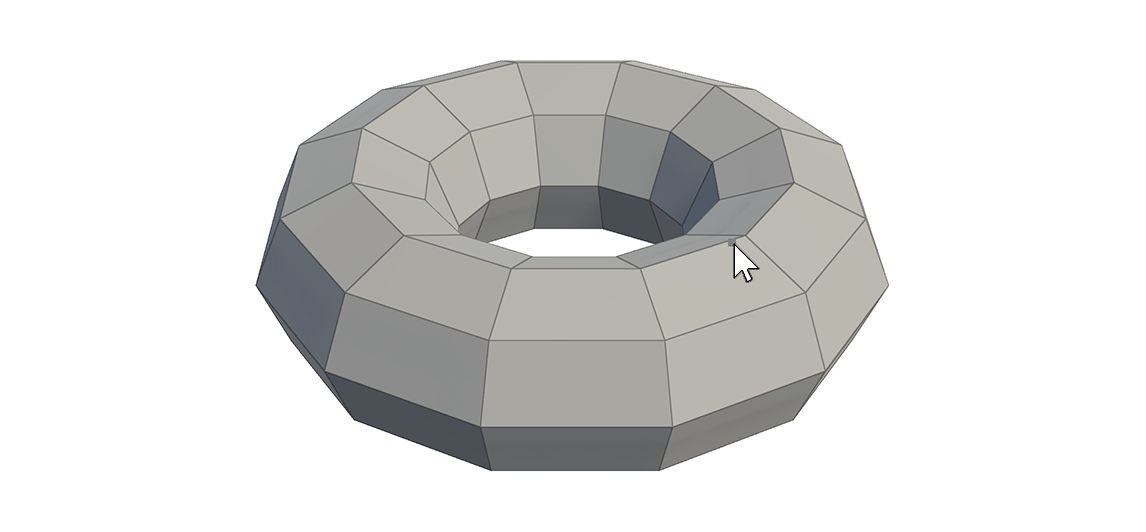
3.Once the shape is created at the desired size, release the Click and move the mouse up and down to create a mesh at the desired thickness.
4.When the desired thickness is reached, Click again to finish creating the mesh.
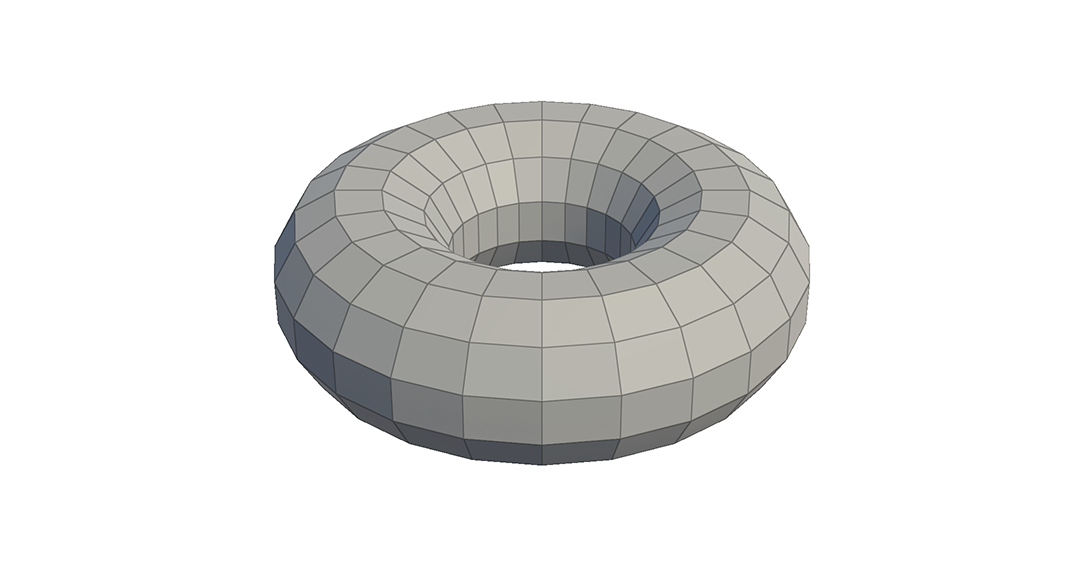
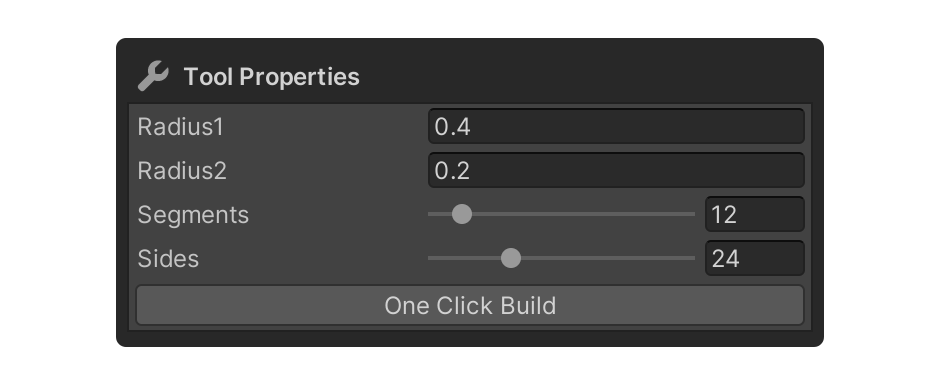
5.Adjust the Torus tool's properties and select the element, or press another tool to finish.
One Click Build and Edit via Properties
1.Select a Torus tool.
2.Enter the desired values in the Torus tool's properties.

3.Press the One Click Build button to add the shape to the scene.
4.Make any additional adjustments to the Torus tool's properties and select the element, or use another tool to finish.
Properties
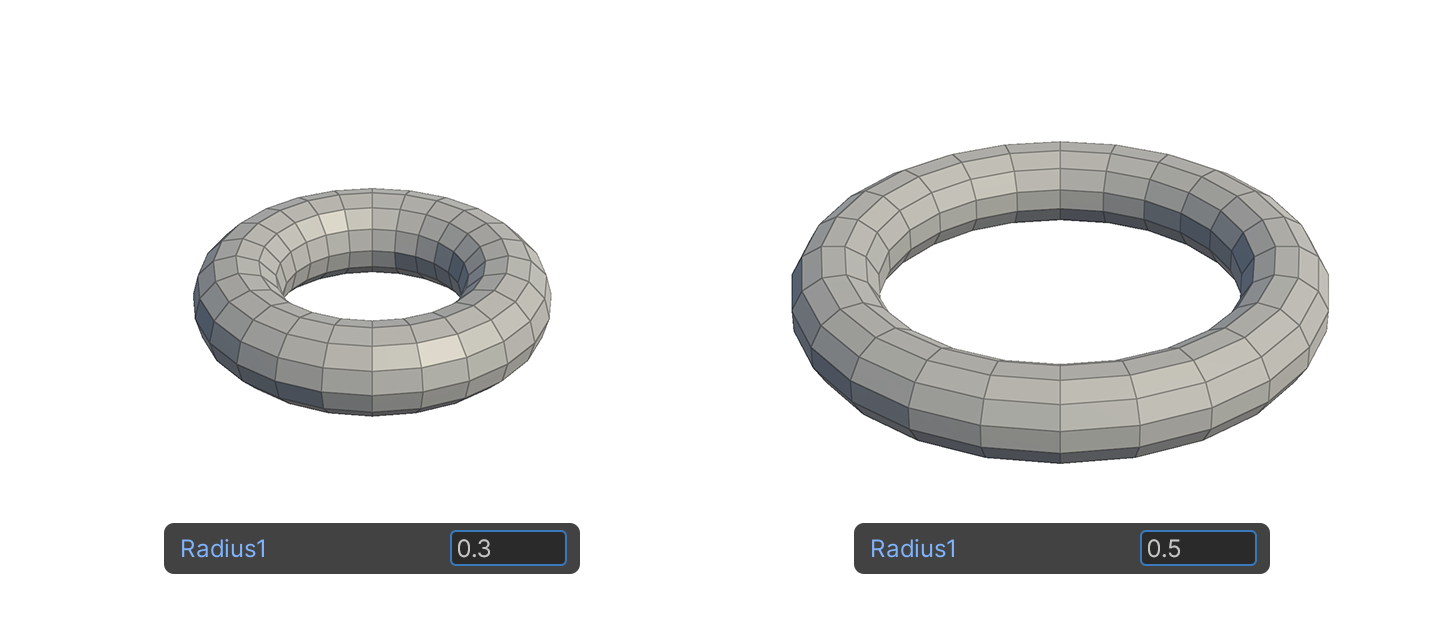
Radius1
This property sets the radius size of the shape being created, relative to its center.
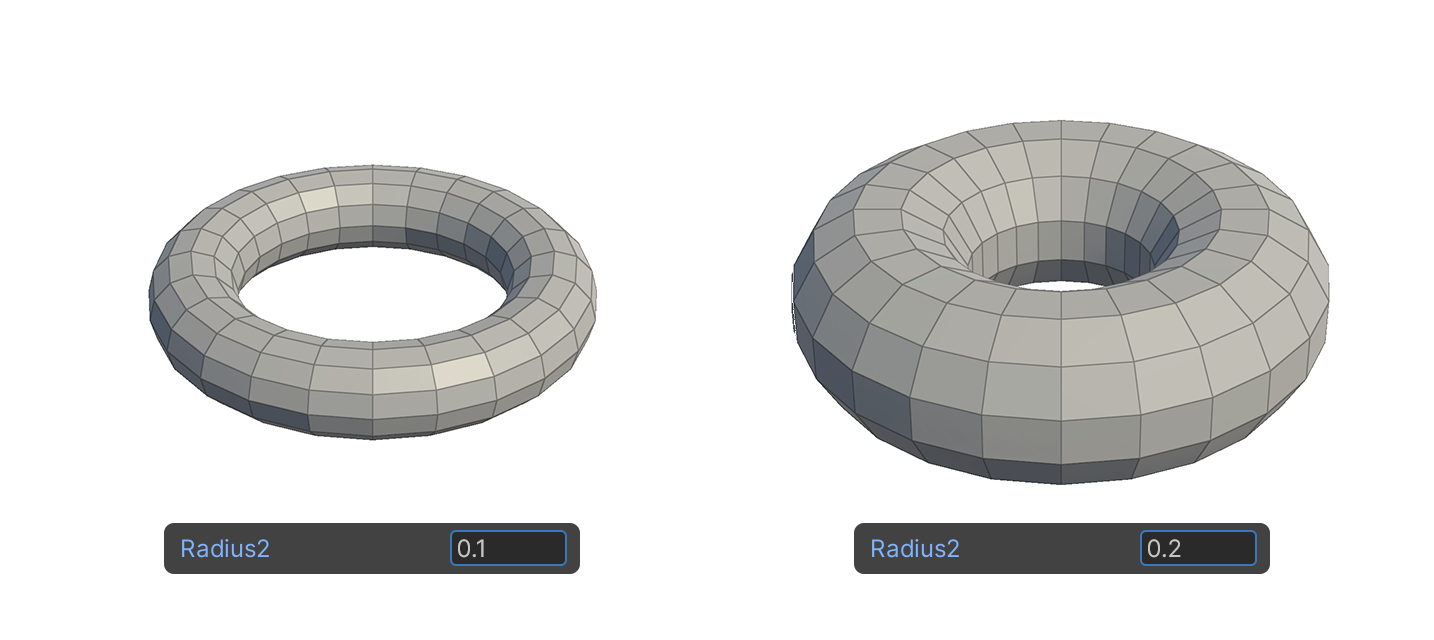
Radius2
Property that sets the radius size for the thickness of the generated shape.
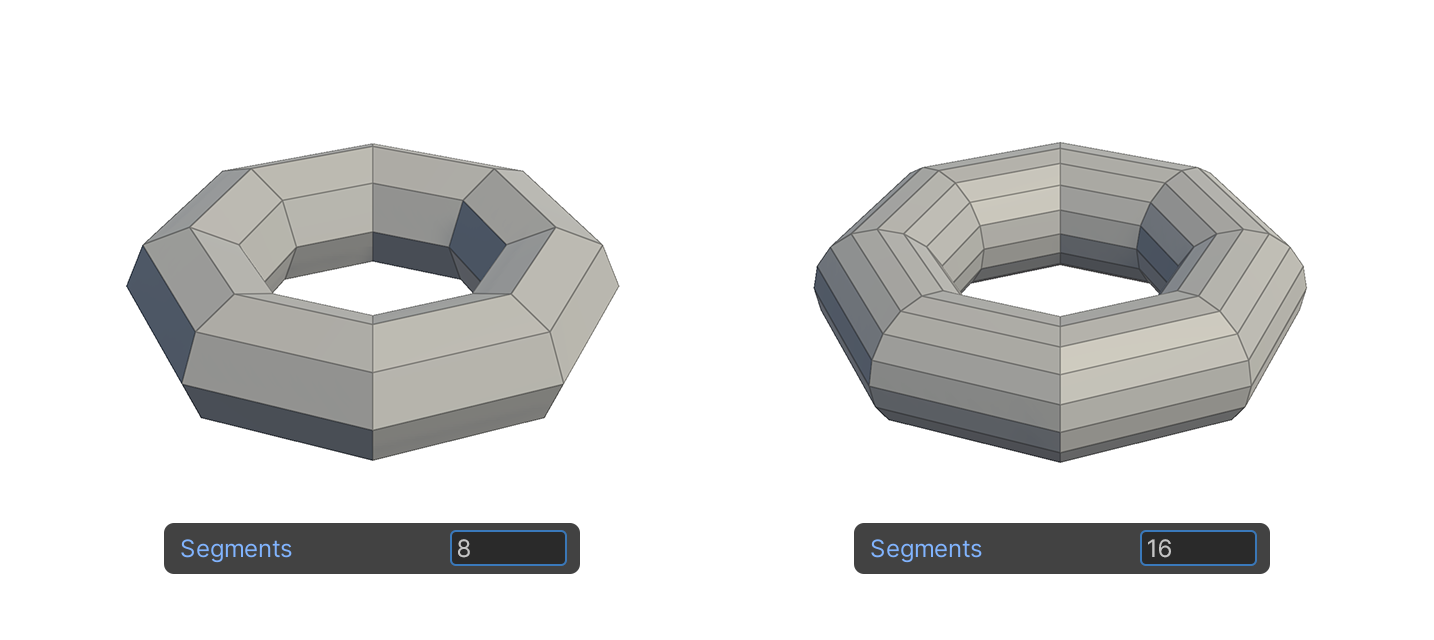
Segments
Property that sets the number of surface segments of the circle that are sections of the generated shape.
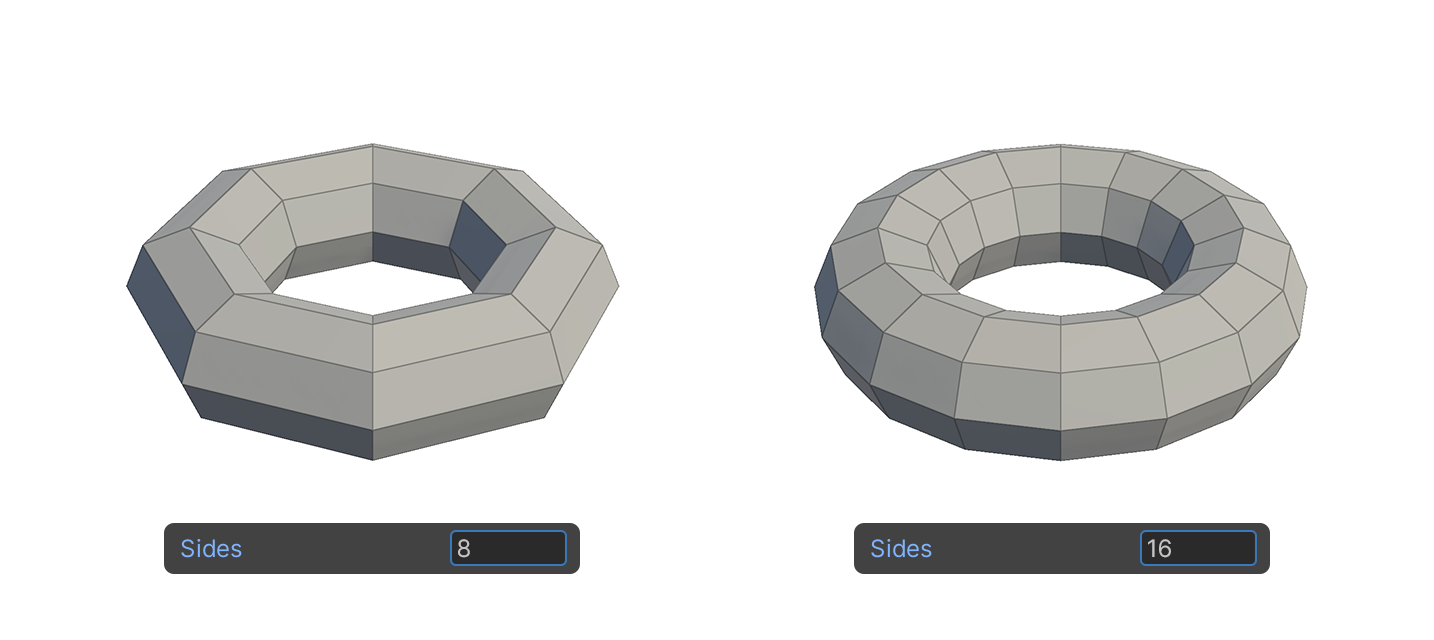
Sides
Property that sets the number of surface segments around the perimeter of the ring of the generated shape.