Icosphere Tool
The Icosphere Tool is a tool that creates a sphere of triangles.
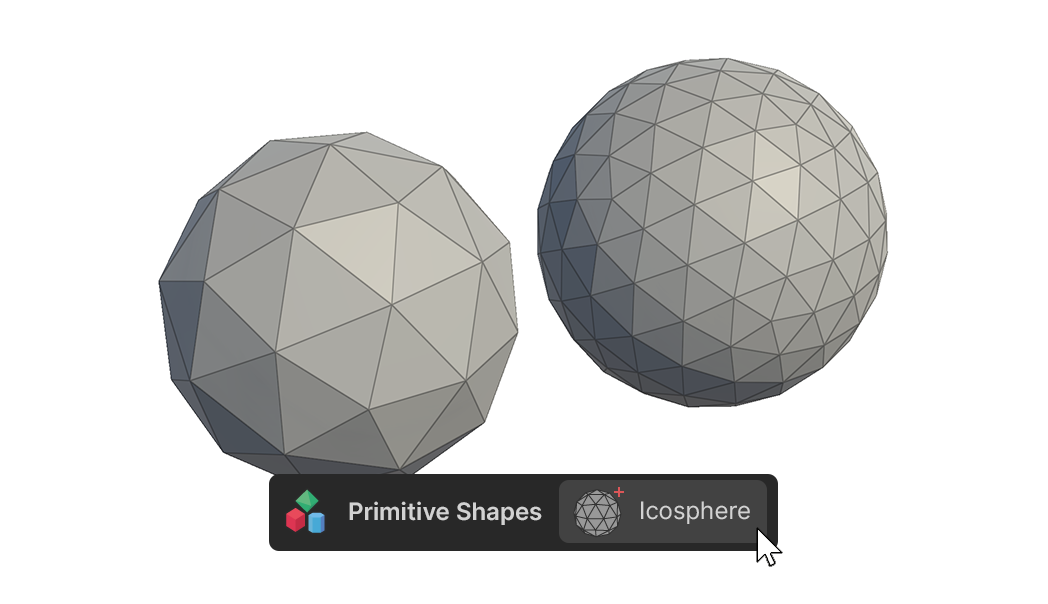
The Icosphere Tool is a tool that creates a sphere of triangles.
How to use
The basic shape creation tools in the Primitive Shapes Group can create shapes in two ways.
1.Click-Drag to create, edit
2.Create and edit using One Click Build
Create and edit by clicking and dragging
1.Select the Icosphere Tool.
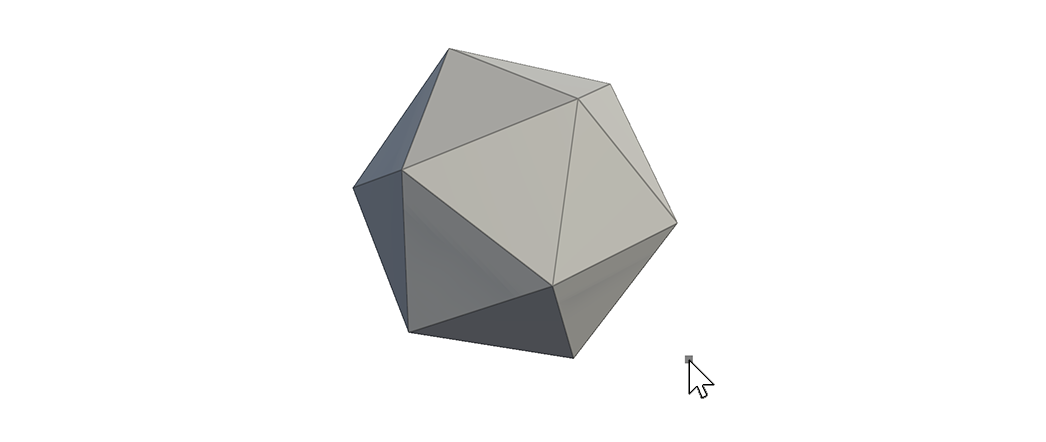
2.Click and drag the mouse in the scene to create a sphere of the desired size.
3.When it is the desired size, release the click to finish creating the mesh.
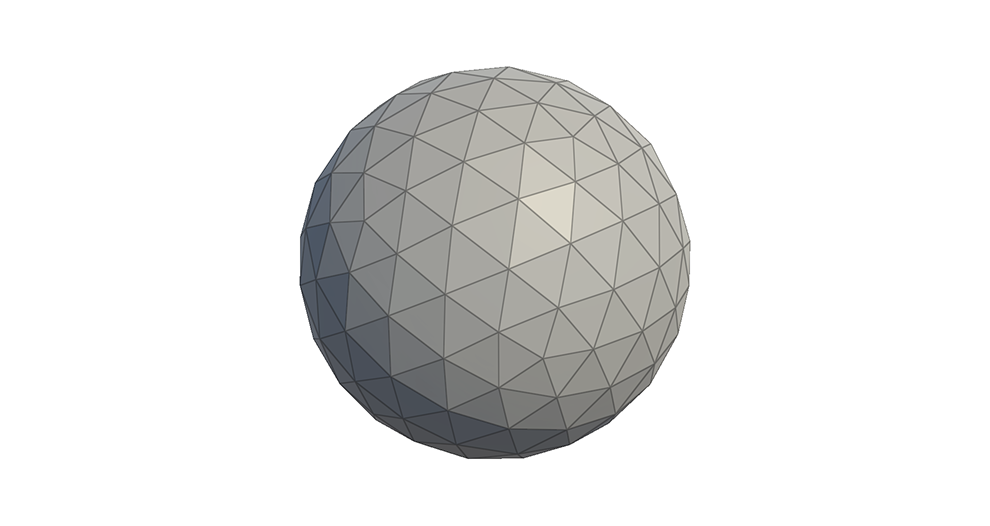
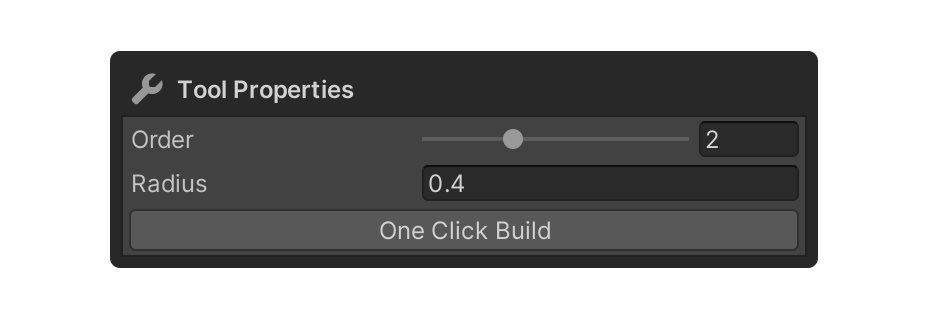
4.Adjust the properties of the Cosmos tool and select the element, or press another tool to finish.
One Click Build and Edit via Properties
1.Select the Icosphere tool.
2.Enter the desired values in the Icosphere Tool's properties.

3.Press the One Click Build button to add a shape to the scene.
4.Adjust any additional properties of the Cosphere tool and select the element, or use another tool to finish.
Properties
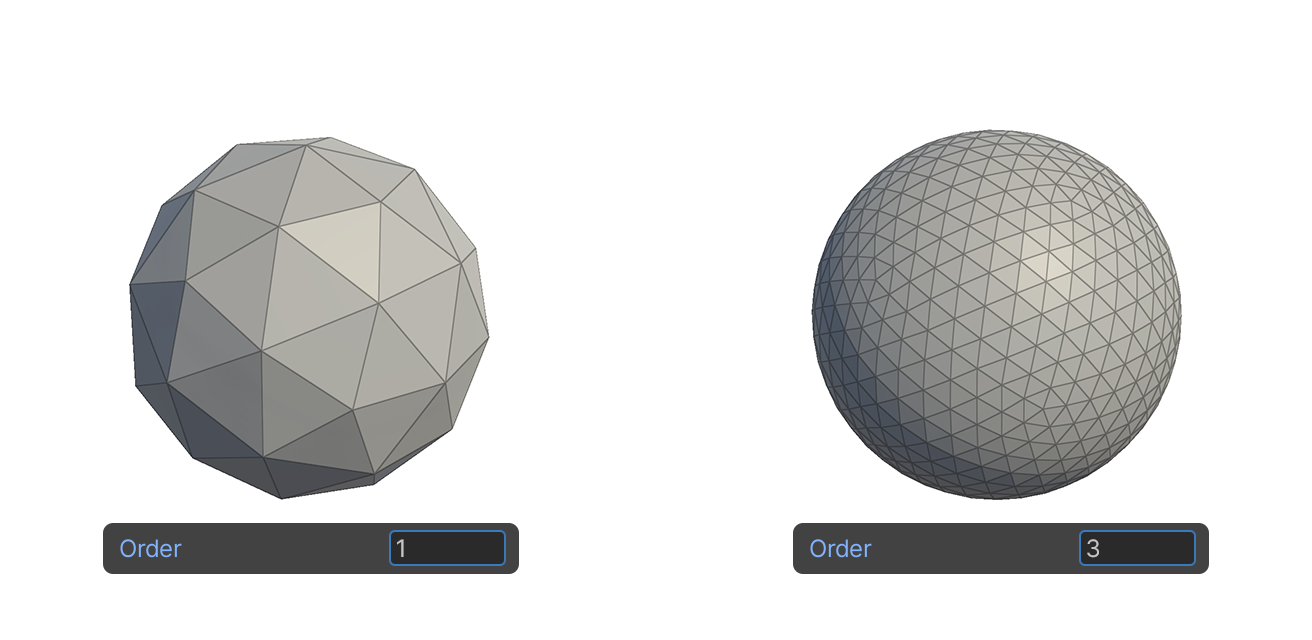
Order
This property sets the number of triangle divisions of the sphere being created.
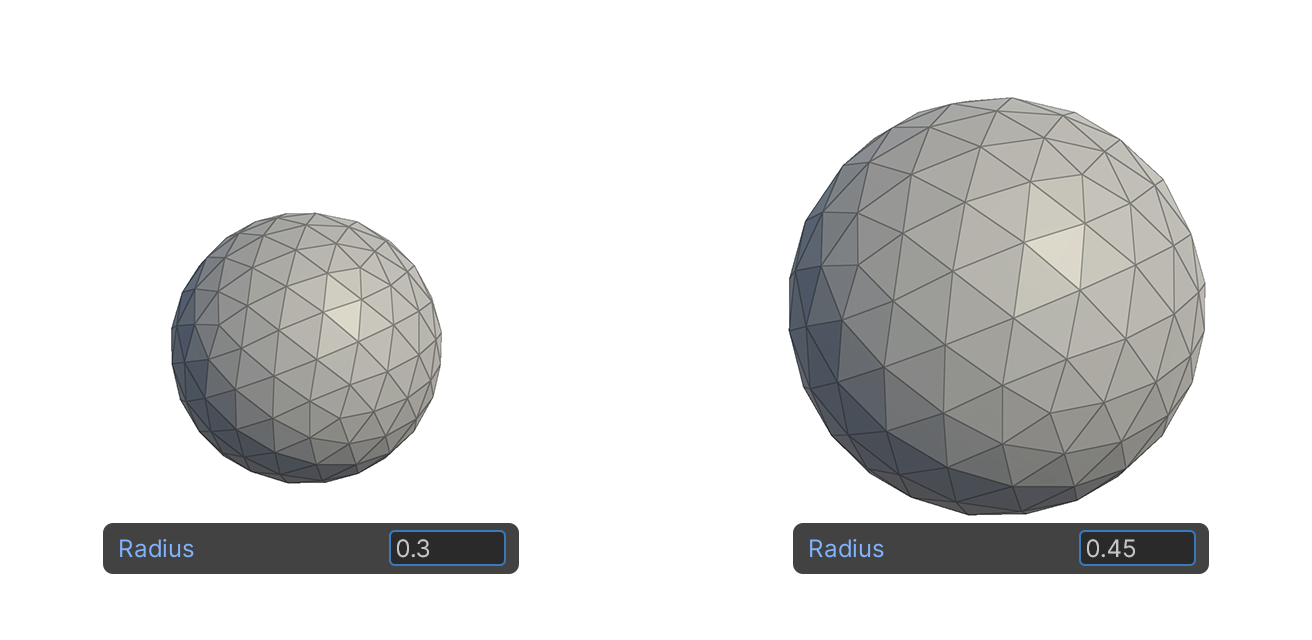
Radius
Property that sets the radius size of the generated sphere.