
Material Tool
The Material tool in the Multiple Objects group is a tool that allows you to set a single material on multiple objects, or reset them to the UModelerX default material.
Translation in progress — showing the English version.
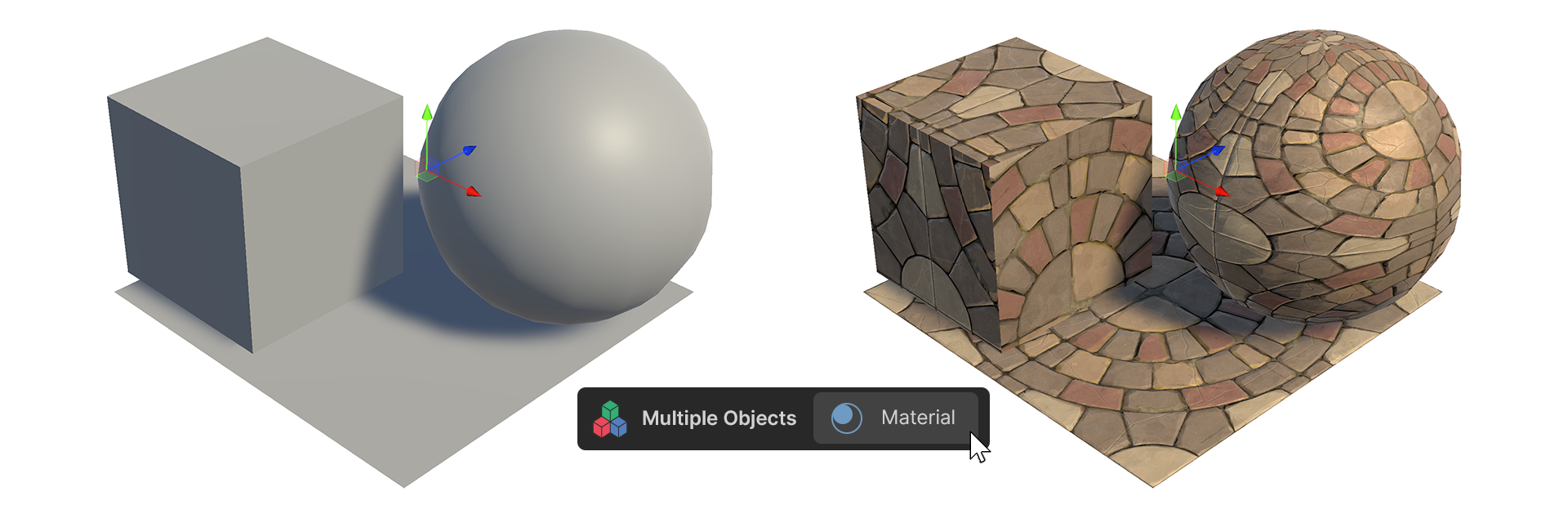
The Material tool in the Multiple Objects group is a tool that allows you to set a single material on multiple objects, or reset them to the UModelerX default material.
Material Tool
How to Use
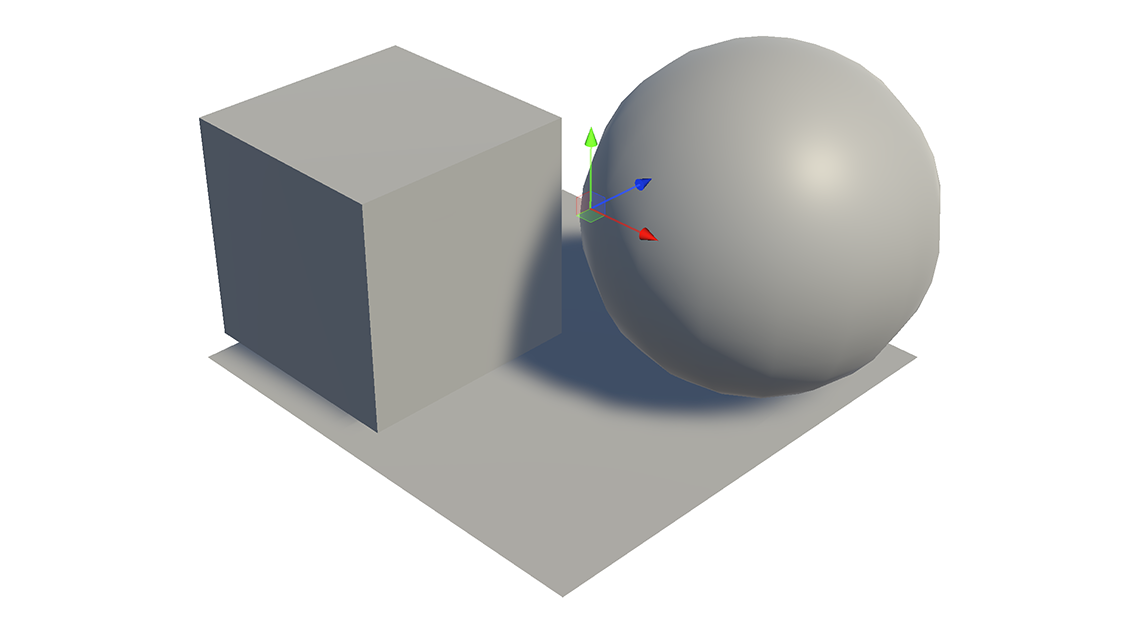
1.Select Multiple UModeler X objects.
2.Launch the Material Tool.
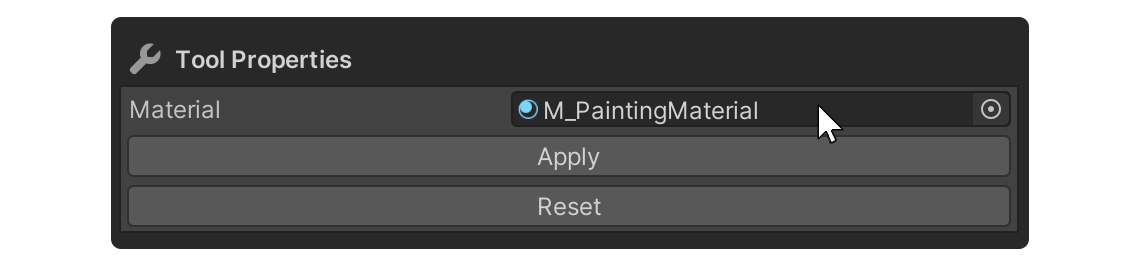
3.Select the Material to apply to the Material Properties.
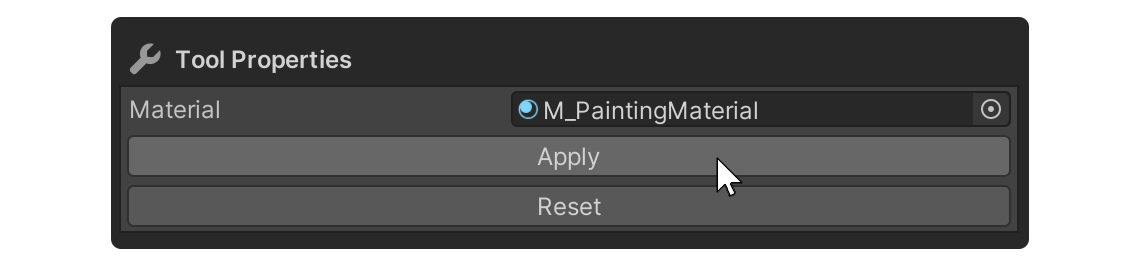
4.Run the Apply Property.
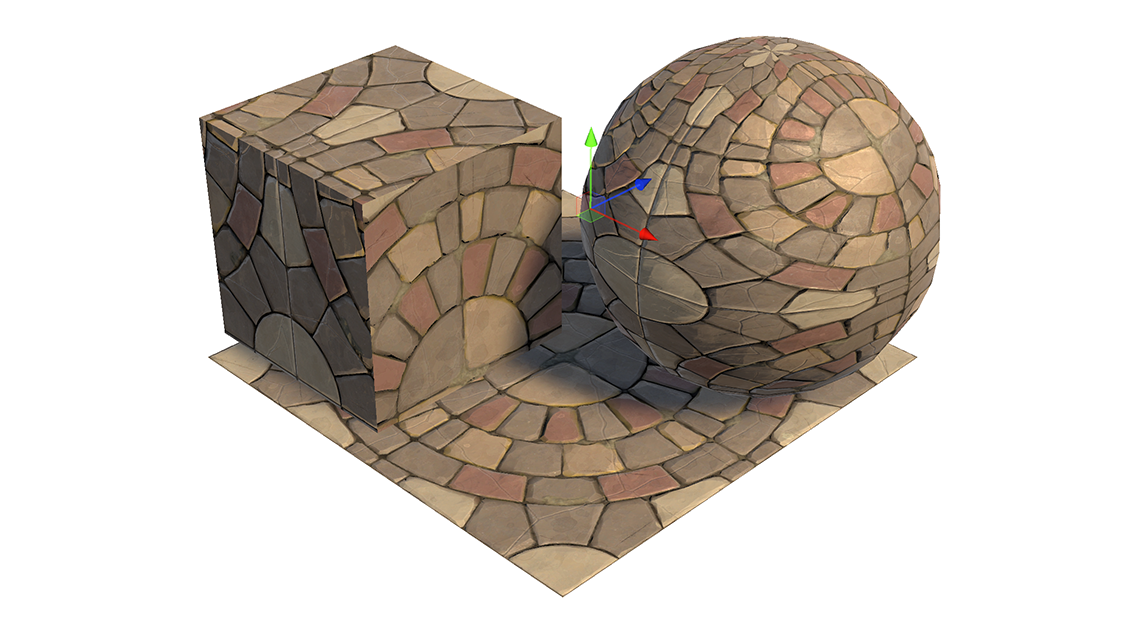
5.The Material has been applied to the selected objects in bulk.
Properties
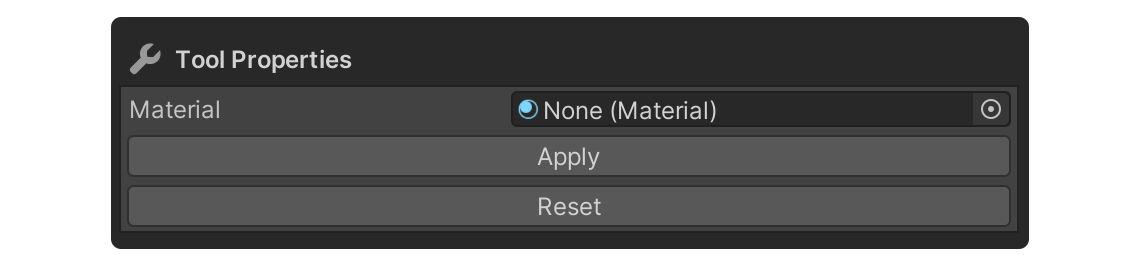
Material
Property to select the desired material.
Apply
Property that applies the selected material to the object.
Reset
This property resets the selected object's material to the UModeler X default material.