
Align Selection Tool
The Multi Align Tool is a tool that aligns two selected objects based on their pivots.
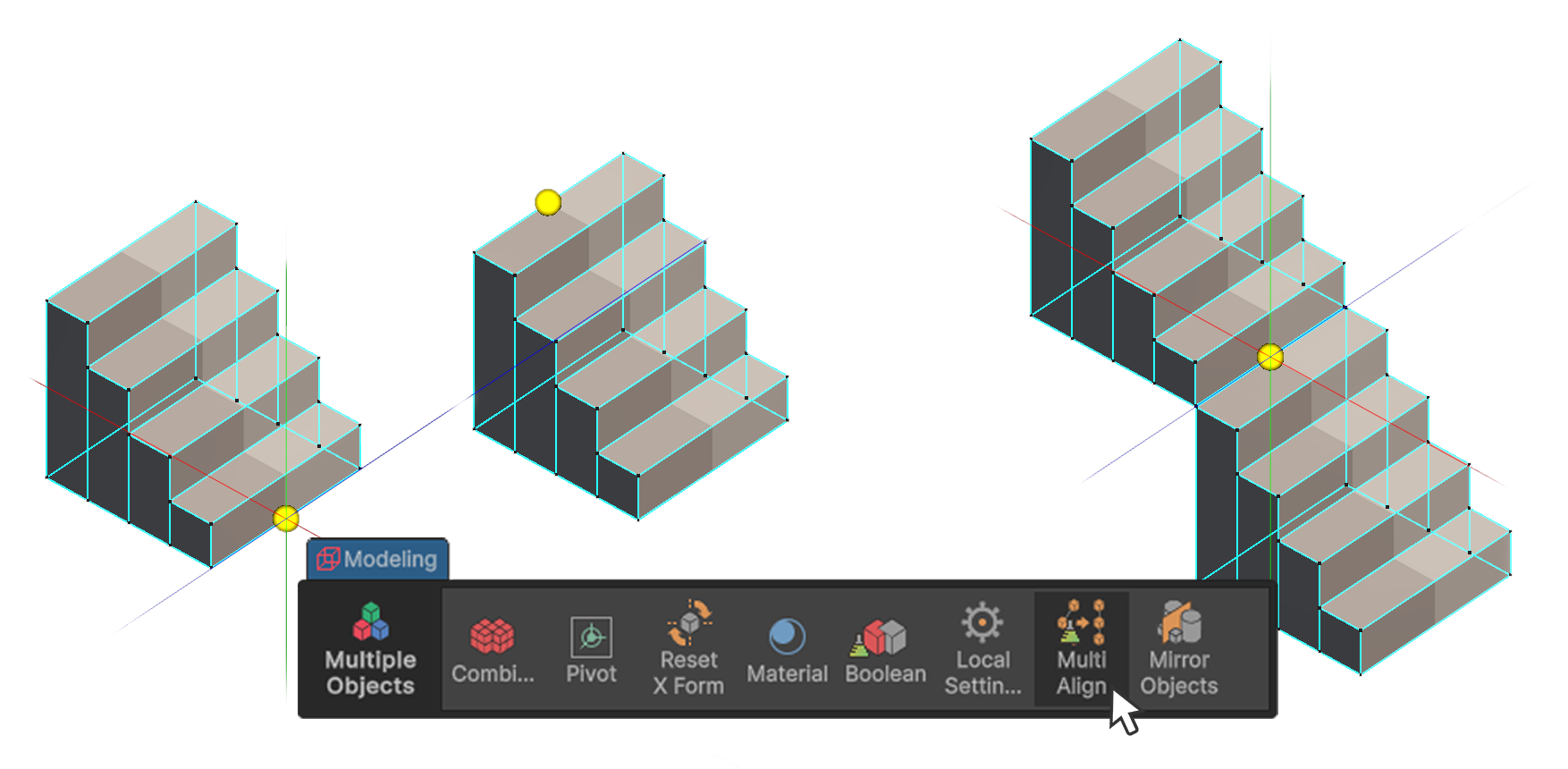
The Multi Align Tool is a tool that aligns two selected objects based on their pivots.
How to Use
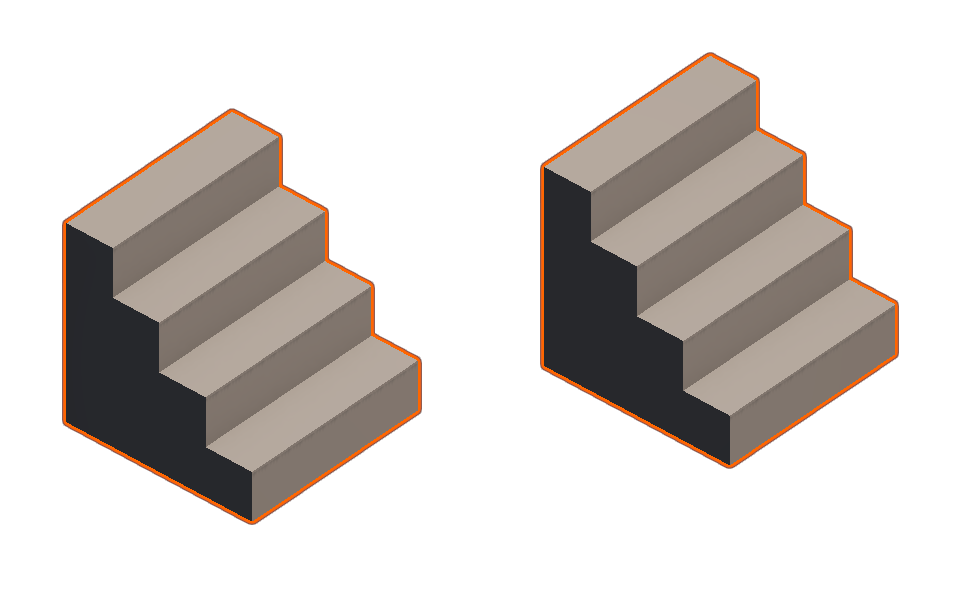
1.Select two UModeler X objects.
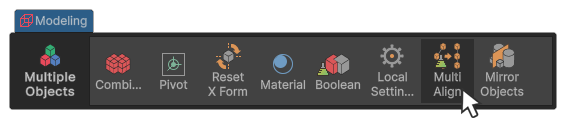
2.Run the Multl Align tool in the Multiple Objects group.
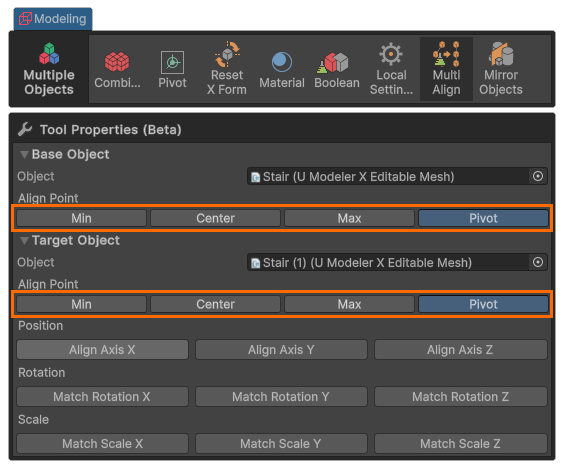
3.Select the pivot reference for each object.
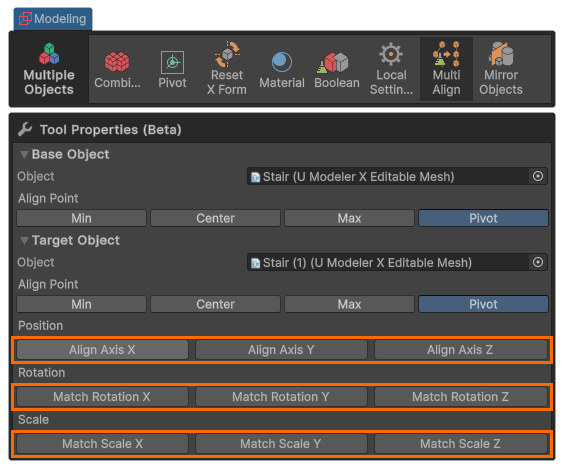
4.Select the alignment method.
Properties
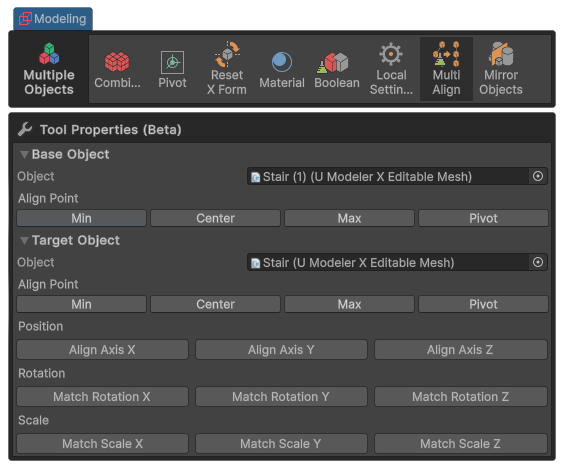
Min
This button sets the pivot position to the minimum value based on the world reference.
Center
This button sets the pivot position to the center of the object.
Max
This button sets the pivot position to the maximum value based on the world reference.
Pivot
This button sets the pivot position to the location of the gizmo displayed in the current scene.
Align Axis X
Aligns based on the X-axis position value of the parent object.
Align Axis Y
Aligns based on the Y-axis position value of the parent object.
Align Axis Z
Aligns based on the Z-axis position value of the parent object.
Match Rotation X
Aligns based on the X-axis rotation value of the parent object.
Match Rotation Y
Aligns based on the Y-axis rotation value of the parent object.
Match Rotation Z
Aligns based on the Z-axis rotation value of the parent object.
Match Scale X
Aligns based on the X-axis scale value of the parent object.
Match Scale Y
Aligns based on the Y-axis scale value of the parent object.
Match Scale Z
Aligns based on the Z-axis scale value of the parent object.