
Export Tool
The Export tool in the UV Editor is a tool for exporting UV layouts to image files.
Translation in progress — showing the English version.
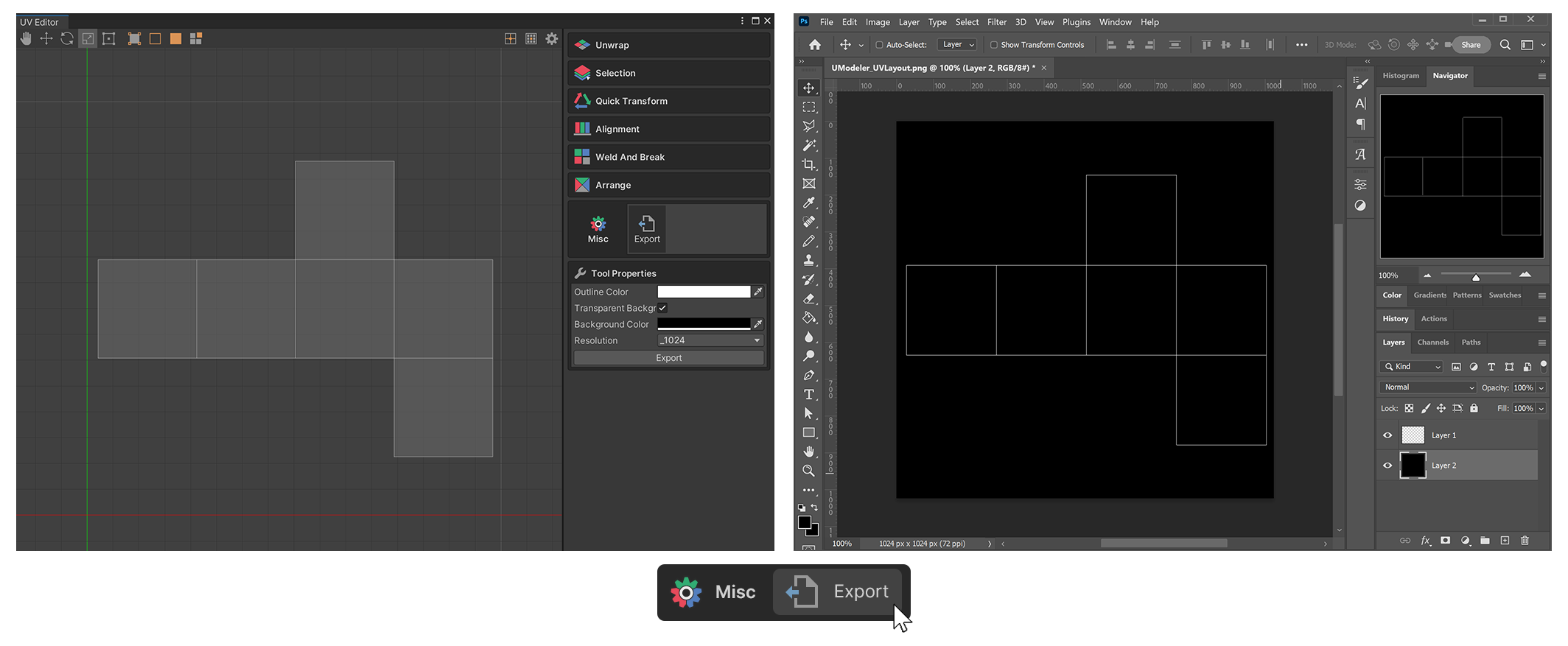
The Export tool in the UV Editor is a tool for exporting UV layouts to image files.
How to use
1.Run the Export tool of UV Editor.
2.set the desired properties and press the Export Button.
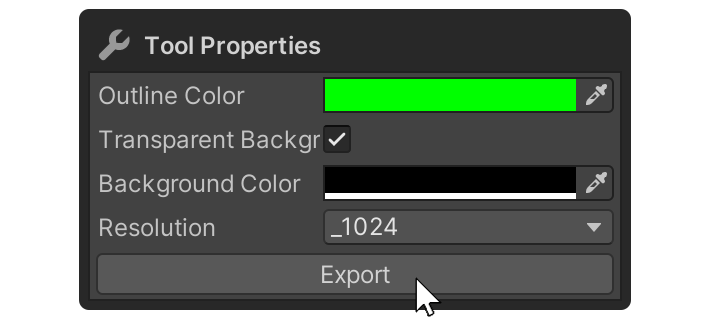
2.Specify the path to export the image file.
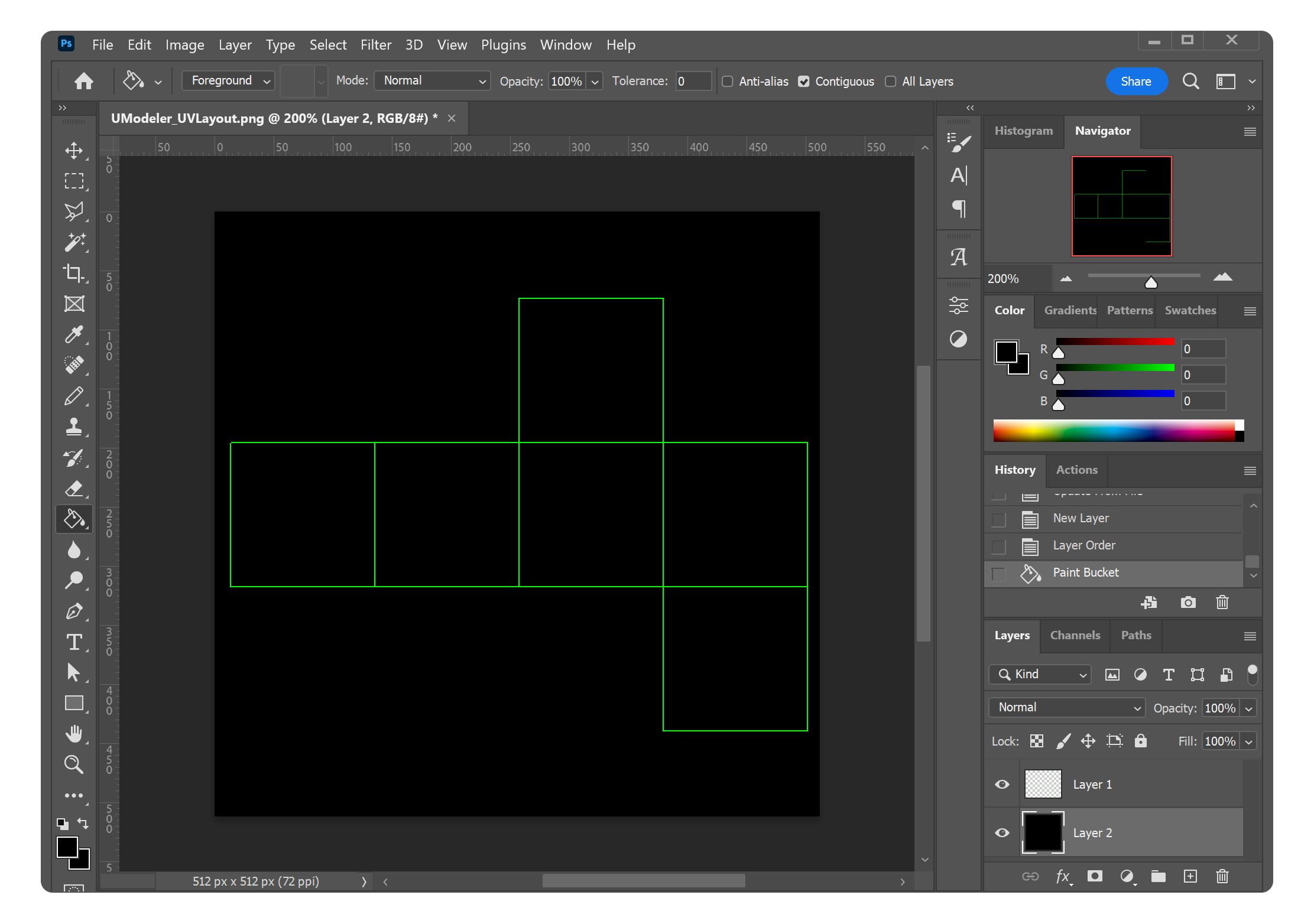
3.You can check the created image file in an external program.
Properties
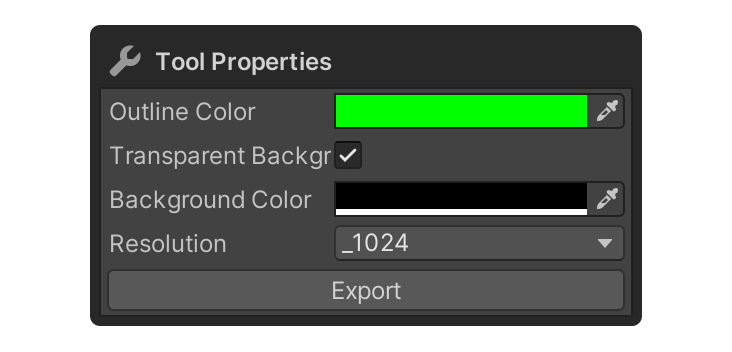
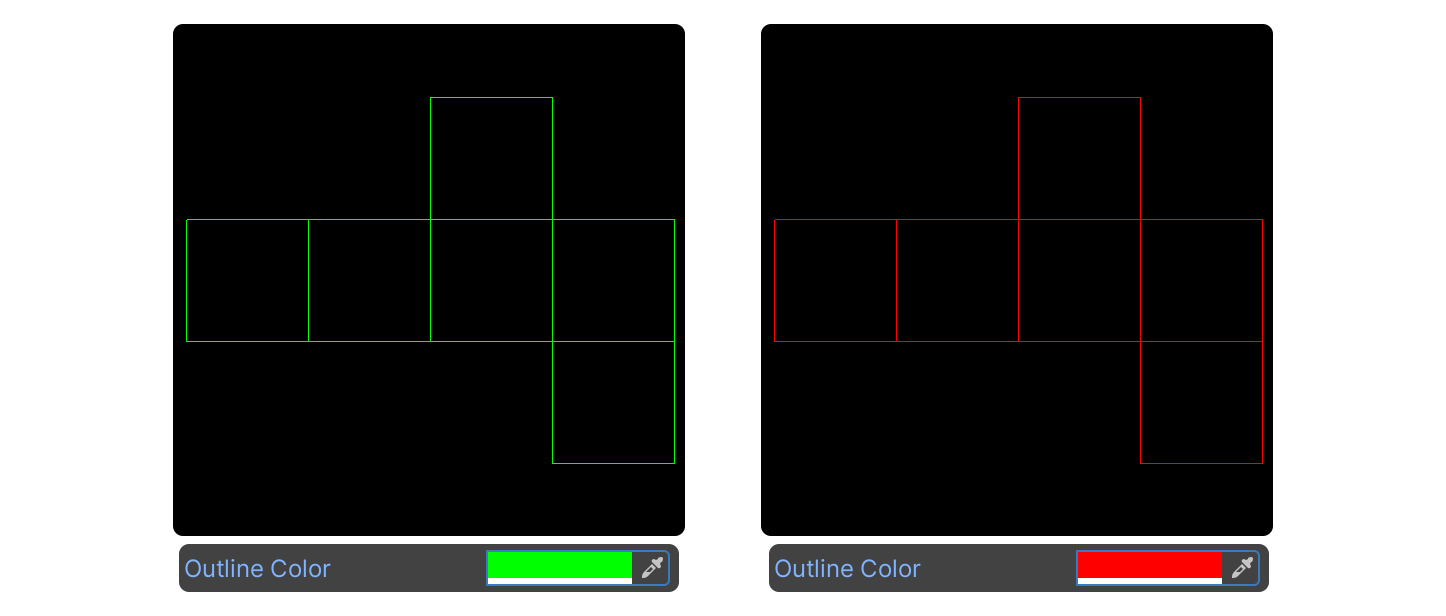
Outline Color
This property sets the UV layout color of the exported image.
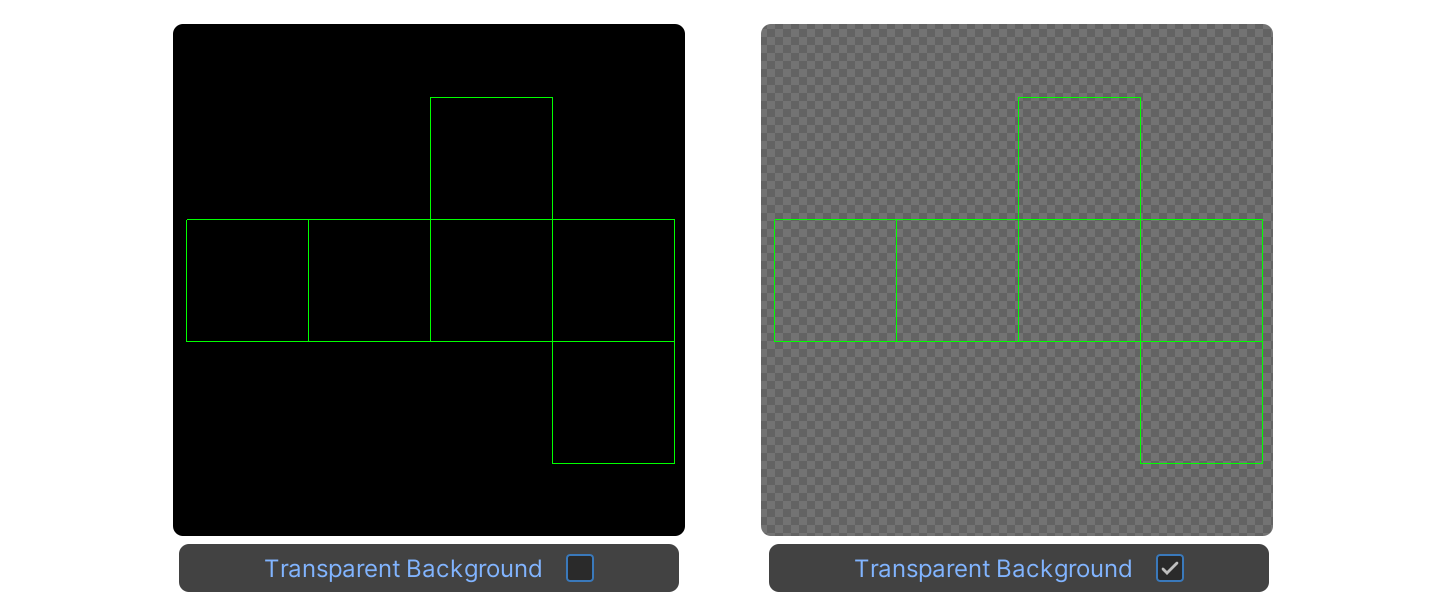
Transparent Background
This property sets the background of the exported image to transparent.
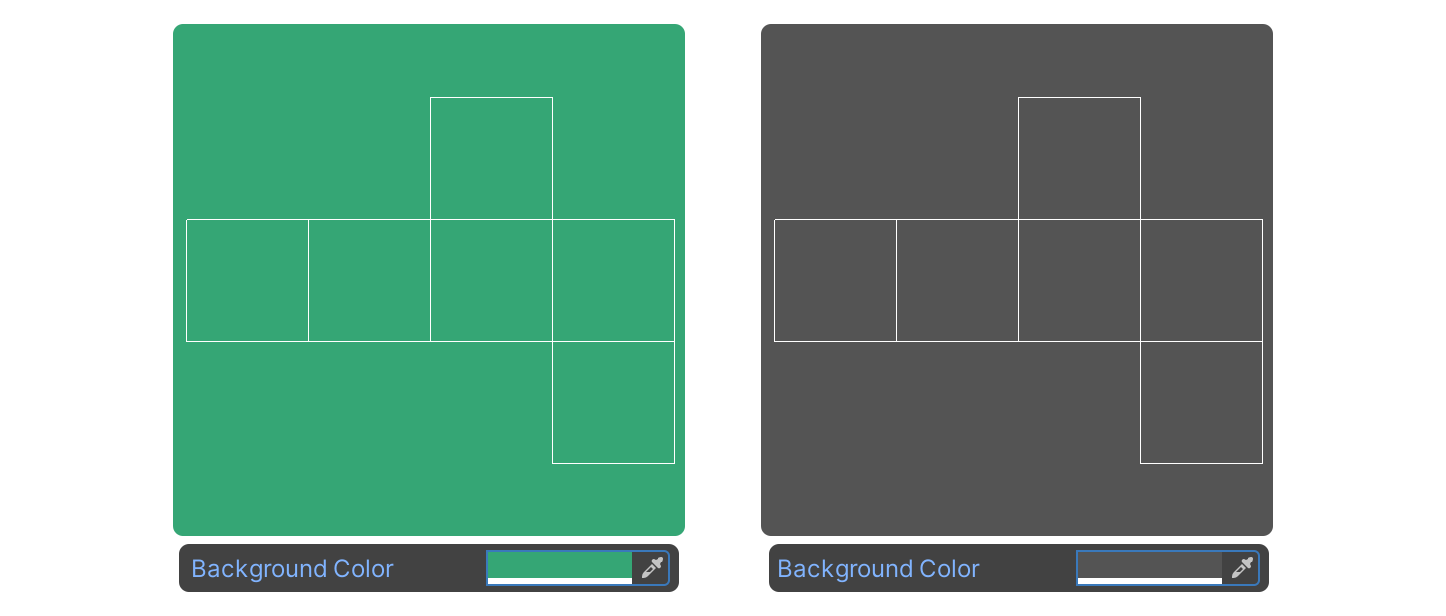
Background Color
This property sets the background color of the exported image.
Resolution
This property sets the resolution of the exported image.
Export
The button to finally export the image.