
Human Avatar Tool
for converting the Animation Type to Humanoid.
Translation in progress — showing the English version.
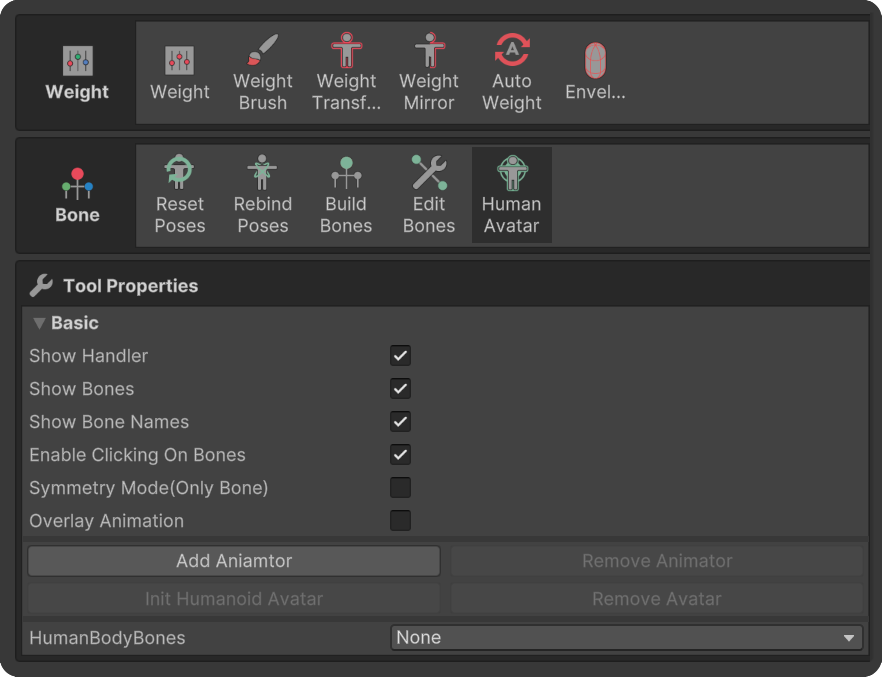
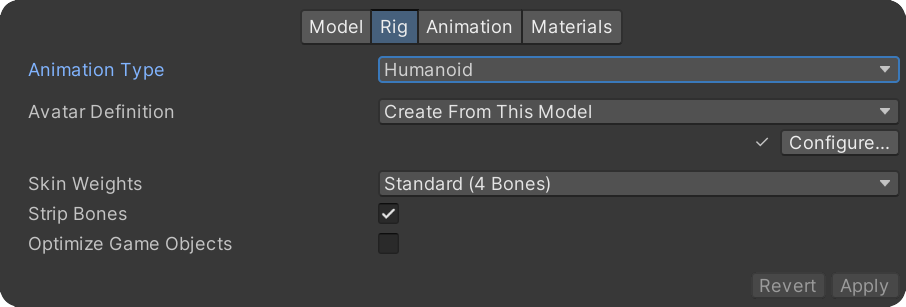
for converting the Animation Type to Humanoid.
How to use
1.Click "Add Animator" with the humanoid-type bones set up.
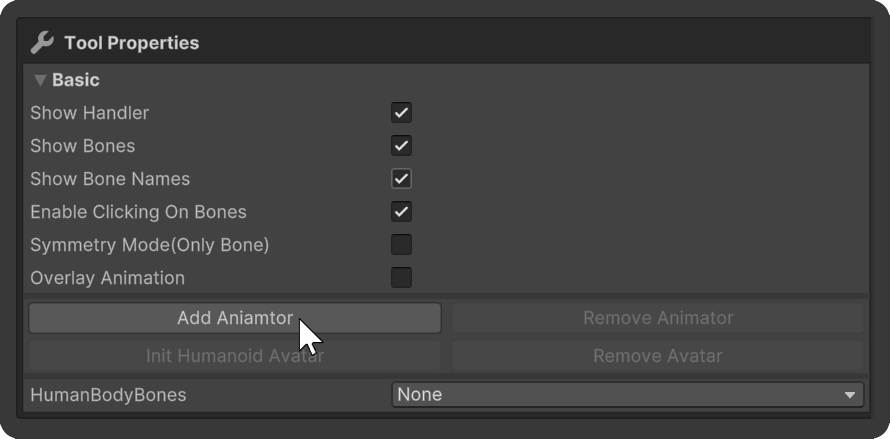
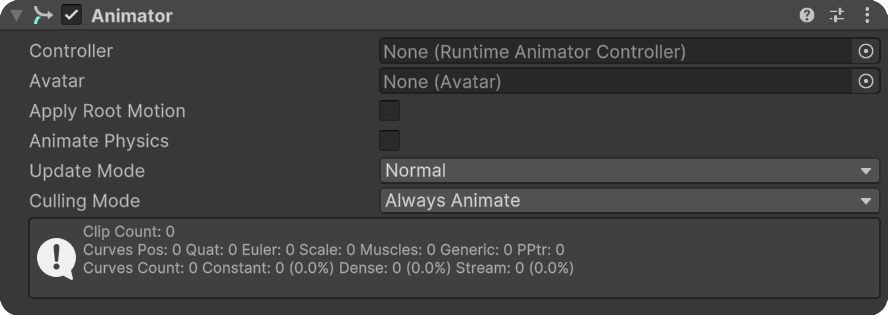
Animator will be created.
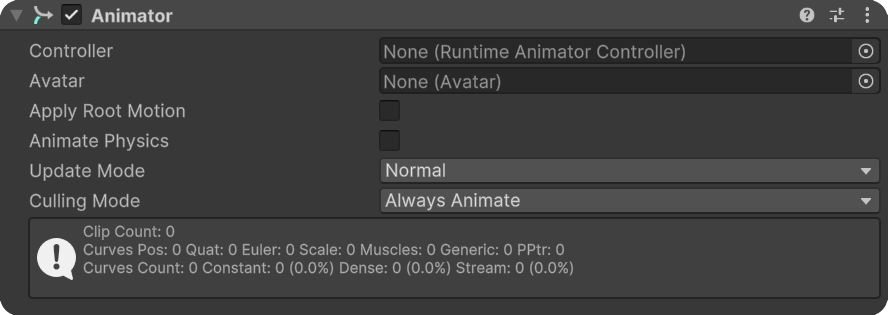
2.Click "Init Humanoid Avatar".
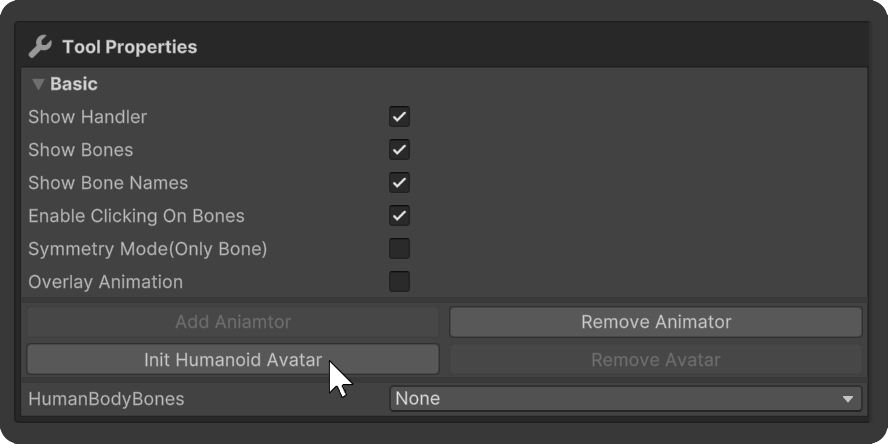
Avatar will be created in the Animator.
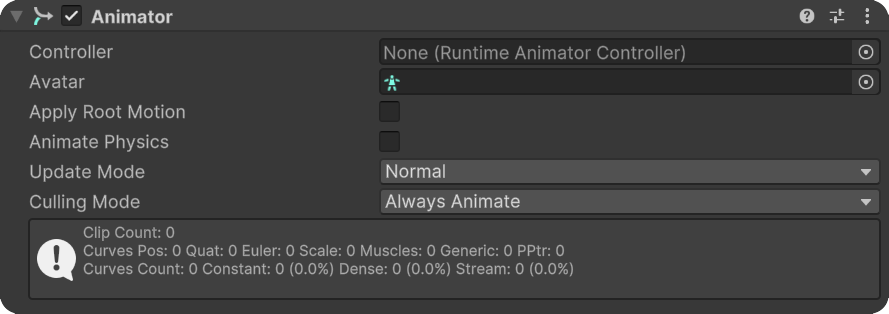
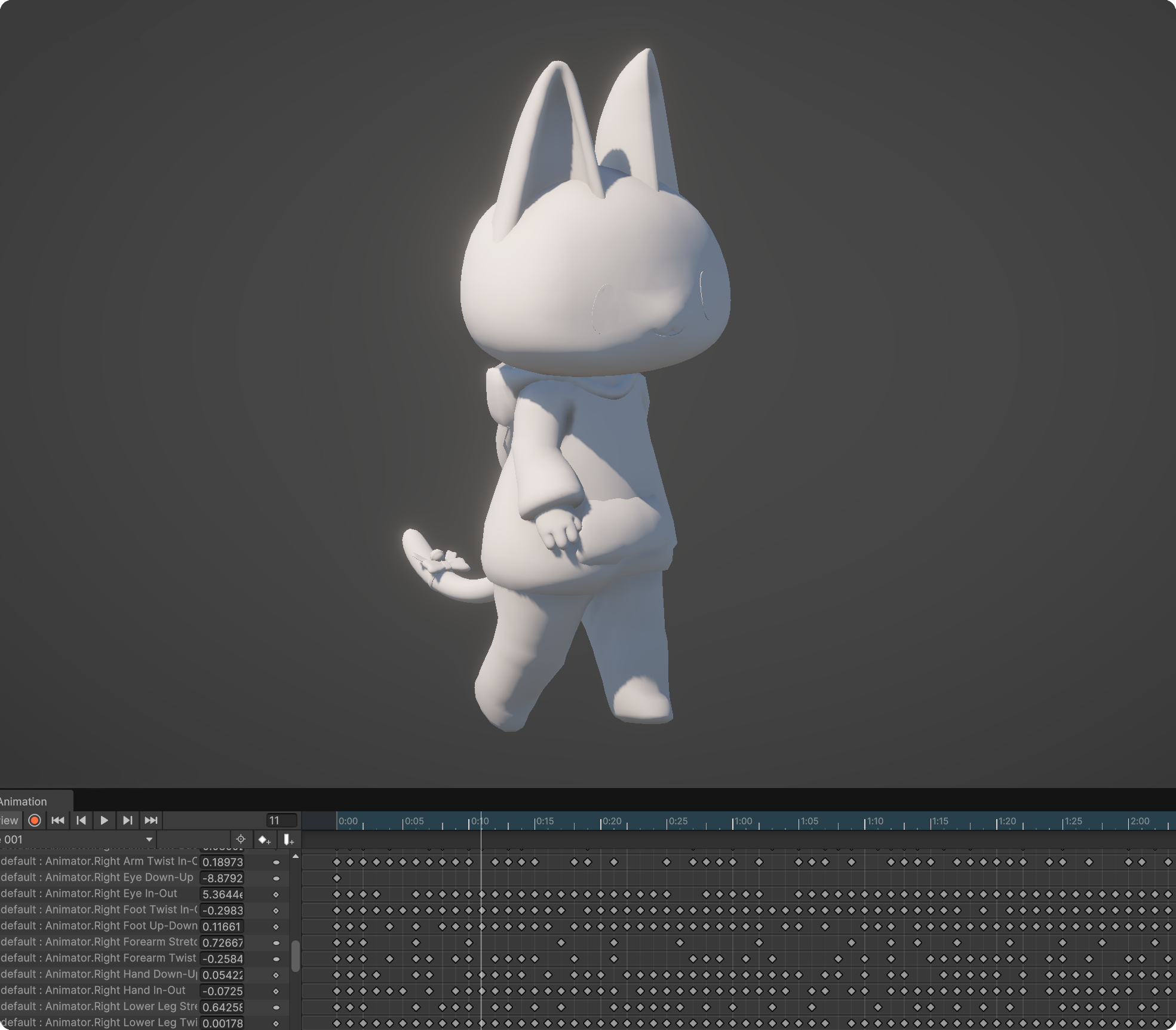
Humanoid animations can now be used.
Properties
Add Animator
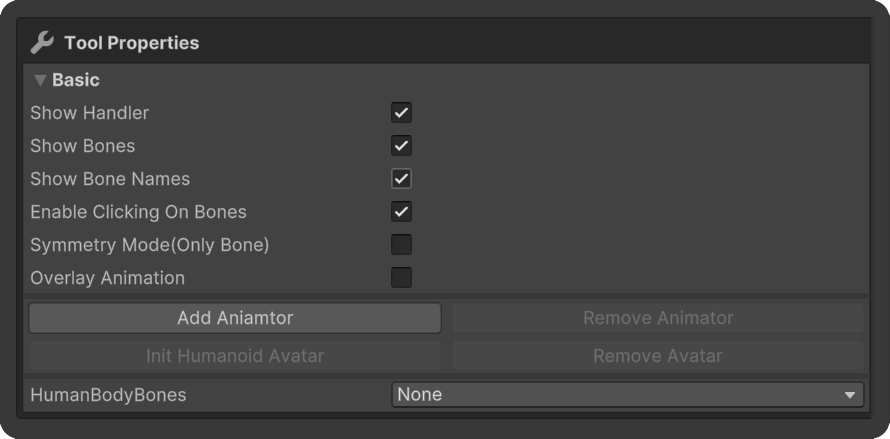
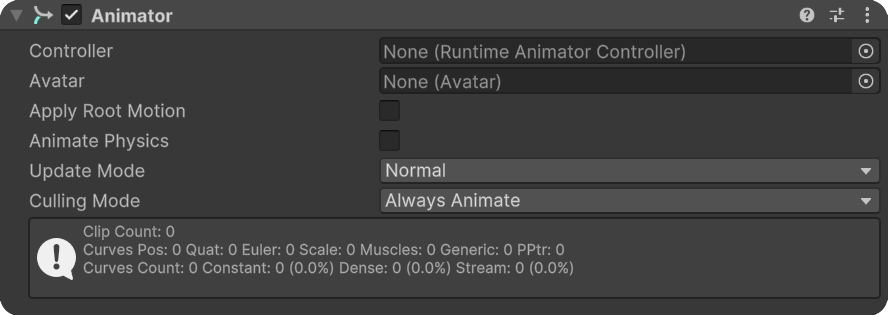
A button to add an Animator Component.
Init Humanoid Avatar
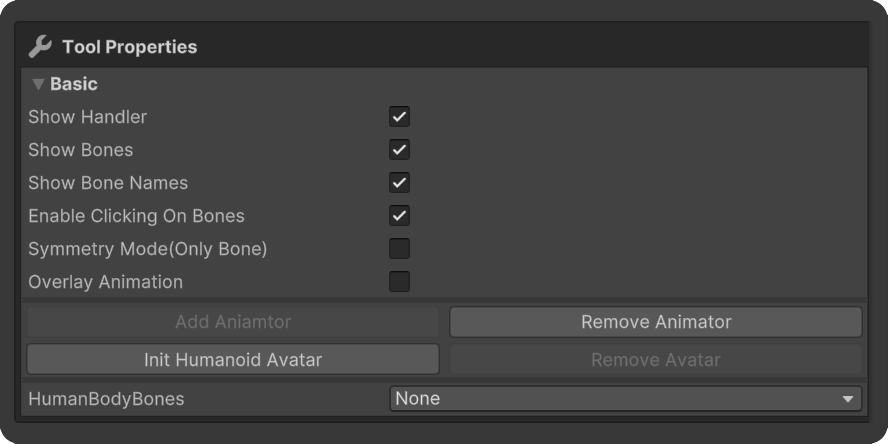
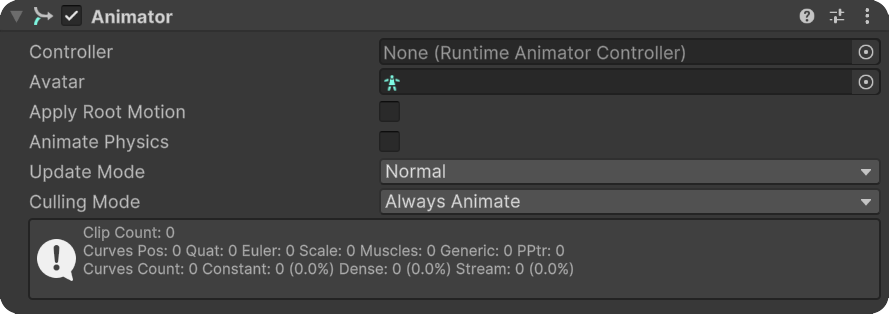
A button to create a Humanoid Avatar.
The Animation Type will be converted to Humanoid.
Remove Animator
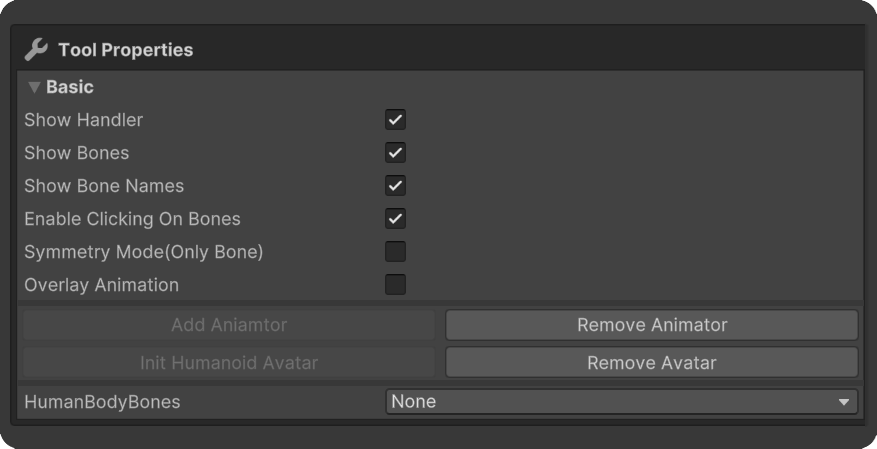
A button to remove the Animator Component.
Remove Avatar
A button to remove the Humanoid Avatar.
Human Body Bones
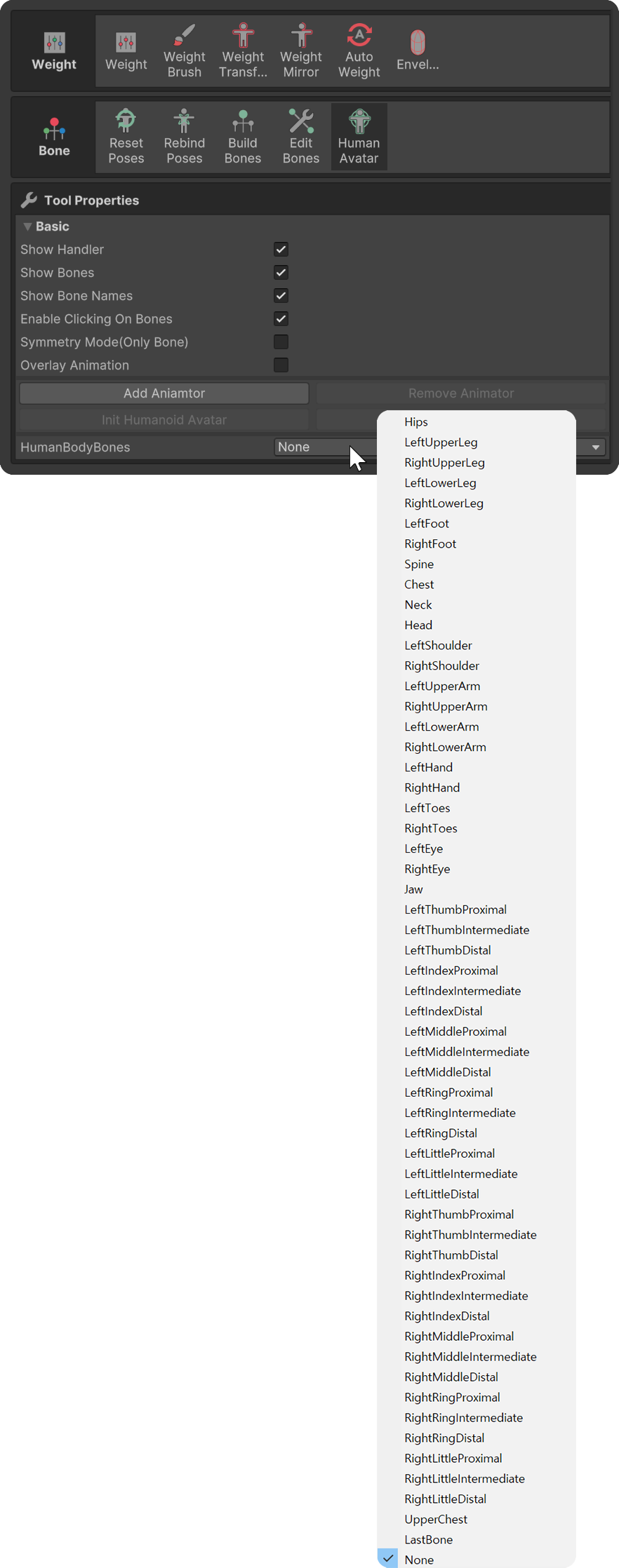
Allows you to arbitrarily assign selected bones to specific parts in the list when creating a Humanoid Avatar.