Text Tool
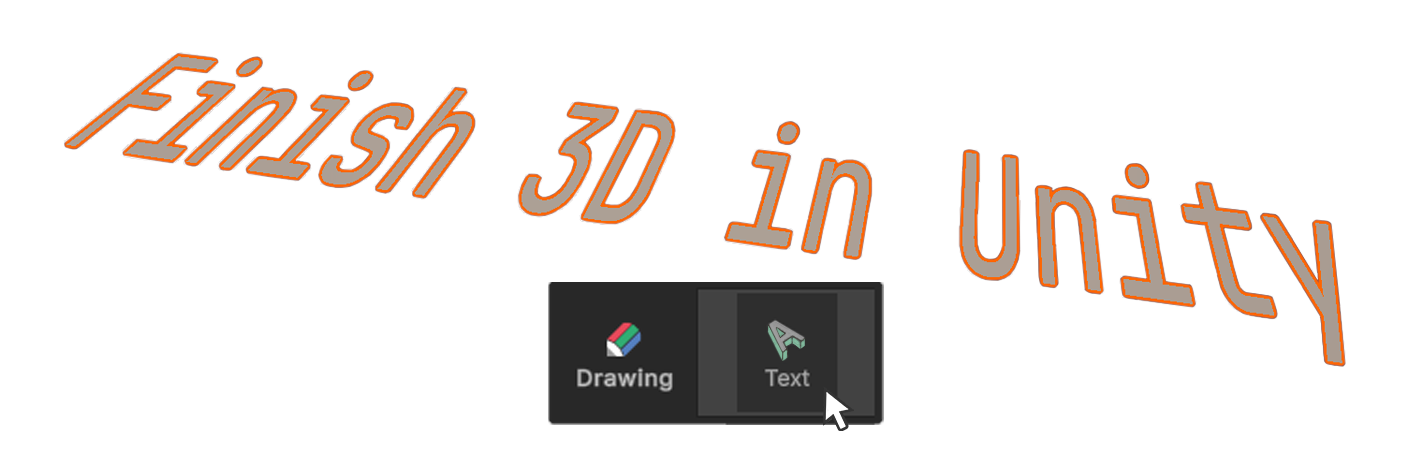
The Text Tool is used to create 2D vector-based text objects (splines).
The
Text Tool is used to create 2D vector-based text objects (splines). It allows you to enter a string and adjust properties such as font, size, alignment, and spacing to visually place the text within the scene.
How to use
The Text tool can create a rectangular plane in two ways.
1.Creation and Editing through ClickDrag
2.Creation and Editing using One Click Build
Click and drag to create, edit
1.Select the Text tool.
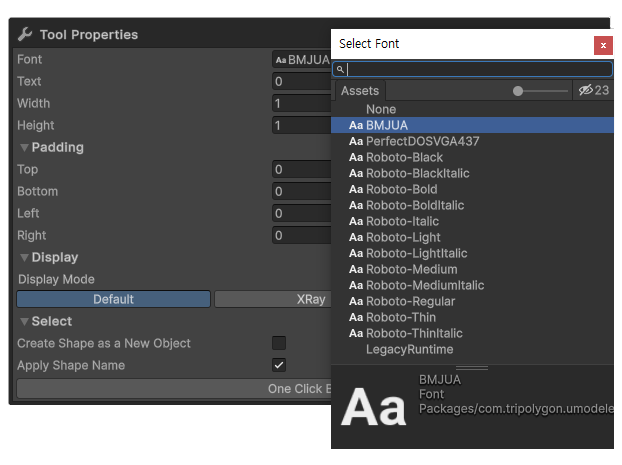
2.Choose the desired Font.
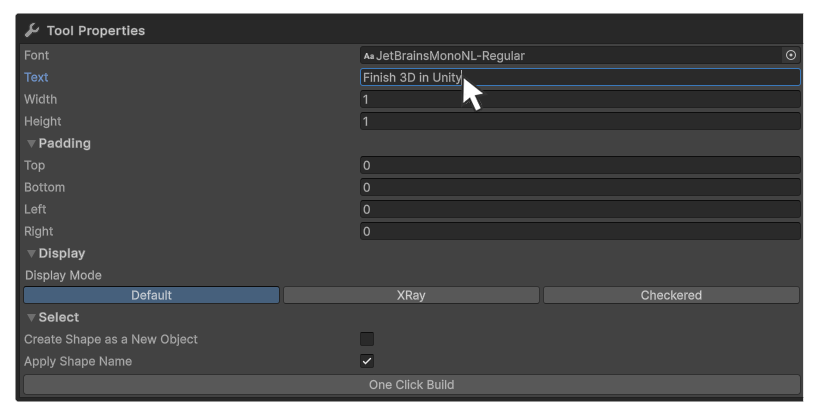
3.Type the desired text.
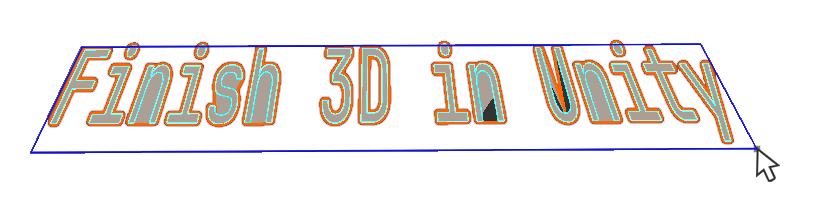
4.Click and drag in the scene to create text at the desired size.
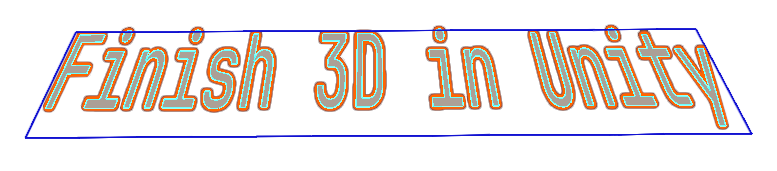
5.When the text is at the intended size, click to finish mesh creation.
6.Adjust the Text Tool properties, then either select an element or switch to another tool to complete the process.
One Click Build and Edit via Properties
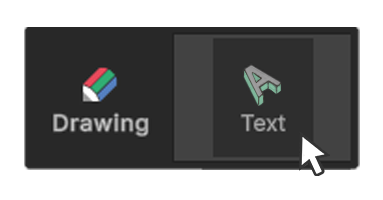
1.Select the Text tool.
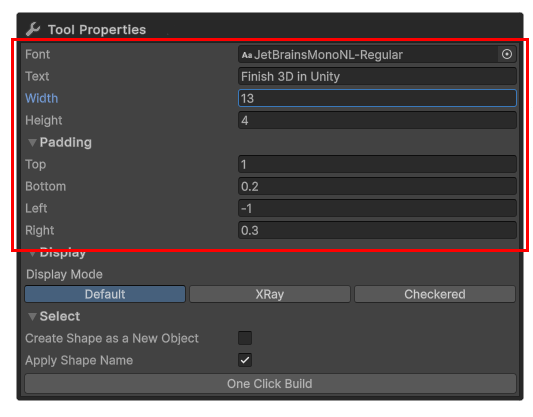
2.Enter the desired values in the Text Tool properties.

3.Click the One Click Build button to add the shape to the scene.
4.Further adjust the Text Tool properties, then either select an element or switch to another tool to finish.
Properties
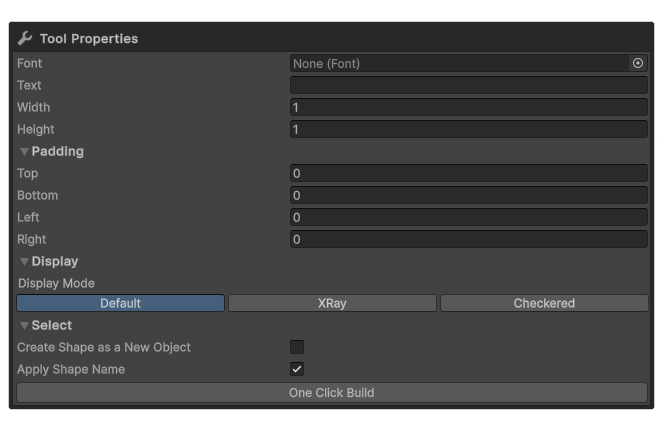
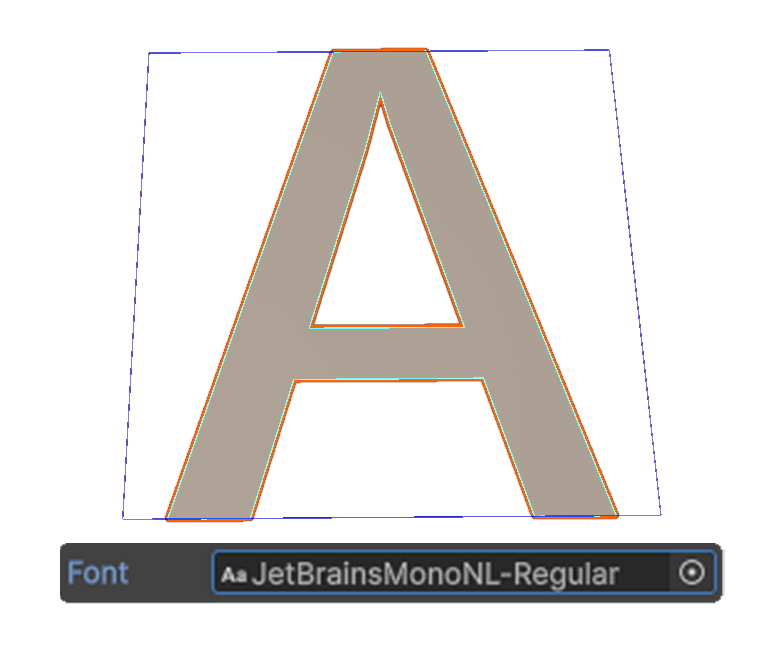
Font
Choose a font installed on your system.
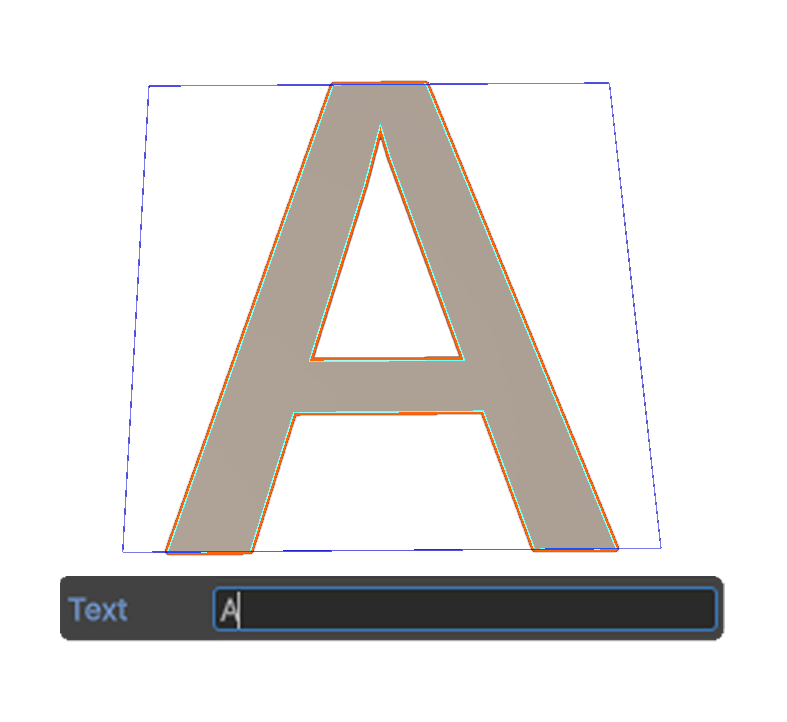
Text
Enter the string to display.
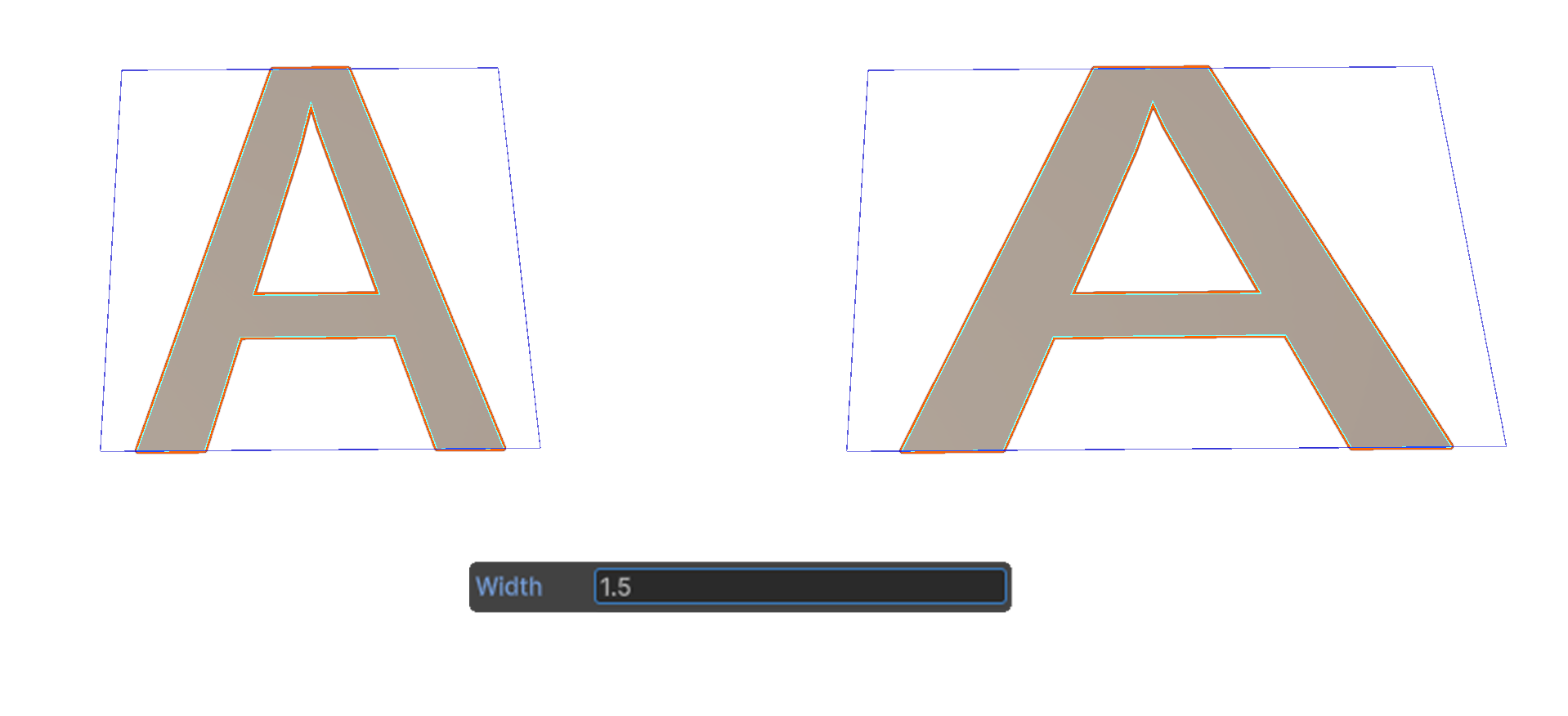
Width
Sets the width of the text.
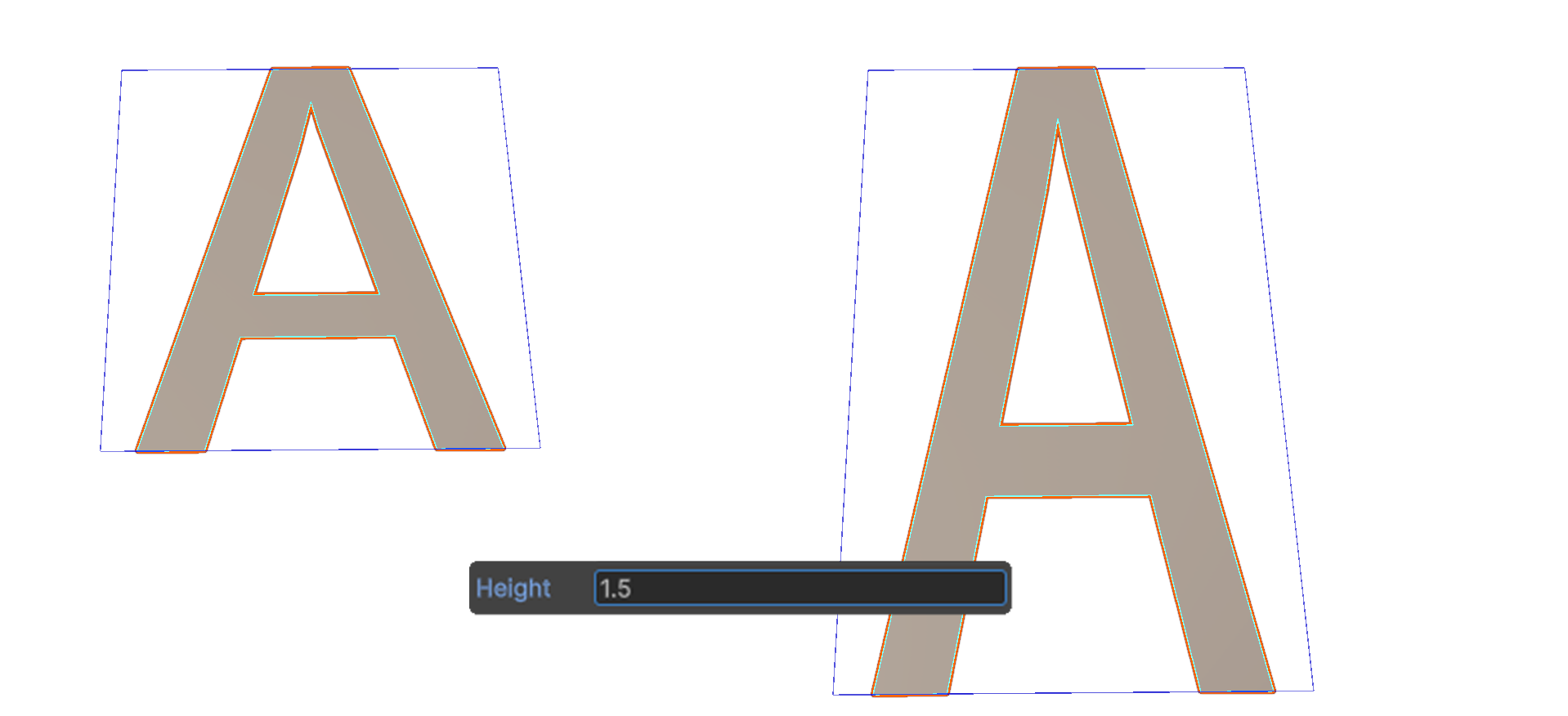
Height
Sets the height of the text.
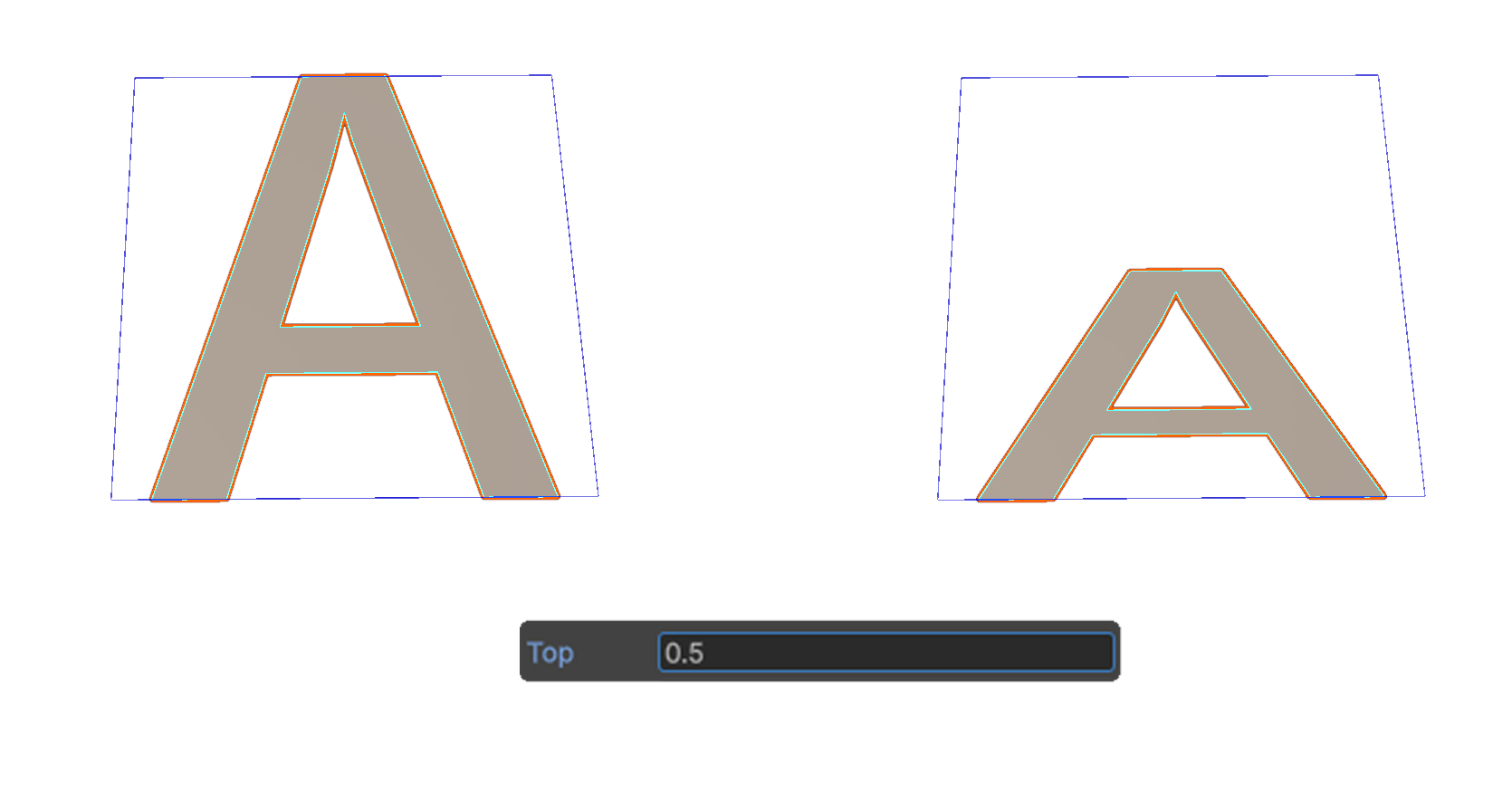
Top
Adjusts the scale based on the top of the text.
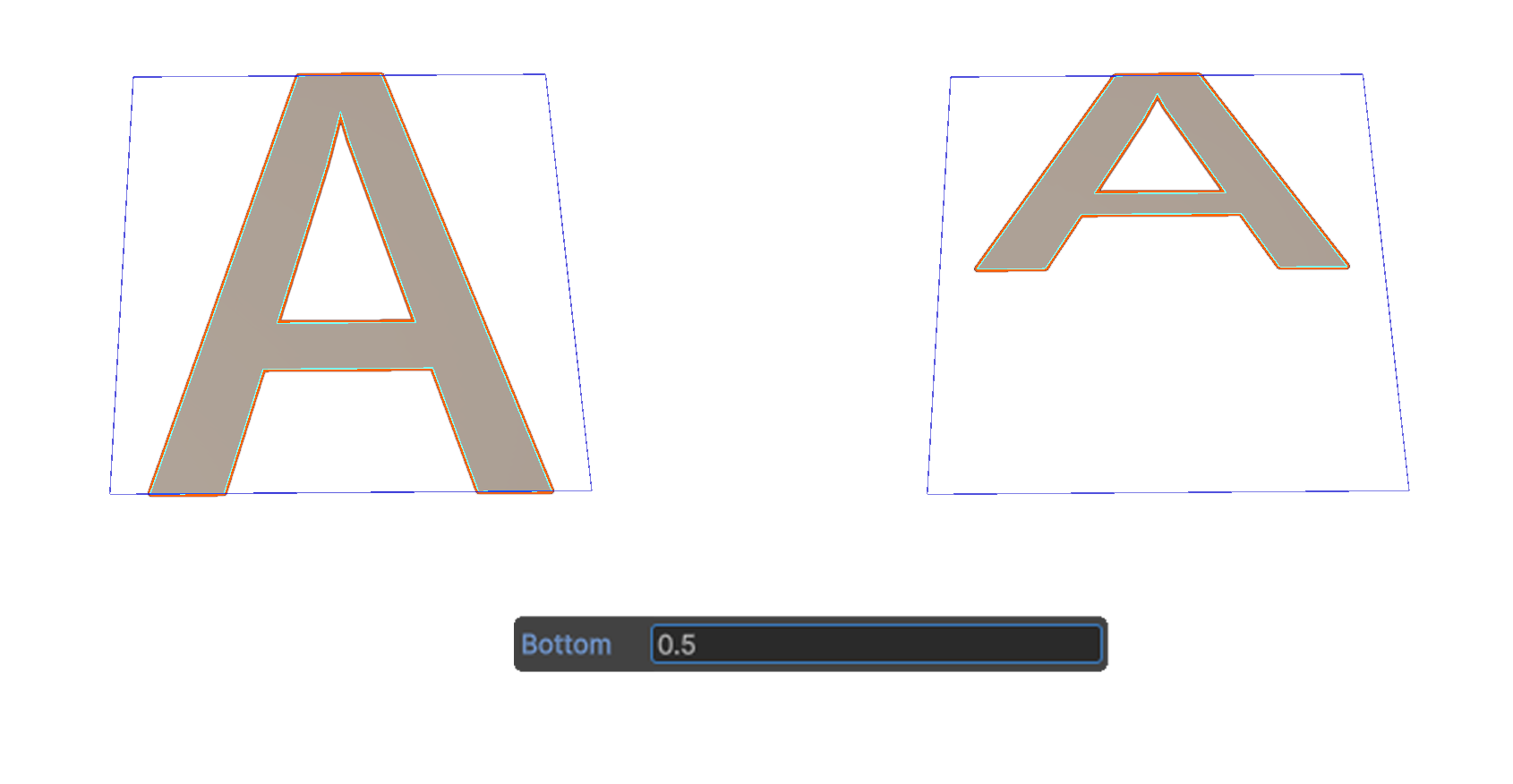
Bottom
Adjusts the scale based on the bottom of the text.
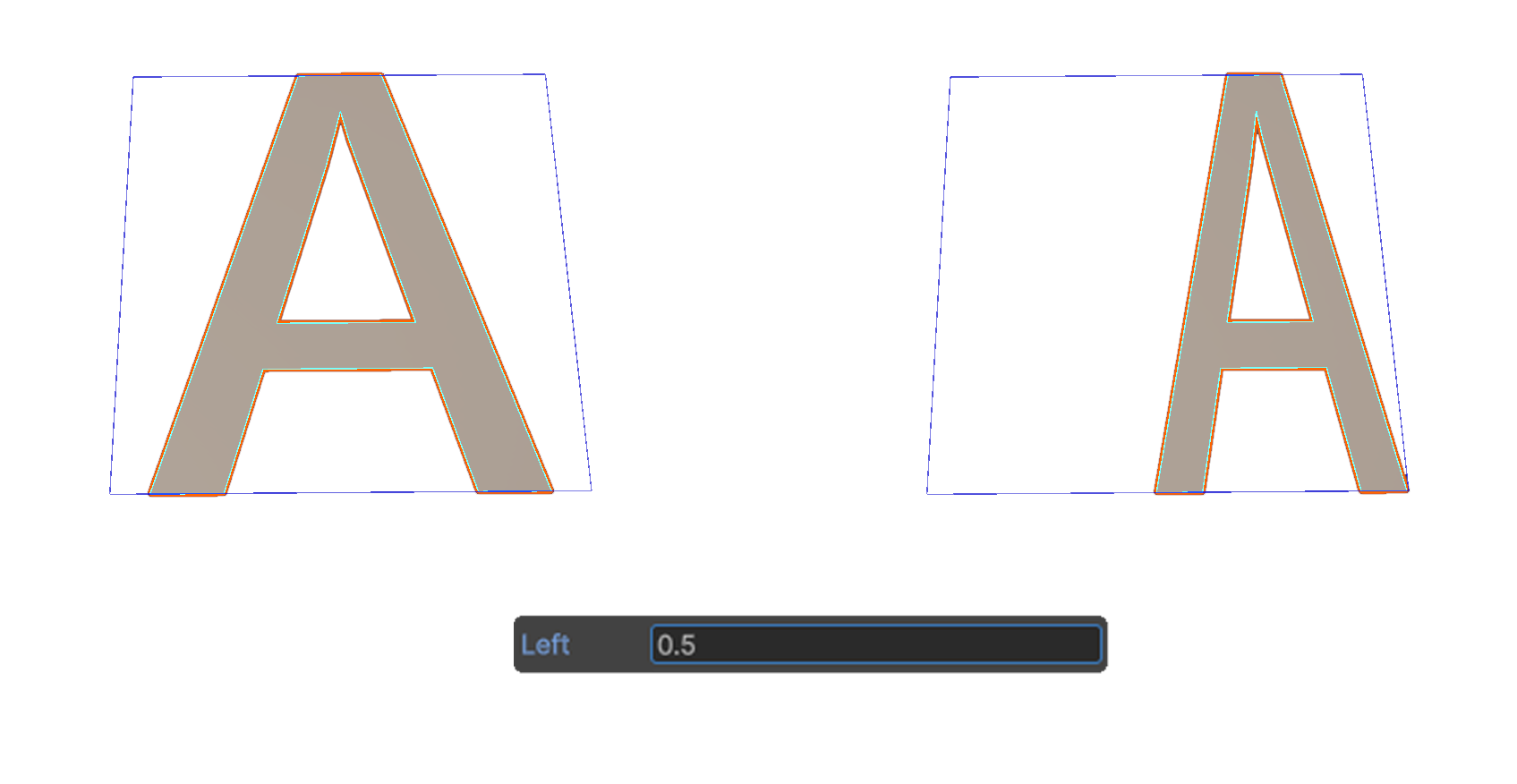
Left
Adjusts the scale based on the left side of the text.
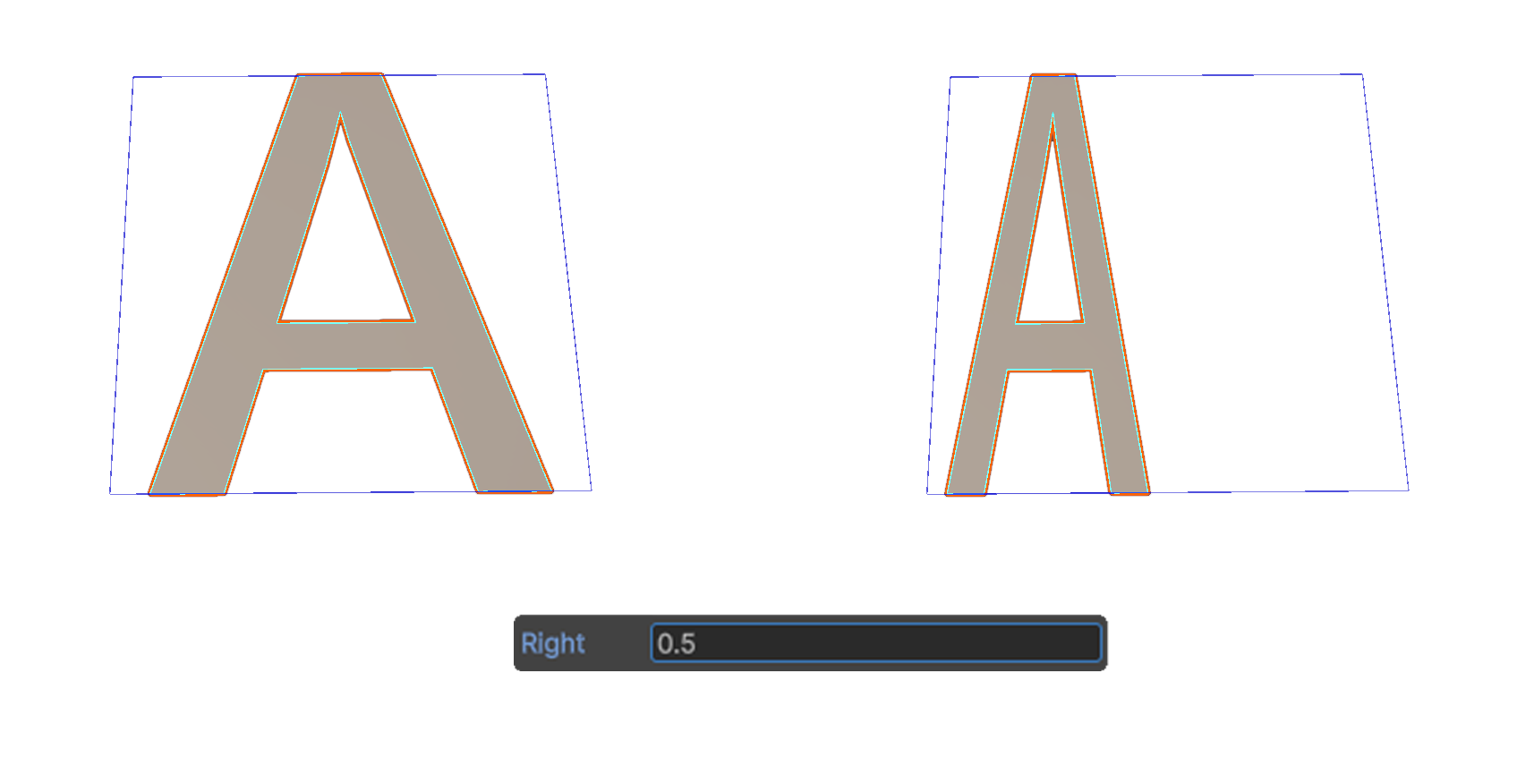
Right
Adjusts the scale based on the right side of the text.