
Flatten Brush Tool
The Flatten Brush tool is a brush-like tool that flattens surfaces.
Translation in progress — showing the English version.
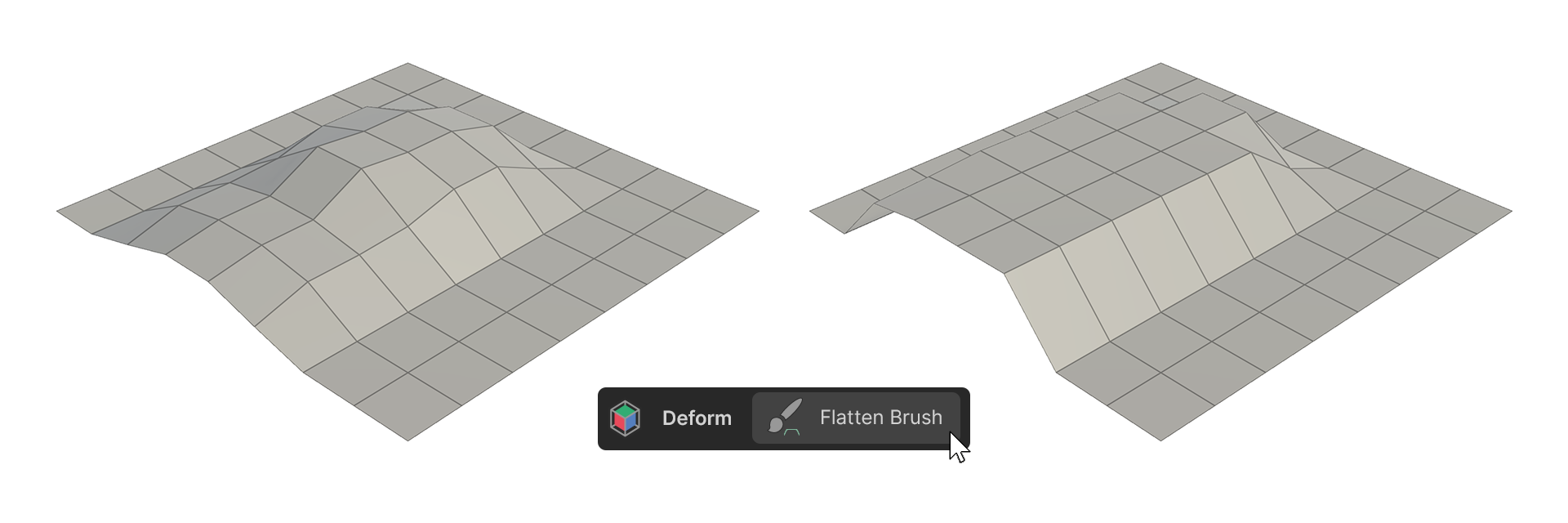
The Flatten Brush tool is a brush-like tool that flattens surfaces.
How to Use
1.Launch the Flatten Brush tool.
2.Adjust the desired properties.
3.Move the mouse cursor over the vertices of the object, then click-drag to organize the vertices.
Properties
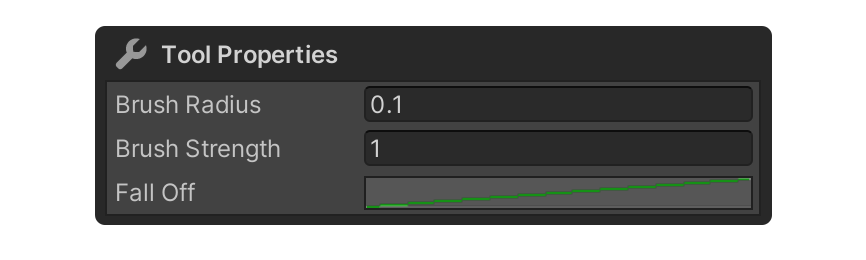
Brush Radius
This property determines the size of the brush's radius. The unit is meters.
Brush Strength
Property for the brush strength.
Fall Off
A Graph Shape property that determines the shape of the brush.
It can be edited by clicking on the graph next to Fall Off.